If your eyes feel gritty and dry by the middle of the afternoon and you are blinking at a spreadsheet to make it blur, the fix is usually not a new pair of glasses. It is distance, angle, brightness, glare, and how often you look away. Learning how to reduce eye strain while working on a computer takes about twenty minutes of setup and then a few habits you have to keep. Most of the improvement shows up in the first week, and the whole thing is free.
I spent years treating screen fatigue as something to push through. It is closer to a car idling in traffic: the machine is fine, the conditions are wrong. Once the conditions change, the symptoms go quiet.
Here is what I mean, and what to change first.
Table of Contents
- 1What You Need
- 2Step-by-Step: How to Reduce Eye Strain While Working on a Computer
- 3Set Your Monitor at a Comfortable Distance and Height
- 4Adjust Screen Size, Contrast, and Color to Reduce Eye Strain
- 5Reduce Glare and Improve Lighting
- 6Use the 20-20-20 Rule and Take Movement Breaks
- 7Keep a Comfortable Posture and Work Rhythm
- 8Common Mistakes That Make Eye Strain Worse
- 9Do Blue Light Glasses Work? What the Evidence Actually Says
- 10When Persistent Eye Symptoms Need Attention
- 11Frequently Asked Questions
- 12How far away should my monitor be to avoid eye strain?
- 13Do blue light glasses really help with computer eye strain?
- 14Is 7 hours of screen time bad for your eyes?
- 15How long does computer eye strain take to go away?
- 16Is dark mode better for your eyes than light mode?
- 17How do I remember to take breaks when the work never stops?
- 18Conclusion
What You Need
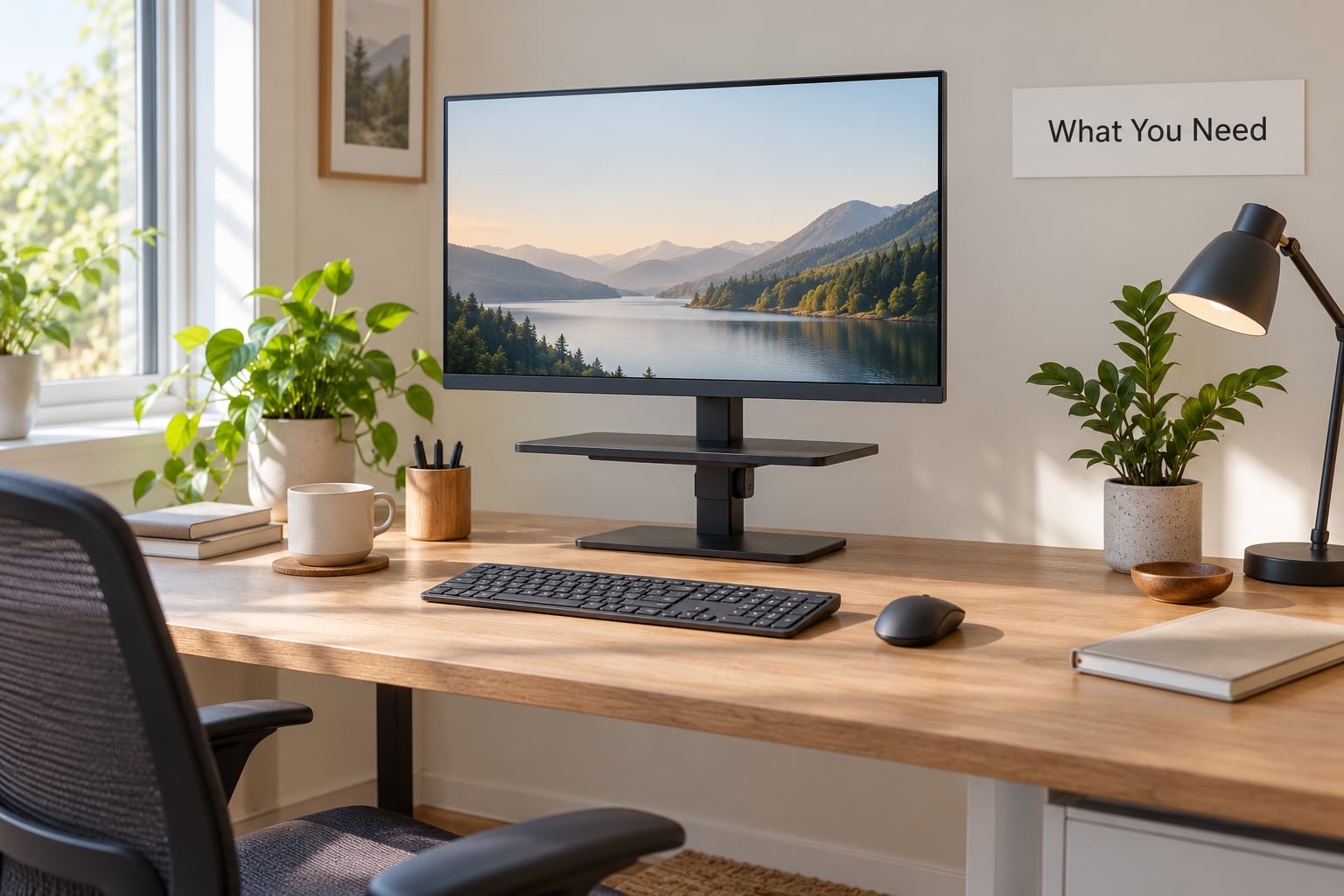
Digital eye strain, also called computer vision syndrome, is the cluster of eye and vision problems that comes from hours of unbroken focus on a screen at one fixed distance: dryness, blurring, headaches, and the neck ache that always arrives with them. It is not damage to the eye itself, and it usually clears with better habits.
Before you change any setting, get these in place. None of them are essential and all of them make the rest easier.
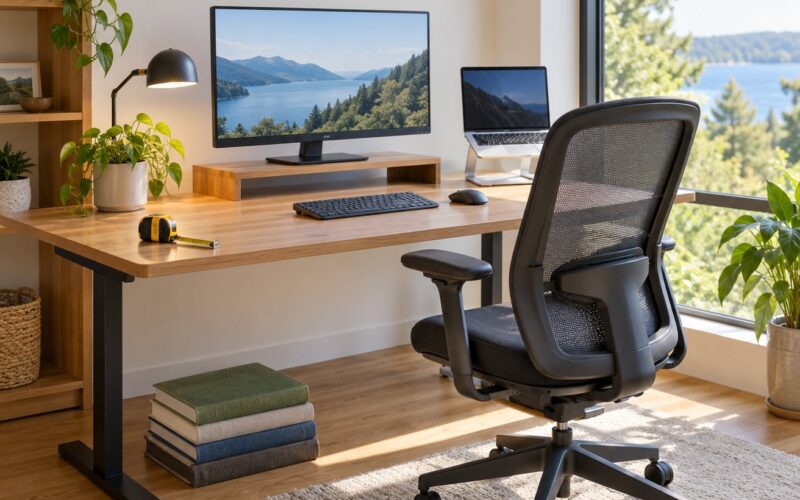
- A monitor riser or arm. It has to raise the top of the screen to eye level. A stack of books works fine.
- An external keyboard and mouse if you use a laptop. Otherwise raising the screen puts the keyboard at the wrong height.
- A desk lamp you can move. It should sit beside the monitor, not above or behind it.
- Room lighting that matches the screen. Overhead office fluorescents are the usual culprit.
- A break reminder. A timer app or a sticky note on the monitor edge. This is the piece most people skip and the one that matters most.
- Water and, if your office is bone dry, a humidifier. Air conditioning alone will cut your blink quality.
That is the whole list. You do not need a special monitor or a tinted light to start.
Step-by-Step: How to Reduce Eye Strain While Working on a Computer
Set Your Monitor at a Comfortable Distance and Height
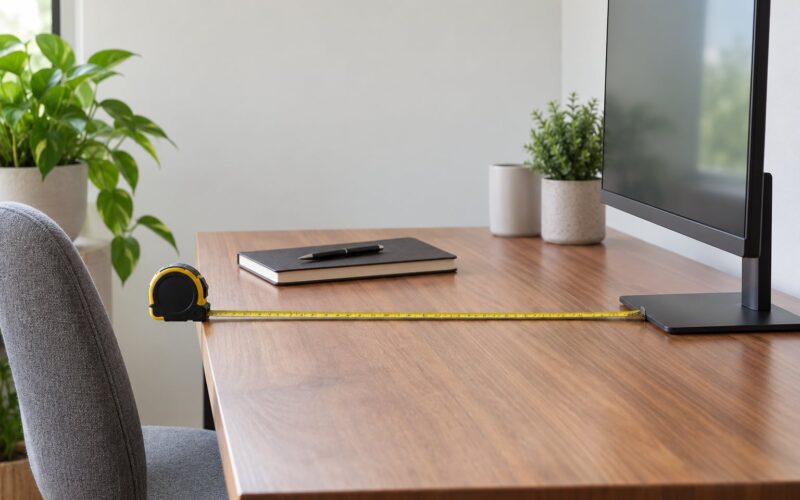
Put the screen 20 to 28 inches away, roughly an arm’s length, with the top edge at or slightly below eye level and the panel tilted back 10 to 20 degrees so you are looking very slightly down rather than up.
Looking up is the detail almost everyone gets wrong. A monitor that sits above your eyeline makes your eyes open wider, exposes more of the eye surface to dry air, and tips your neck into the forward posture that produces tension headaches.
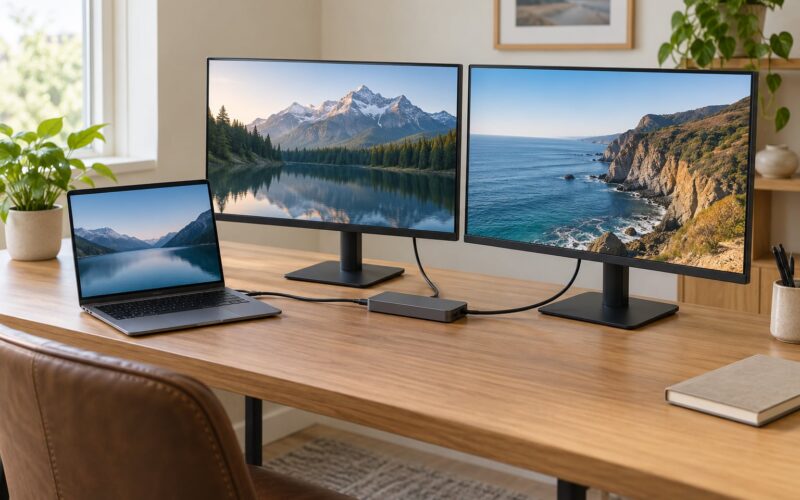
Laptops are the problem case. A screen you can use at the right distance is usually too far away, so you lean in, and a screen at the right height has the keyboard where your wrists do not belong. The fix is a stand, an external keyboard, and an external mouse.
You will know it worked within a few days. The giveaway is that you stop shifting forward in your chair during long tasks.
Adjust Screen Size, Contrast, and Color to Reduce Eye Strain
Enlarge the text before you shrink the brightness. Anything under 12 point on a full-size monitor at arm’s length is asking your focusing muscles to work harder than they need to. Most browsers and editors take a simple keyboard shortcut to zoom the page, and that beats squinting at default settings.
Then match brightness to the room. Hold a sheet of white paper next to the screen: if the paper looks brighter, the display is too bright, and if it looks dull grey, the display is too dim. You are chasing even luminance, not a specific number.
On software filters, here is the short version. Windows night light and macOS Night Shift are built in, free, and warm the display after sunset. f.lux does the same thing more gradually, works on Linux as well, and lets you pick an exact color temperature. Dark mode cuts the light output in a dark room, but on a screen near a bright window it can make glare more obvious rather than less.
| Setting | Target value | Windows | macOS |
|---|---|---|---|
| Viewing distance | 20 to 28 inches, about an arm’s length | Physical placement, not a setting | Physical placement, not a setting |
| Screen height | Top edge at or slightly below eye level | Physical placement | Physical placement |
| Screen tilt | 10 to 20 degrees back | Physical placement | Physical placement |
| Body text size | 12 point or larger | Settings then System then Display then Scale | System Settings then Displays then Larger Text |
| Browser zoom | 110 to 150 percent | Ctrl and plus | Cmd and plus |
| Brightness | Matches nearby white paper | Settings then System then Display | System Settings then Displays |
| Warm shift | On after sunset, roughly 3000K to 4000K | Settings then System then Night light | System Settings then Displays then Night Shift |
| Breaks | 20 feet, 20 seconds, every 20 minutes | Clock app or Focus assist timer | Timer or a third-party reminder |
Software filters and blue light glasses are not the same thing, and users constantly mix them up. A filter like f.lux or night light changes what your display emits. Tinted glasses change what reaches your eye, including reflections off the lens itself, which is often why a yellow-tinted pair makes glare worse rather than better.
Reduce Glare and Improve Lighting
Position the monitor at a right angle to any window, never in line with it. If the window is beside you, the screen should be turned 90 degrees toward it, so the light crosses your line of sight instead of reflecting off the glass.
Never work with a bright window directly behind the screen. Your eyes end up fighting a silhouette, and they lose. If that is your only option, hang a thin light-coloured blind and close it halfway.
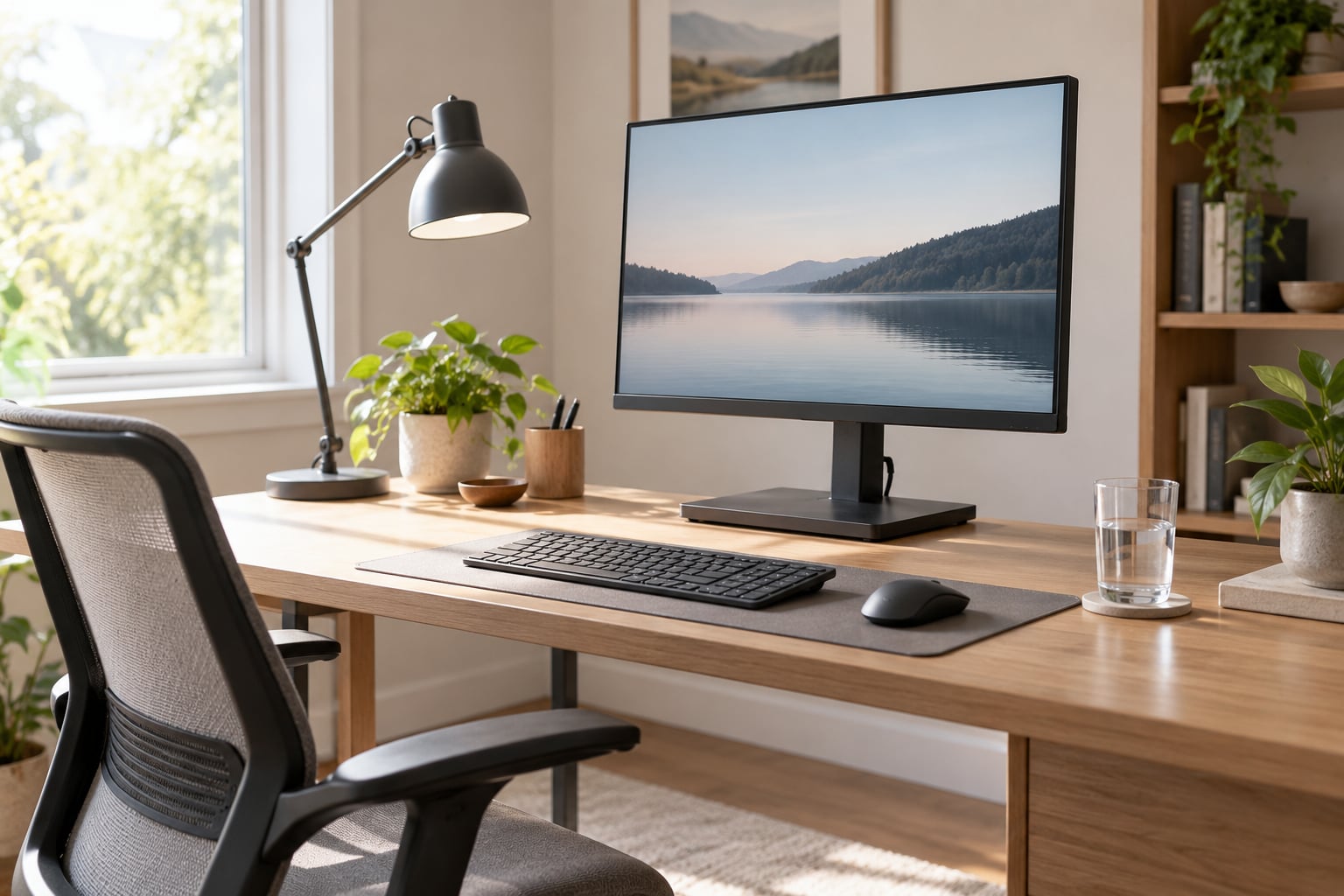
Put a desk lamp to the side of the monitor, roughly at 45 degrees and slightly behind your line of sight, aimed at the desk rather than the screen. Then turn up the room lighting. This is the counterintuitive part that several people in screen-work forums keep arriving at independently: lighting the room to match the screen beats dimming the screen, because a bright display in a dark room is a glare source.
For glare you cannot fix with placement, a matte anti-glare filter is the next step, not a fancier tint. Glossy screens show the room back at you; matte ones scatter it.
Use the 20-20-20 Rule and Take Movement Breaks
Every 20 minutes, look at something about 20 feet away for at least 20 seconds. Then step away from the screen for 15 minutes every two hours, longer if you can manage it.
The reason it works is mechanical. Focus is held by the ciliary muscle inside the eye, and it holds that contraction for as long as you stare at one distance. The 20-second glance at far distance lets that muscle relax. You are not resting the eye surface, and you are not correcting anything, you are simply unloading a muscle that has been contracted for an hour.
The hard part is not knowing the rule. It is remembering it. If you keep forgetting, automate it: the Windows Clock app has a timer, macOS has one built in as well, and apps like EyeLeo or a simple recurring calendar block will nudge you without any setup. A sticky note on the top bezel of the monitor works surprisingly well for people who dislike notifications, which is most people I have watched try this.
Keep a Comfortable Posture and Work Rhythm
Eye strain and neck strain are the same problem seen from two angles. A screen that forces you to lean forward tightens your neck, which tightens the muscles around your eyes. Fix the posture and the eyes usually follow.
Sit back with your feet flat, shoulders relaxed, and elbows near 90 degrees, with the screen far enough away that you are not tempted to lean in. Change position deliberately every half hour or so rather than hunting for one perfect chair pose that does not exist.
Blinking is the half of the problem nobody thinks about. A normal rate is roughly 15 blinks per minute. On a screen it drops to somewhere around 5 to 7, and each blink that does happen is often incomplete, so the tear film never gets fully spread. That is where the gritty feeling comes from, and it is why lubricating artificial tears help more people than any filter setting. If you wear contacts, take glasses days where you can and never sleep in lenses; contacts make a dry-eye problem worse rather than causing one.
Dry, recycled office air makes all of it worse. A desk humidifier and a glass of water are cheap fixes for a gritty screen that no brightness adjustment will fix.
Common Mistakes That Make Eye Strain Worse
These are the errors I see over and over, including in my own setup before I knew what I was doing.
Staring at a laptop screen for hours. The built-in screen forces a bad compromise between distance and angle. Use an external display for anything longer than an hour.
Working in a dark room. A bright display against dim surroundings is itself a glare source. Light the room first.
Running brightness at maximum. Brighter is not clearer past the point where text matches the paper beside it. That point is usually far dimmer than people assume.
Keeping the screen too close. A laptop at normal desk distance forces a forward lean. Push it back, even if the text is small, and enlarge the text instead.
Expecting blue light glasses to replace better habits. Tinted lenses do not fix a 14-inch panel at six inches in a dark room. See the next section for why.
Taking no breaks because the work is not pausable. If your day has no natural stopping points, put them on the calendar before the day starts. A meeting you scheduled yourself is a break that cannot be squeezed.
One more worth naming: treating end-of-day headaches as normal. They are common, and common is not the same as fine.
Do Blue Light Glasses Work? What the Evidence Actually Says
This is the most commercially motivated topic in the whole field, so here is the honest split.
Screens emit light in the visible range, and the levels of blue light from a monitor are not high enough to harm the eye. That part is not really disputed. Major testing outlets and a good share of commenters on tech forums argue that blue light blocking glasses are therefore unlikely to prevent headaches or digital eye strain, and that the benefit people feel comes from something else.
What is genuinely useful is the anti-reflective coating, because it cuts the reflections off the front of the lens, and that is a real glare problem with a real fix. Users who bought an expensive tinted pair and felt no difference usually bought a tint without paying attention to the coating.
Software filters like f.lux are a different category again. Multiple people in screen-work forums report that the gradual warm shift visibly reduces end-of-day strain, particularly at night when the brightness gap between screen and room is widest. That is a brightness and timing effect, not a blue-light effect.
So: the habit of dimming and warming the display in the evening helps. Blue light as a cause of eye damage is not established. A good anti-reflective coating on your everyday glasses is worth having for glare reasons whatever you think of the tint.
When Persistent Eye Symptoms Need Attention
Screen discomfort that settles after a weekend away from the computer is usually just fatigue. Symptoms that persist after a week of the changes above, or that come back every single day, are a different question.
| Symptom | Likely cause | Fastest thing to try |
|---|---|---|
| Dry, gritty eyes that improve after blinking | Reduced blink rate on screens | 20-20-20 breaks, artificial tears, humidifier |
| Blurred vision that clears when you look away | Fatigued focusing muscles | Longer distance breaks, check the prescription |
| Double vision | Not typical screen fatigue | Book an eye exam |
| Headache at the end of the day | Glare, glare plus posture, or uncorrected refractive error | Reposition the screen, then get checked if it persists |
| Squinting to read near text | Uncorrected refractive error | Eye exam, not a filter setting |
| Burning or watering that does not settle | Persistent dry eye | Eye exam; treatments exist beyond drops |
Get an exam if you notice a new need to hold things closer, if one eye’s view differs from the other, if you see halos around lights, or if strain keeps returning despite the fixes above. Those point at refractive error, dry eye disease, or a binocular vision issue, and none of them are solved by a brighter monitor.
This is general information, not a diagnosis. If symptoms are sudden, severe, or come with a curtain over your vision, treat that as urgent and contact a doctor rather than a forum.
Frequently Asked Questions
How far away should my monitor be to avoid eye strain?
Roughly 20 to 28 inches, which is about an arm’s length with your arm fully extended. Laptop screens are almost always too small to use at that distance, so raise the laptop on a stand and use an external keyboard and mouse. If you find yourself leaning forward to read, the screen is too close or the text is too small, and the answer is to zoom the text rather than move closer.
Do blue light glasses really help with computer eye strain?
Mostly not for the reason they are sold. The blue light from screens is not at a level that harms eyes, so blocking it does little. What does help is the anti-reflective coating, which cuts reflections off the lens and reduces real glare. Users who notice a difference often mean brightness and glare, not blue light. Warm software filters such as night light or f.lux can help in the evening for the same reason.
Is 7 hours of screen time bad for your eyes?
Seven hours a day is enough to make fatigue very noticeable, especially in a dim room or with air conditioning, but it is not by itself damaging to your eyes. The length of the session matters less than whether you break it up. Short, frequent breaks and a screen positioned at arm’s length do more good than reducing the total hours. If discomfort keeps returning after a week of good habits, get an eye exam.
How long does computer eye strain take to go away?
Normal screen fatigue usually eases within a few hours of stepping away, and fully settles overnight or over a weekend. If your eyes still feel tired after a day or two away from the screen, or if the symptoms return daily despite better setup and regular breaks, that is not ordinary fatigue. Book an eye exam, because an uncorrected prescription, dry eye disease, or a binocular vision issue can sit underneath it.
Is dark mode better for your eyes than light mode?
It depends entirely on your room. In a dim room, dark mode lowers total light output and many people find it more comfortable. Near a bright window, dark text on a dark background can increase contrast with the daylight and make glare feel worse, and some people get more screen-related headache from it. Try both for a day each at the same time of day and keep whichever leaves your eyes quieter at the end of it.
How do I remember to take breaks when the work never stops?
Stop relying on memory. Set a repeating timer, use a break reminder app, or put a recurring 15-minute block on your calendar every two hours so it is as protected as a meeting. A sticky note on the top edge of the monitor is the lowest-effort version and works well for people who find notifications annoying. The reminder is the part people skip, and it is the part that makes the rest of the advice work.
Conclusion
Start with the physical setup, because it is the part you do once. Push the screen to an arm’s length, raise the top edge to eye level, turn it 90 degrees to any window, and light the room to match. Then enlarge the text, turn on a warm filter for evening work, and set the 20-20-20 timer so you stop depending on memory.
Give it a week. If the tired eyes and the end-of-day headache are still there on day seven, that is a signal to book an eye exam, not a signal to buy another filter. As of 2026, that sequence still beats every gadget marketed at the problem.