How to Clean a Mechanical Keyboard Safely: 7 Steps (2026)
How to clean a mechanical keyboard safely comes down to one rule: dust first, liquid last, and never let either reach the electronics while … Read more

 Priya Nathan
 How to clean a mechanical keyboard safely comes down to one rule: dust first, liquid last, and never let either reach the electronics while … Read more
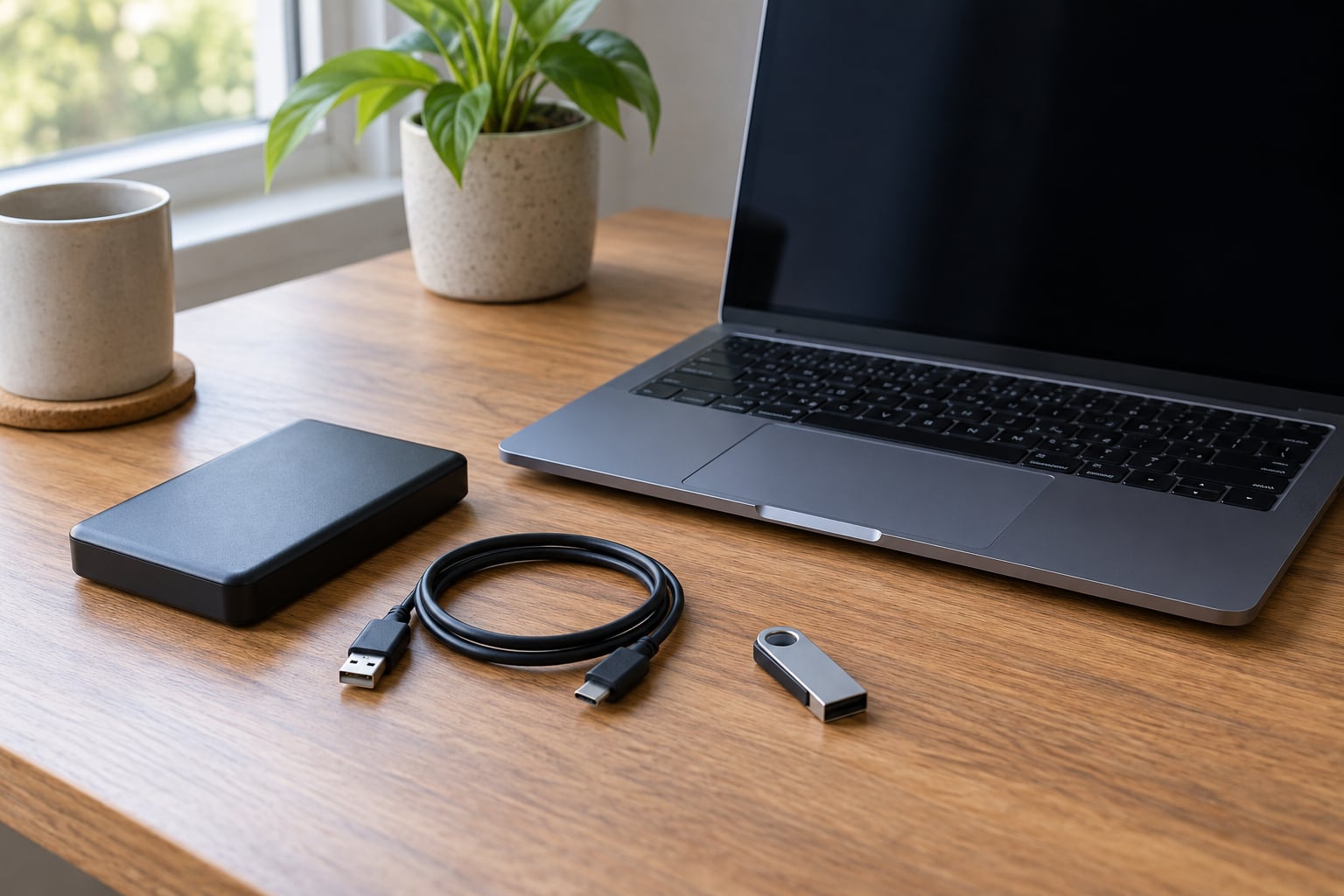
When an external drive is not showing up, work from the cable outward: reseat the connection, try a second port and a second computer, … Read more
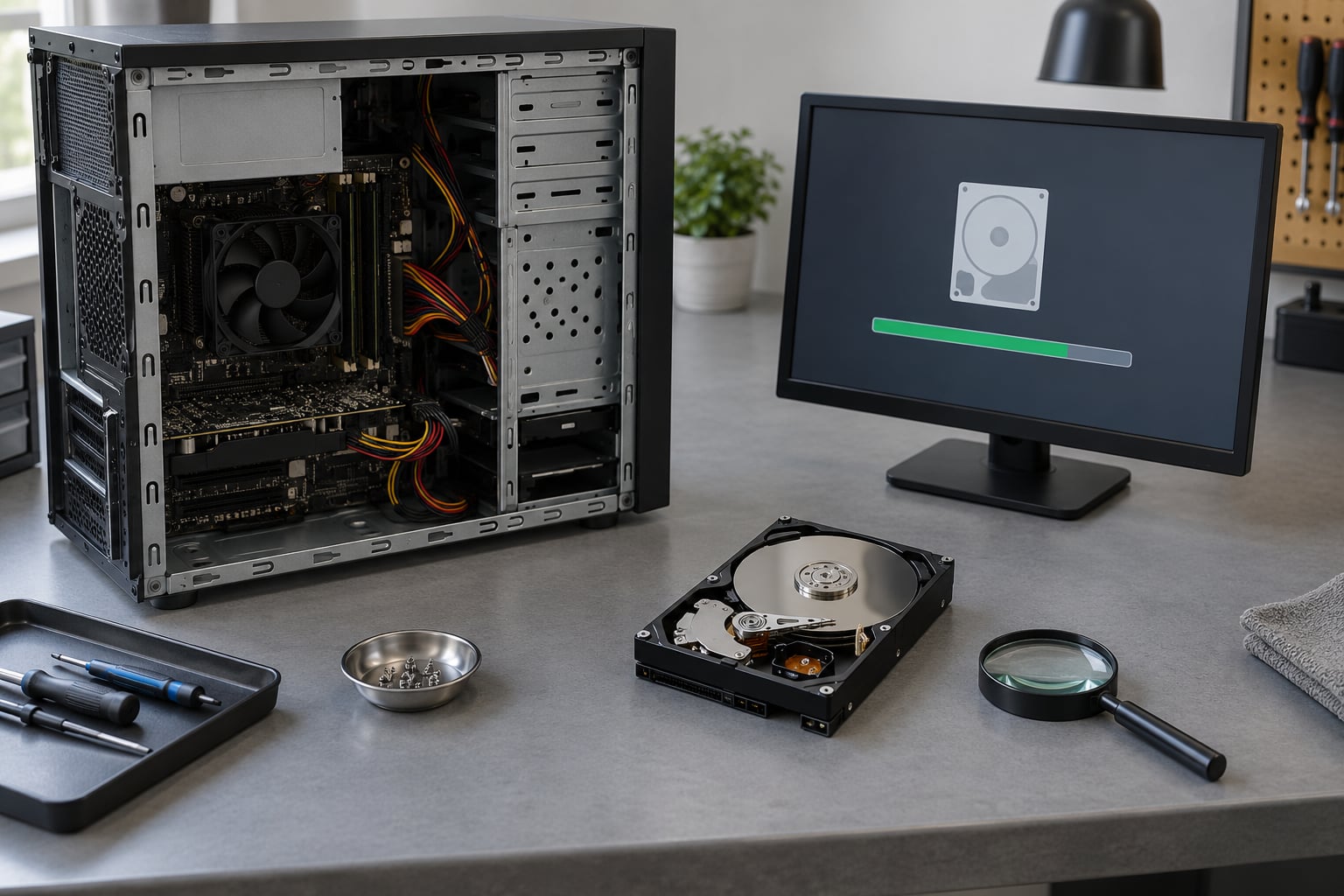
If you want to know how to tell if a hard drive is failing, start with two things: listen to the drive, and read … Read more
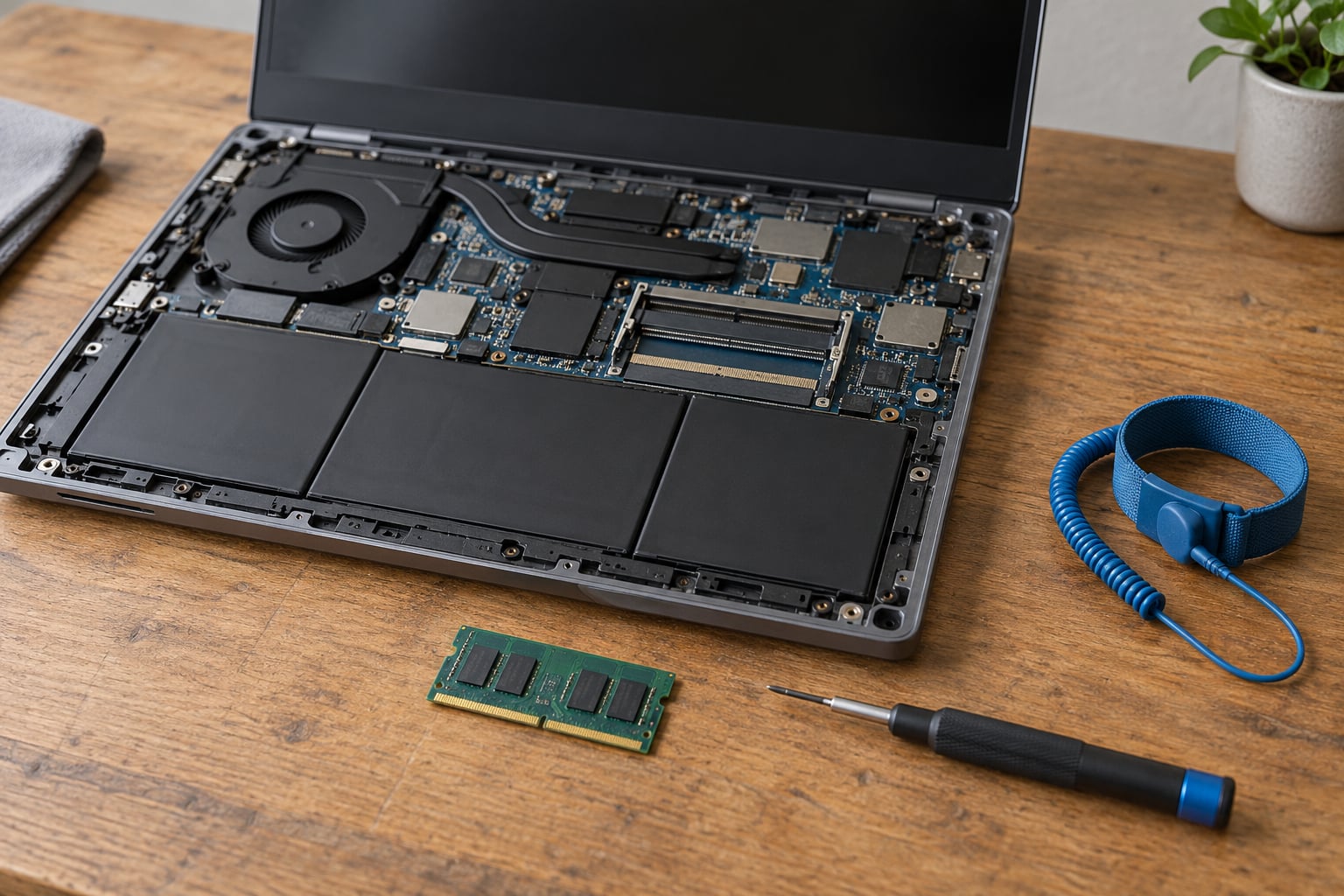
You can upgrade RAM in a laptop by replacing or adding SODIMM modules inside the case, as long as the memory is socketed rather … Read more
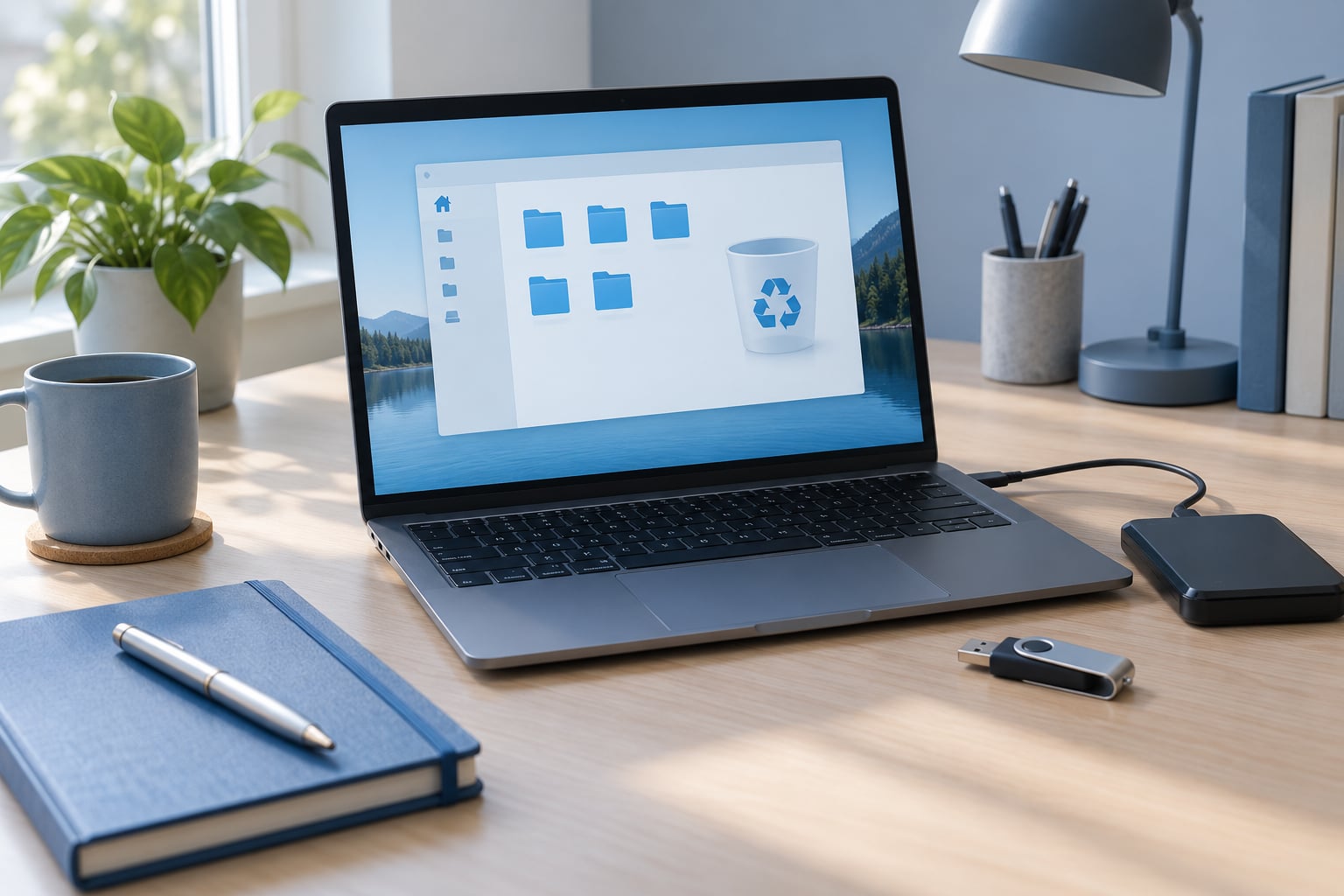
Deleted files are usually still on the drive until new data overwrites them, so recovering one on Windows is often a five-minute job. Start … Read more
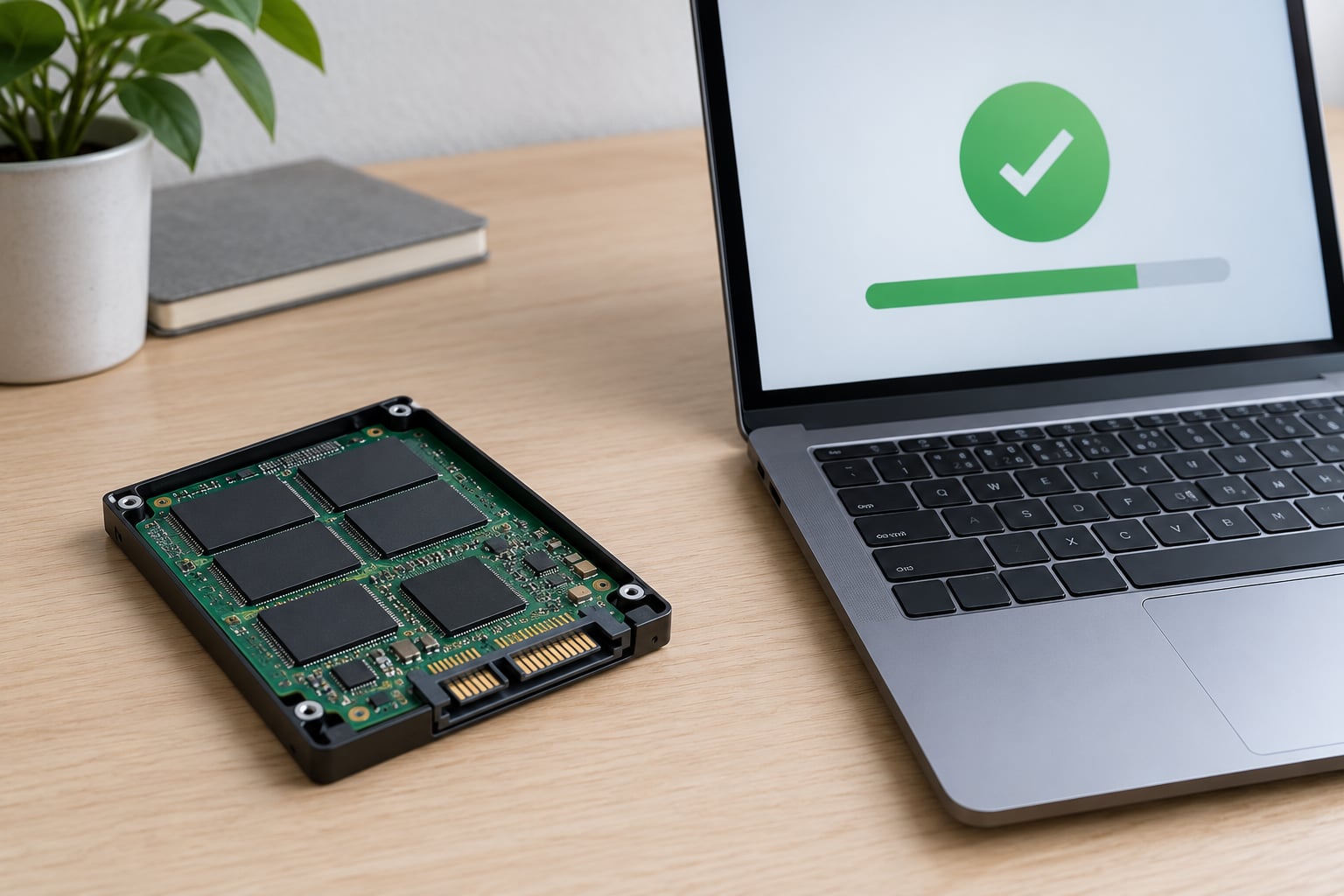
To check SSD health, read the S.M.A.R.T. data the drive keeps about itself — its wear level, error counters and temperature — using a … Read more
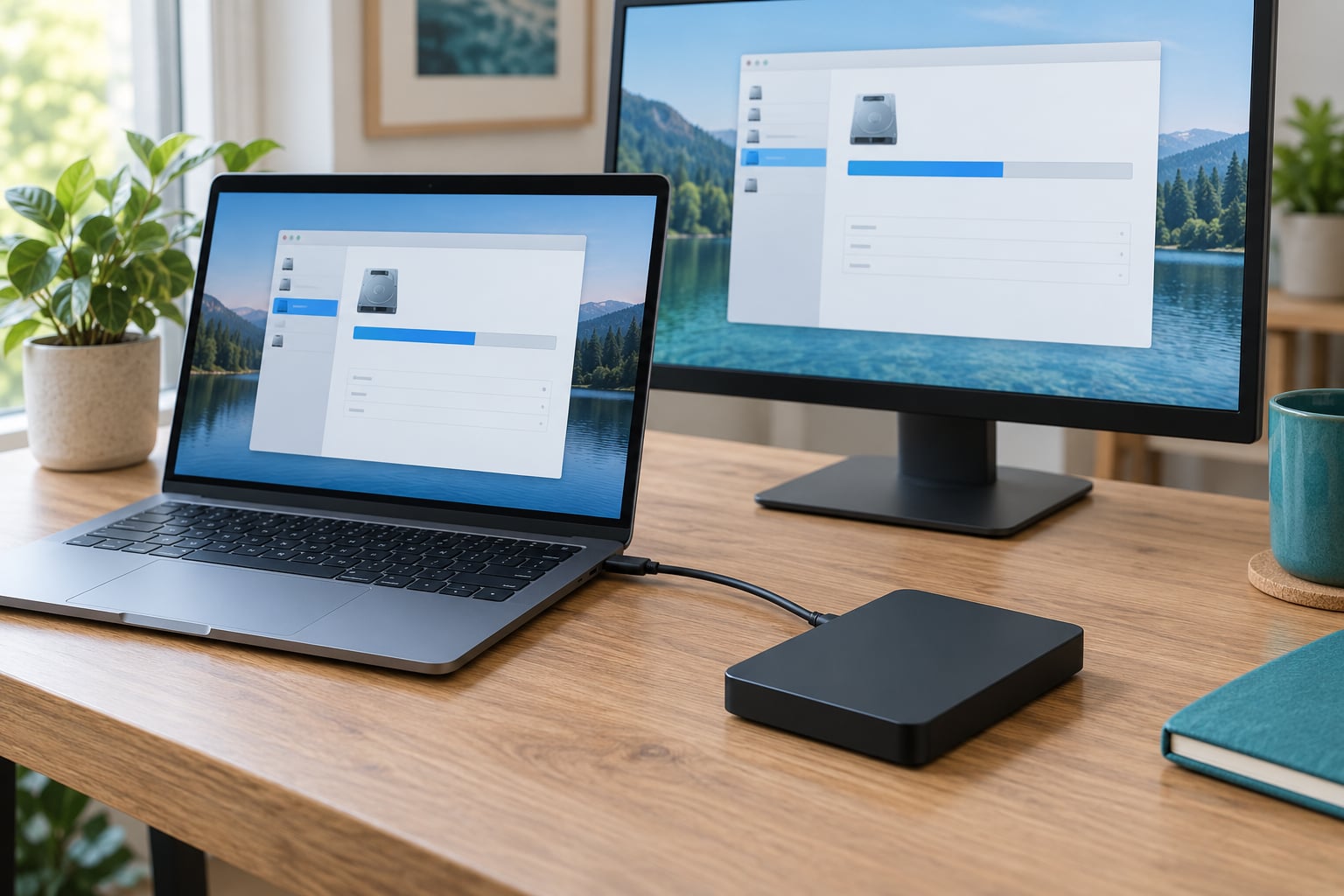
How to format an external hard drive for Mac and Windows comes down to one choice: format the drive as exFAT. It is the … Read more
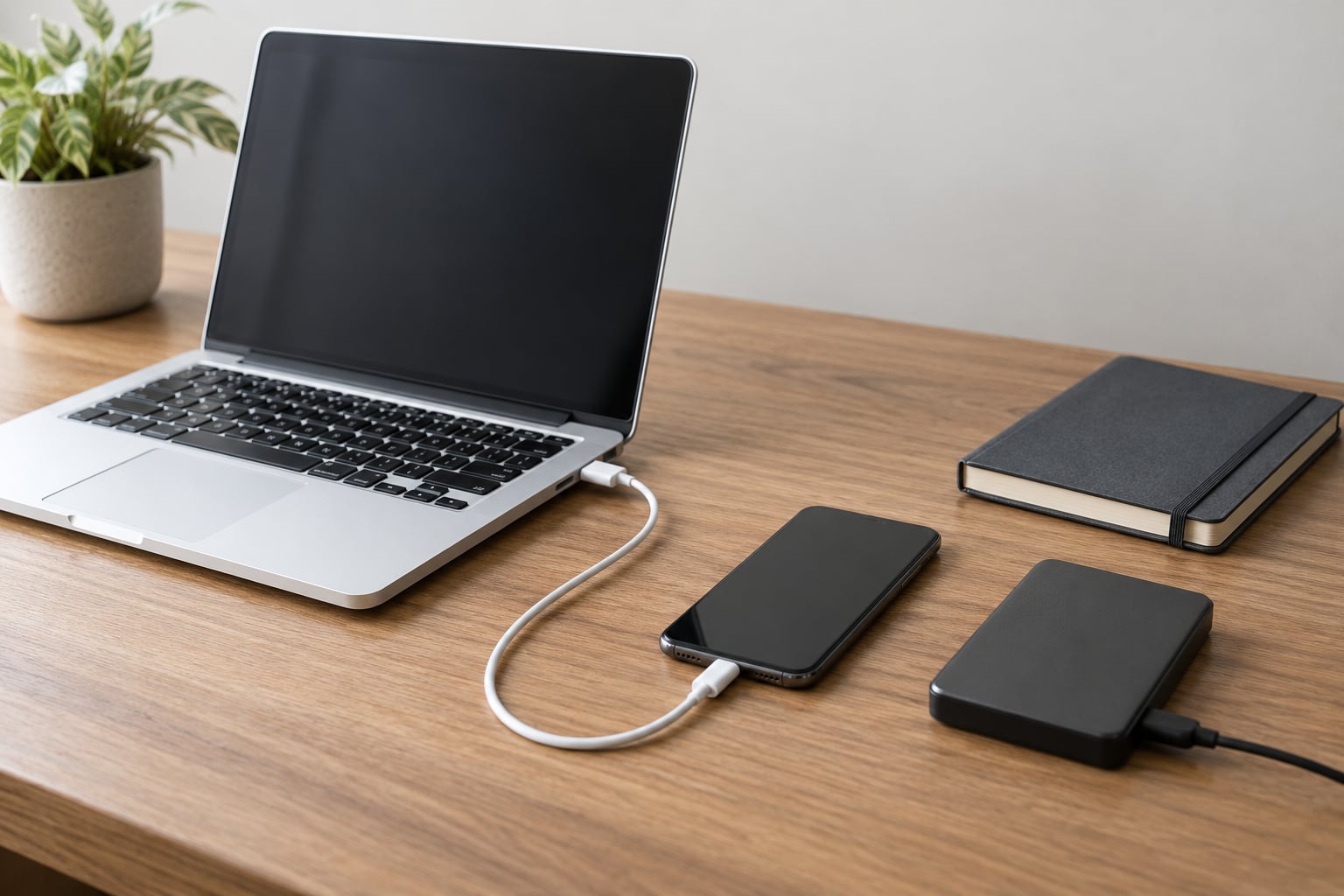
To back up an iPhone to a computer, you connect the phone with a USB cable, unlock it, tap Trust This Computer, and press … Read more
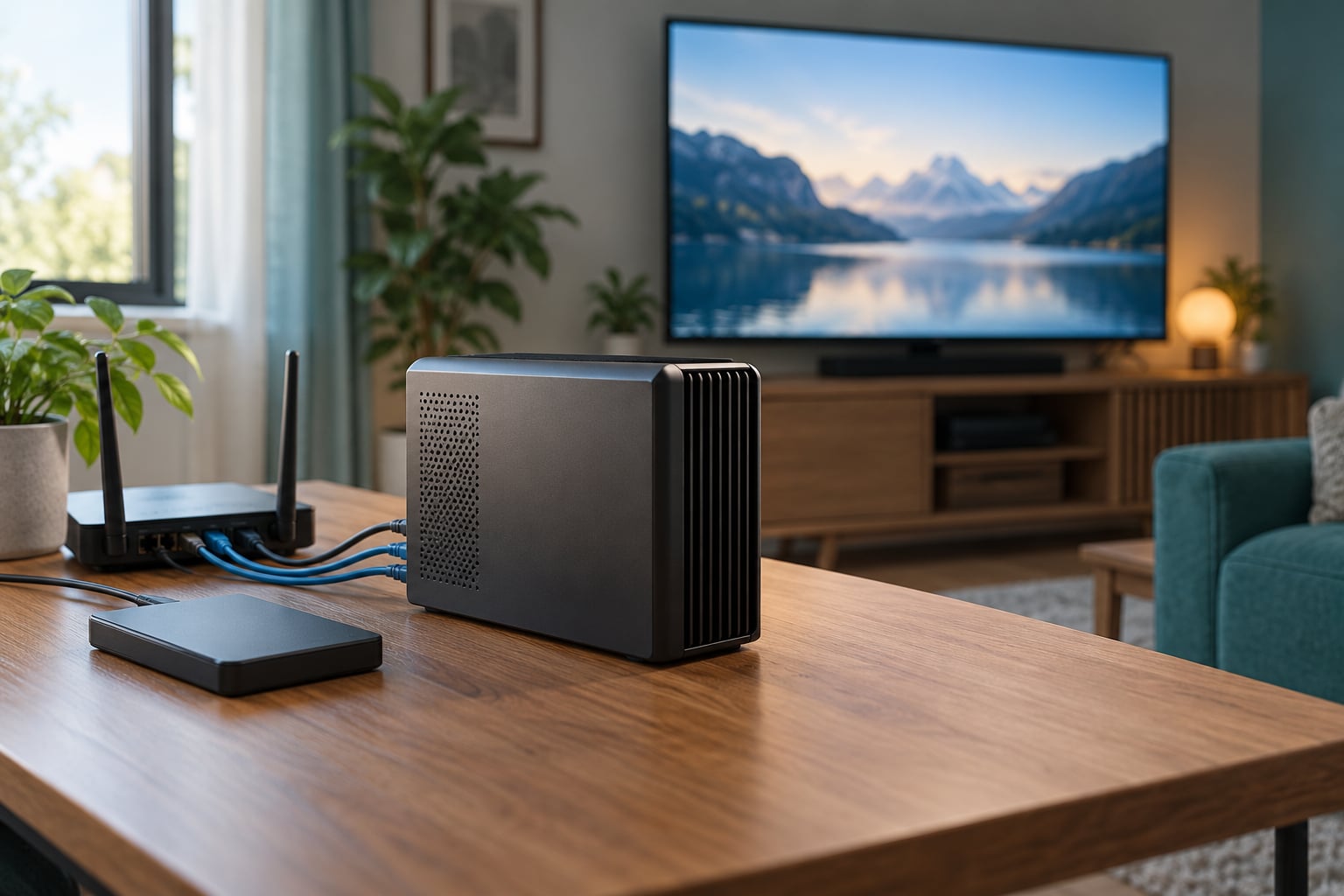
A Plex Media Server is free software you install on a computer or network-attached storage box. It gathers the movies, shows, music, and photos … Read more
If you need to know how to restore files from a Time Machine backup, the short version is this: connect the backup drive, open … Read more