To check if a used phone is stolen, you need four things: the handset’s 15-digit IMEI number, a clean result from a GSMA block list lookup, confirmation that no previous account is still attached, and proof that the person selling it actually owns it. A phone can pass every one of those checks today and still be reported lost or stolen three weeks from now, so the whole process has to happen as late as possible before you hand over money. Give yourself about fifteen minutes at the meeting point, plus a few days of message exchanges beforehand.
The part that catches most people is that a wiped phone with a tidy home screen tells you almost nothing. The lock lives on the network side and the manufacturer’s account server, not on the screen in front of you.
Table of Contents
- 1What You Need
- 2How to Check If a Used Phone Is Stolen: Step-by-Step
- 3Step 1: Confirm the Seller and Request the IMEI
- 4Step 2: Find and Match the IMEI on the Phone
- 5Step 3: How to Check If a Used Phone Is Stolen Online
- 6Step 4: Check the Network and Account Locks
- 7Step 5: Test the Device in Person
- 8Step 6: Keep Proof and Verify After the Sale
- 9Common Mistakes
- 10Frequently Asked Questions
- 11Can you tell if a used phone is stolen just by its phone number?
- 12Does factory resetting a used phone remove its stolen or blacklisted status?
- 13What should I do if the phone’s IMEI does not match the number the seller provided?
- 14Is a clean IMEI blacklist check enough to make buying the phone safe?
- 15What if the seller says the phone is fully paid off but asks you to buy it for cash?
- 16Can I use a phone after buying it if the previous owner later reports it stolen?
- 17Conclusion: Do Not Buy Until Every Check Passes
What You Need
Gather this before you agree to meet, not at the door.
- The seller’s account credentials. Their Apple ID and password, or their Google account email and password, so they can remove the activation lock while you watch.
- The phone number currently active on the handset. You will use it to verify the account is theirs and to check carrier eligibility.
- The IMEI or serial number. Ask for it in a message so you can start the block list lookup before travelling.
- Original proof of purchase. An invoice, carrier contract or bank statement showing their name and the device identifier. A receipt with the IMEI written on it is the single most useful document you can ask for.
- A computer with internet access. Some lookups are much clearer on a laptop than on a phone, and several free checker sites bury the useful result behind ad pages.
- Written authorization to transfer the device. If the seller is not the original owner — a partner, a relative, a company going under — they should be able to say in writing where the phone came from.
How to Check If a Used Phone Is Stolen: Step-by-Step
There are six parts to the verification, and they run in that order for a reason. Each step narrows down what the previous one left open. Do not pay anything until the device identity, the block list status, the account locks and the seller’s ownership all check out.
Step 1: Confirm the Seller and Request the IMEI
Ask three questions before you meet: what account is signed in on the phone, what number is the line running on, and what is the IMEI. A genuine owner answers all three without hesitating and lets you run whatever check you want without standing over their shoulder.
Refusal is the signal, not a short answer. If the seller will not hand over the phone, will not let you complete a check in front of you, or wants payment first and inspection later, you already have your answer. A seller who says the phone is paid off but pushes for immediate cash is describing the exact situation where you have no recourse if it turns out to be a problem device.
Success looks ordinary: the seller can identify the exact handset and permits independent verification without pressure.
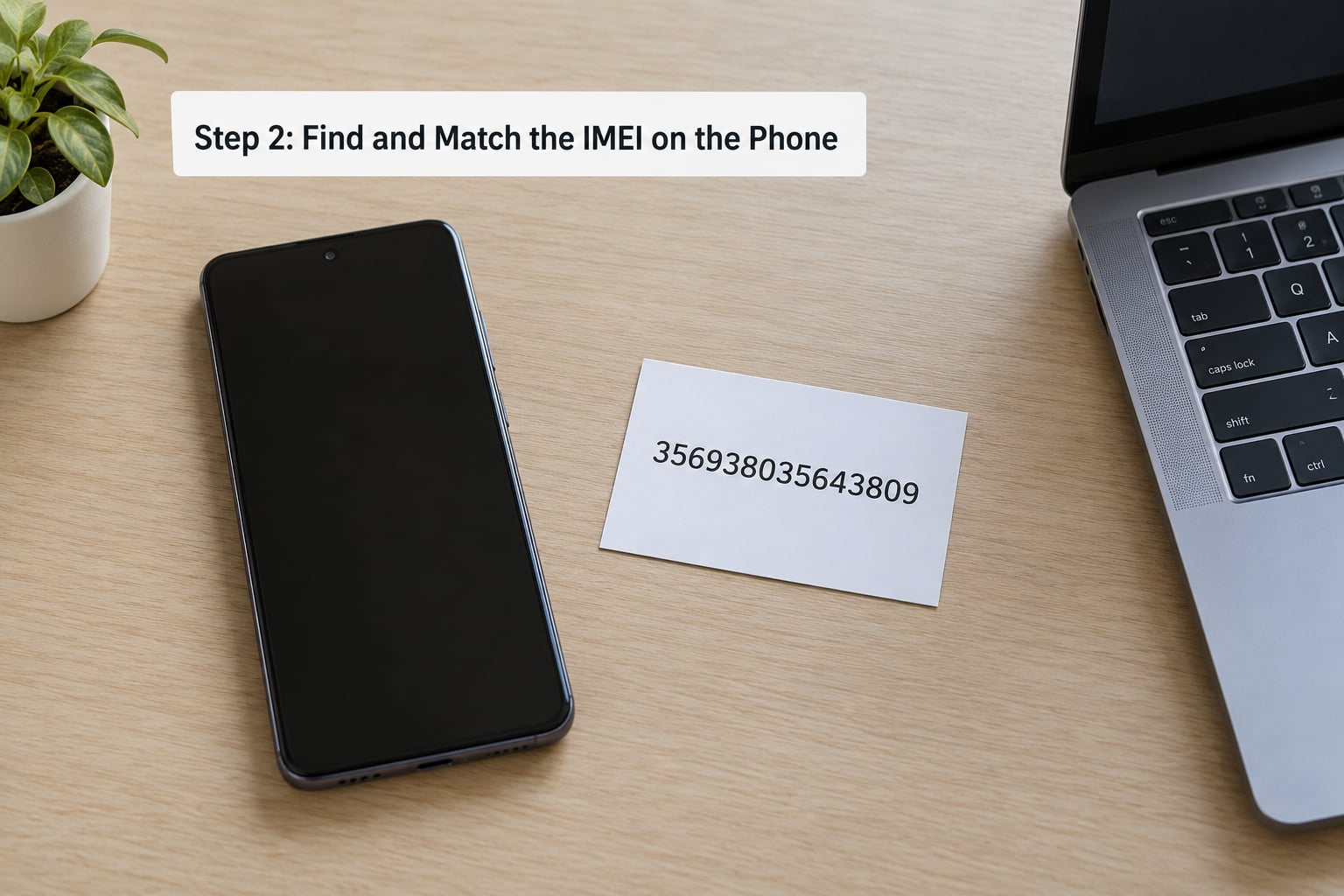
Step 2: Find and Match the IMEI on the Phone
Do not accept a screenshot or a typed number. Read the identifier off the handset yourself and compare it digit by digit with the number the seller gave you.
On iPhones, open Settings, then General, then About, and scroll to IMEI. On current Android phones, open Settings, then About phone, and look under Status, Phone or SIM status, because the label changes between manufacturers. Dialing *#06# from the keypad brings the same number up on most handsets, and on some models it is printed on the SIM tray or the original box.
Compare every digit, including the last one. A screenshot, a photo of a box, and a number typed into a chat are all things a seller can control. The number rendered by the phone in your hands is not.
Watch for the dual-SIM trap. Handsets with two SIM slots usually carry two IMEIs, one per slot, and many checker sites only validate the first one. Check both. A matching number in Settings, the dialer and on the packaging is solid evidence; a single mismatch means stop.
Step 3: How to Check If a Used Phone Is Stolen Online
A handset becomes unusable on cellular networks when its IMEI is added to the GSMA Block List, the industry-wide record carriers consult before they will activate a SIM. The carrier files that report, not the police, so the entry appears only after an insurance claim or a theft report reaches them.
Run the number through a reputable device identification service and a carrier or industry block list tool such as the CTIA stolen phone checker. Then cross-check the result with the phone number the seller gave you. Free checkers vary in depth: some return only clean or blocked, others also return the reported reason, the date of the report and the carrier holding it.
Here is what each result means in practice:
- Clean. No active report that the services can see. Necessary, not sufficient.
- Blacklisted or reported lost or stolen. The phone will not register on a compatible carrier network. Walk away.
- Financed or not fully paid. The original buyer has an outstanding balance. Do not buy it.
- Lost or stolen with a date and reason. An insurance claim, a police report or a fraud flag. Reason codes matter: an insurance-fraud report can land weeks after a sale.
- Unknown or not found. The service cannot identify the device. Treat it as a failure, not a pass.
Results change, and different services draw from different records, so treat a consistent clean result across sources as the goal rather than a single green tick. Some sites exist mainly to collect the IMEIs people paste into them, so prefer services that do not ask for an email address or an account to read the result.
Step 4: Check the Network and Account Locks
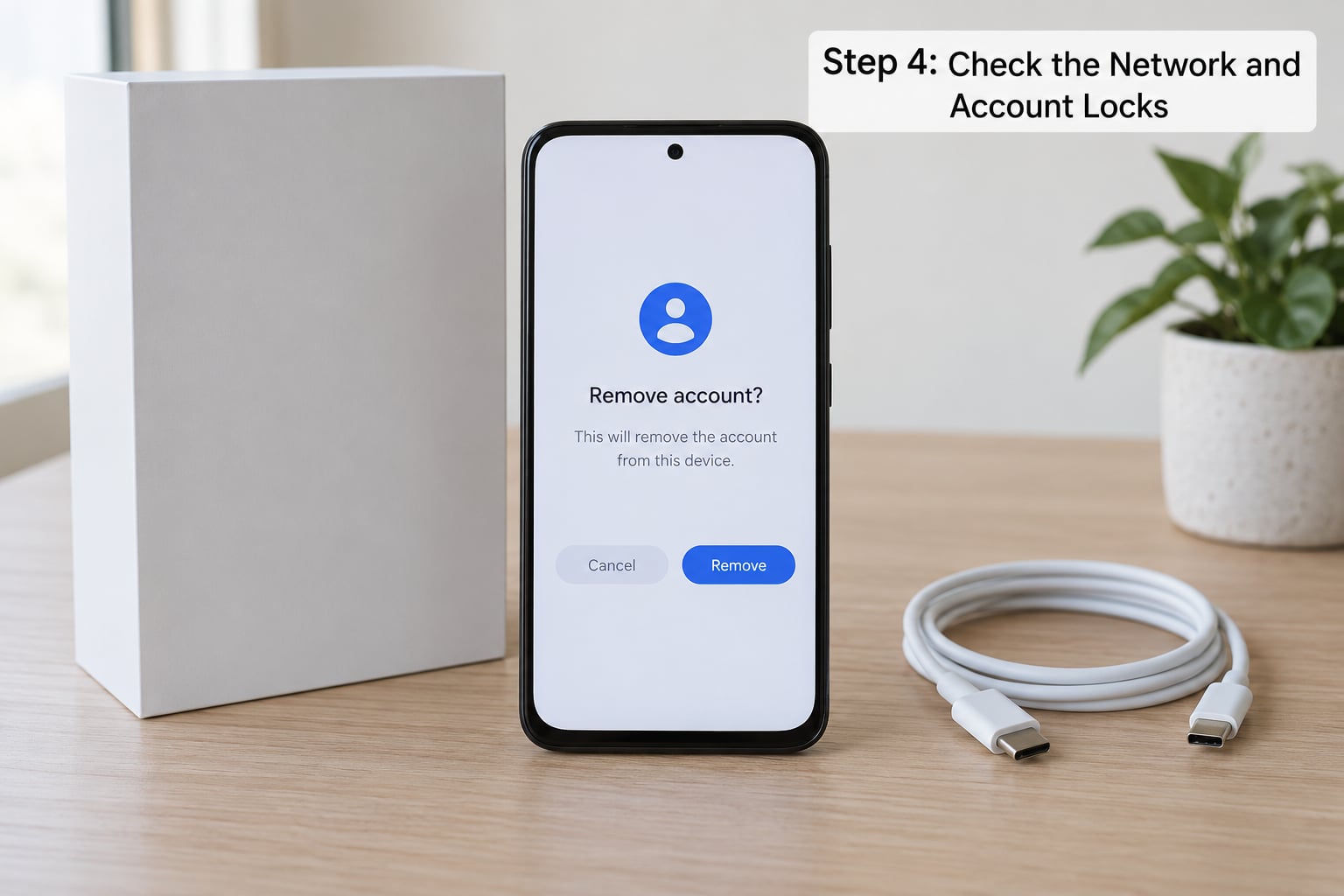
Two separate locks matter here, and they block different things. Carrier network locking ties the handset to one operator. Manufacturer activation locking ties it to a previous owner’s cloud account and is the one that bricks a phone after a factory reset.
On an iPhone, the seller should open Settings and their name at the top, scroll to Sign Out & Erase All Content and Settings, and complete the removal while you are present. Enter their Apple ID password when prompted and confirm at the activation screen. On Android, the equivalent path is Google account removal under Settings, then Accounts, with Remove account and a factory reset afterwards. FRP, Factory Reset Protection, is what stops the next person from setting the phone up without that Google account.
The rule is simple: the seller authenticates, never you. If the handset shows an activation screen naming someone else, or if the previous owner has already removed their account so you cannot verify anything, do not buy it.
Business-managed phones add a fifth case. If a phone was enrolled in a company Mobile Device Management profile, it can stay locked to the organisation’s account long after the employee leaves, and none of the consumer removal paths will clear it. If the seller mentions a work phone, ask whether the company has released it.
Step 5: Test the Device in Person
With the account removed and in front of the seller, run the handset end to end. Put your own SIM in it and check signal bars, make a call, send a text, and try mobile data. Join a Wi-Fi network and browse. Open both cameras and take a photo and a video. Play something aloud to test the speaker, record a short clip to test the microphone, and confirm the touchscreen responds across the whole display. Plug in a charger and watch the battery percentage move, then check the battery health or cycle count in settings.
Look at the physical condition. Check the screws, the seam around the display and the back glass for signs of an opened housing, look for a liquid-damage indicator, and confirm the storage capacity matches what was advertised. Battery health that has dropped hard on a phone described as nearly new suggests a replaced battery, which is not theft but is a fair reason to renegotiate.
Compare the handset against the listing: model, storage, colour, condition. Then confirm the phone has been removed from the seller’s account while you watched, and that nothing of theirs remains visible in the photos gallery, contacts or messaging apps.
Step 6: Keep Proof and Verify After the Sale
Save everything: the listing screenshots, the block list results with dates, the messages where the seller gave you the IMEI, the receipt, and any written statement about ownership. Keep paying by a traceable method — a card, a bank transfer, a marketplace payment — rather than cash or an irreversible transfer, because that is your only route to a refund or a dispute.
Once the phone is set up, run the IMEI lookup and the account checks again. A device that now activates normally on your expected carrier, contains no prior owner’s data, and is backed by documentation is in good shape. Repeat the block list check a couple of weeks later too, since a report can be filed after the sale — people whose honestly purchased phones were later flagged describe exactly that scenario, and a second look costs nothing.
Across the forums, one pattern comes up constantly when buyers regret a purchase: the meeting place and the payment method. For an expensive handset from a stranger, arranging the handover at a police station is unusual but genuinely used by buyers who wanted a neutral, documented setting.
Common Mistakes
Trusting a factory reset. Resetting wipes the data; it does not remove a block list entry, an activation lock or an FRP requirement. A freshly reset phone can be the most dangerous one you are offered, because it hides everything you need to see.
Judging by the home screen. A clean-looking phone says nothing about the network record or the account attached to it.
Running one online lookup and stopping. Services read different records and results change. Cross-check at least two, and prefer late-stage checks over early ones.
Using the phone number as proof. A number proves the line, not the device. It cannot tell you whether the handset is reported.
Accepting “it’s fully paid off.” An outstanding financed balance is itself a reason not to buy. Ask for the invoice, and check the block list status rather than taking the claim on trust.
Paying first, checking later. Once money has changed hands privately, leverage is gone. If records conflict, if the seller pressures you, or if the handset is tied to an account they cannot remove, walk away and lose the deal.
Frequently Asked Questions
Can you tell if a used phone is stolen just by its phone number?
No. The phone number identifies the SIM line and its carrier account, not the handset. A line can be perfectly clean while the device it runs on is reported lost or stolen, and a clean number tells you nothing about an activation lock either. Check the IMEI for the block list and the handset for account locks, then use the number only to confirm the seller controls the account.
Does factory resetting a used phone remove its stolen or blacklisted status?
No. A reset clears local data only. The GSMA Block List entry, the manufacturer activation lock and Factory Reset Protection all live on servers and survive any reset. On Android, resetting without removing the previous Google account is what triggers FRP and can make the phone unusable. Resetting after purchase is also what erases the previous owner’s data, so it is the last step, not a safety check.
What should I do if the phone’s IMEI does not match the number the seller provided?
Stop and do not pay. A mismatch means the seller is describing a different handset, the phone has been tampered with, or one of the numbers is wrong. Confirm the IMEI yourself by dialing *#06# and reading it in Settings, checking the SIM tray and box as well, since dual-SIM models show two numbers. If a genuine handset still will not match, walk away rather than trying to reconcile it.
Is a clean IMEI blacklist check enough to make buying the phone safe?
No, it is necessary but not sufficient. The report is filed by the carrier, so a phone can pass every lookup and be blocked weeks later when an insurance claim or theft report is processed. A clean result also says nothing about activation locks, carrier locks or MDM enrolment. Treat it as one signal among several: match the physical IMEI, verify account removal, test the hardware and keep proof of the transaction.
What if the seller says the phone is fully paid off but asks you to buy it for cash?
Treat the cash request as a warning rather than a convenience. Cash removes your ability to dispute the sale or recover the money if the phone is later blocked, and you have no record of who sold it to you. Ask for the invoice showing the device identifier, run the block list check yourself, and pay by a traceable method once you are satisfied. Pressure to pay immediately is a good reason to leave.
Can I use a phone after buying it if the previous owner later reports it stolen?
Usually not. Once the IMEI reaches the GSMA Block List, carriers refuse to activate a SIM for that handset, so calls, texts and mobile data stop working on compatible networks. Wi-Fi may still connect, but the phone becomes largely useless. Because the report can be filed after your purchase, keep your receipt and messages, check the IMEI again a couple of weeks after the sale, and report the situation to your carrier and the police if it happens.
Conclusion: Do Not Buy Until Every Check Passes
Start by reading the IMEI off the handset yourself and matching it to what the seller told you. Then run the block list check across more than one service, confirm the line and carrier are legitimate, and watch the seller remove their account before any money changes hands.
A clean result lowers your risk, and it cannot override contradictory records, a seller who applies pressure, or a device tied to an account they cannot remove. If any one of those three is in play, the phone is not for you.