Using free online courses to learn a tech skill comes down to four things: pick one narrow skill, pick one course, study on a fixed weekly schedule, and build something real before you finish. Most beginners don’t fail because the material is too hard. They fail because they collect courses and never finish one.
Budget 5 to 10 hours a week for six to twelve weeks and you can go from zero to a working project in a skill like Python scripting, Linux command-line work, or basic frontend development. It’s beginner-friendly if you can run a laptop and type. This guide was updated for 2026, and it works the same whether you’re switching careers or adding a tool to a job you already have.
If you want the short version: how to use free online courses is a process, not a shopping problem. Skill first, course second, schedule third, project fourth. Everything below just fills in that order.
Table of Contents
- 1What You Need
- 2Step-by-Step
- 31. Choose one specific tech skill
- 42. Find a trustworthy free course
- 53. Create a study schedule and project goal
- 64. Learn actively with hands-on exercises
- 75. Test, review, and document the skill
- 8Common Mistakes
- 9Frequently Asked Questions
- 10Are free online courses actually worth the time?
- 11How many hours a week do I need to learn a tech skill online?
- 12Do free online course certificates matter to employers?
- 13Which free online course platforms are best for beginners?
- 14How do I choose a tech skill that is worth learning?
- 15Conclusion
What You Need

Six things, and none of them cost money.
- A computer and a steady internet connection. Anything from the last decade runs a browser-based editor, a terminal, and a code editor.
- One named tech skill. “Learn tech” is not a skill. “Write and debug Python scripts” or “administer a Linux server from the command line” is.
- A weekly time budget you can actually protect. Five hours spread across five evenings beats twenty hours on one Sunday.
- A project folder. A local folder or a GitHub account, created before lesson one, so everything you write has somewhere to live.
- A progress log. A plain doc or note file where you tick off each exercise and note what broke.
- A completion test. One sentence describing what you can do at the end that you cannot do now.
There’s one honest exception to “everything is free.” A few ecosystems only run on their own paid tier, and cloud labs usually burn through free credits in a couple of sessions. Microsoft Learn, for instance, gives you a monthly Azure credit that a beginner will use up quickly on anything ambitious. Read the free-tier limits before you commit, not after.
Also decide your setup once. On a Mac, learning command-line shortcuts early pays off if the skill touches automation. On Windows, the same skill often needs WSL or a Linux VM, and that’s a 30-minute detour worth doing in week one rather than week six. Exact menu paths and commands differ across platforms, so pick yours and stay in it.
Step-by-Step
1. Choose one specific tech skill
Write your skill as a verb plus an object. “Query a database with SQL,” not “data.” “Automate a repetitive task with a shell script,” not “Linux.” The narrower the phrasing, the faster you hit the point where you can actually use it.
It helps to know which skills give the fastest feedback. Spreadsheets and formulas, then SQL, then shell scripting, then Python, then frontend frameworks. Learning them in that order means each one builds on what you already have. If you’re starting from nothing and want a portfolio piece, JavaScript in the browser or Python scripts both work well.
How do you know the skill is defined well enough? You can name the artifact you’ll produce at the end: a script that renames a folder of photos, a small web page with a form, a scheduled report you send yourself every Monday. If you can’t name it, the skill is still a topic.
2. Find a trustworthy free course
Compare any candidate course on seven things before you enrol.
- Scope. Does it cover exactly your skill, or a broad survey you’ll spend months skimming?
- Prerequisites. Good courses state them. If nothing is listed, assume you need basic computer literacy.
- Exercises. Hands-on practice matters more than video length. A short course with a real project beats a 40-hour lecture series.
- Instructor credibility. Someone who does the work daily teaches the details that matter.
- Community. An active forum or Discord is how you get unstuck when there’s no tutor.
- Accessibility. Transcripts, adjustable speed, and mobile viewing matter if you learn in short sessions.
- Actually free? Full access, an audit mode, or a seven-day trial dressed up as free? These are very different.
Free platforms worth knowing: freeCodeCamp for full project-based curricula, The Odin Project for a build-heavy front-end path, Coursera and edX in audit mode for university-quality material without the certificate, Google Career Certificates for structured role-based tracks, Khan Academy for foundations, Microsoft Learn for cloud and Microsoft tooling, and Codecademy’s free tier for interactive practice.
Learners on r/learnprogramming and the freeCodeCamp forum say much the same thing: the curriculum is enough, provided you practise daily and keep going. The platform is rarely the bottleneck.
3. Create a study schedule and project goal
Pick your sessions before you pick your lessons. Three 45-minute blocks on Tuesday, Thursday, and Sunday is a workable default for most people with a full-time job. Put them in your calendar as appointments with yourself, including the slot where you’ll review what you built.
Then choose one project, small enough to finish. “A command-line tool that renames files by date” beats “a full app.” Write the completion test: “I can run it from a terminal on a fresh machine and it produces the expected output without errors.”
This is also where you write down what would prove the skill works in real life. For SQL, a query that pulls monthly totals from a messy export. For Linux, a checklist you can follow on a server you’ve never touched before.
4. Learn actively with hands-on exercises
Type every command yourself, even when a video shows it being typed. This is the single biggest difference between learners who get competent and learners who get stuck. Reading a command is not the same as running it and reading the error.
When something breaks, read the error message before you retry. Beginners routinely reinstall everything or restart a module from the beginning; that costs ten minutes and teaches nothing. The error text usually names the file and line. Fix that, then continue.
Keep notes short and in your own words, three or four lines per concept. Long notes don’t get revisited; short ones do. And apply each major concept to your project the same week you learn it, even if the application is clumsy. Skills stick when they’re wired to something you actually wanted.
On AI assistants, a simple rule saves you the argument later: ask for an explanation or a hint, not for the finished code. Pasting a working solution teaches you to read code, which is a different and much weaker skill than writing it.
5. Test, review, and document the skill
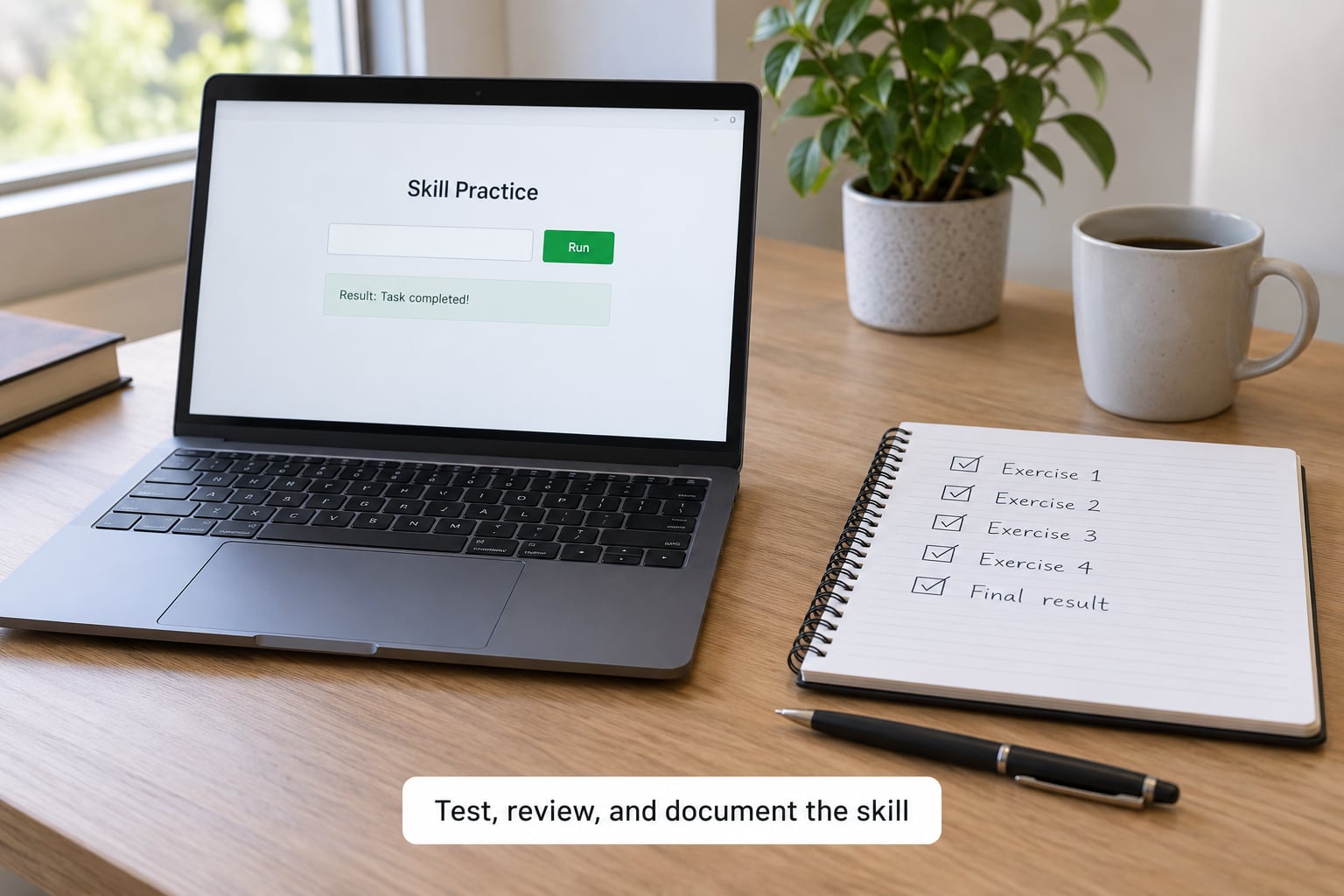
Finish the project, then test it on something you did not design. Run the script on a new folder. Open the page on a different browser. Set up the Linux steps on a clean machine. Something will break, and fixing that last break is the actual test of whether you learned the skill or just followed instructions once.
Review what you got wrong and why. Most project failures come from two places: a concept you skimmed, or a step you never actually typed. Note which, so the next course spends more time there.
Then save the result somewhere with a public link. A GitHub repository with a short README explaining what it does and what you learned is worth more on a resume than a certificate with no code attached. Write your completion test again and see if you now pass it. If you do, that’s the proof.
Finally, pick the next skill before you lose momentum. Completing one course and stopping is the most common way a self-taught plan quietly dies.
Common Mistakes
Collecting courses instead of finishing one. Ten half-finished curricula teach less than one completed project. Bouncing between platforms is the single biggest reported time-waster in self-taught communities. Fix: commit to one course for its full length, and only then choose another.
Picking a course above your level. The first unexplained concept turns into twenty, and you quit. Fix: start where the prerequisites are listed as “none,” or spend a week on foundations first. Boring is the right pace.
Skipping debugging. Restarting modules or reinstalling software feels productive and teaches nothing. Fix: read the error line by line, search the exact message, and change one thing at a time. Twenty focused minutes beats two hours of resetting.
Ignoring prerequisites. Fix: before lesson one, install your editor, terminal, version control, and language runtime, and confirm each one runs. A broken setup is the most common reason week one goes badly.
Staying in theory too long. Watching twenty hours of lectures feels like progress because the streak keeps going. Fix: cap theory at 40 percent of your study time. The other 60 percent should be typing, running, and breaking things.
Trusting the certificate alone. Plenty of people hold certificates they can’t demonstrate in a conversation. Fix: keep the certificate, but always attach the project link. Project-based proof, where you submit something real, is the credible kind.
Consistency tips that actually help: study at the same time each day, keep sessions short enough that skipping feels like a small loss rather than a catastrophe, tell one person your deadline, and schedule a monthly check of your project folder. Free courses give you no accountability, so supply your own.
Frequently Asked Questions
Are free online courses actually worth the time?
Yes, when you finish one and build something. Free curricula from freeCodeCamp, The Odin Project, Coursera audit, and Microsoft Learn cover the same ground as paid introductory courses, and cost is the largest barrier for most self-taught learners. The weakness is support: no mentor, no deadlines, no live feedback. If you supply your own schedule and use the platform community when you get stuck, free courses are genuinely sufficient for a first skill.
How many hours a week do I need to learn a tech skill online?
Five to ten focused hours a week is the realistic range for steady progress. Under five, progress usually stalls once the material stops being trivial. Over fifteen for a beginner, burnout and shallow retention are common. Three sessions of 45 to 90 minutes with a review block at the end of the week works better than one long session, because spaced practice is what turns a concept into a skill.
Do free online course certificates matter to employers?
Less than the work behind them. A certificate with a portfolio link beside it signals that someone can finish something. A certificate alone mostly signals course completion, and most hiring managers treat it as a weak signal. Certificates from university-backed platforms and role-based programs carry a bit more weight than a generic completion badge. Always list the certificate underneath the project it came from, never instead of it.
Which free online course platforms are best for beginners?
It depends on the format you can sustain. Choose freeCodeCamp or The Odin Project for project-based coding paths, Coursera or edX audit mode for structured university material, Microsoft Learn for cloud and Microsoft tooling, Khan Academy for foundations, and Codecademy’s free tier for short interactive exercises. The best platform is the one you will still be using in week six, not the one with the longest curriculum.
How do I choose a tech skill that is worth learning?
Pick something you can use within thirty days of finishing. Spreadsheets and formulas, SQL, shell scripting, and Python scripts give quick wins and transfer to almost any job. Frontend frameworks are worth learning but take longer before they produce anything visible. If you already hold a job, learning a tool that removes a recurring annoyance in your work is usually more valuable than starting a brand-new specialism.
Conclusion
Free online courses work when the course is the easy part and the discipline is yours. Choose one narrow skill, pick one course you’ll finish, protect a fixed weekly schedule, and spend most of your study time building rather than watching. The project is the proof; the certificate is a footnote.
So start today: pick the one skill, open a reputable free course, look at its prerequisites, and block your first three study sessions in the calendar. Then build something small and put it somewhere with a link. That’s the whole method, and knowing how to use free online courses comes down to repeating that cycle once more for the next skill.