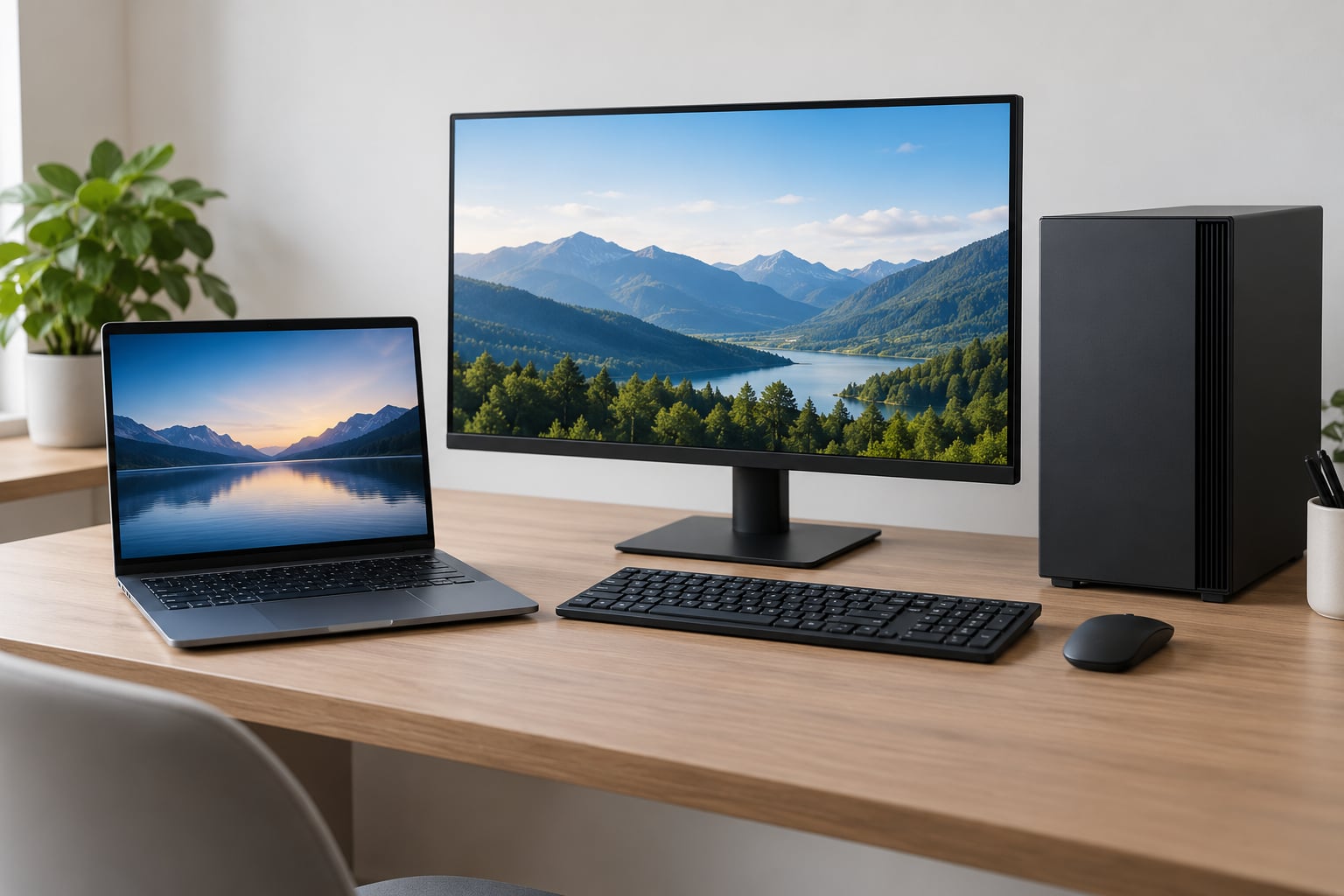
The short version: buy a laptop if you work in two or more places a week, and buy a desktop if you want the most performance per dollar and expect to keep the machine four years or more. That rule is all it takes to avoid overthinking the question.
Nearly everyone asking how to choose between a laptop and a desktop already knows which answer suits their schedule. What trips people up is comparing spec sheets instead of comparing lives. A machine that never leaves the desk can be twice as fast for the money, and a machine you can carry to a lecture hall has to make compromises you will only notice on bad days.
This guide breaks the decision into the three things that actually move the answer: how many physical locations you use a computer in, how many hours a day you run genuinely heavy work, and whether you want to change parts later. Everything else is preference.
Table of Contents
- 1How to Choose Between a Laptop and a Desktop at a Glance
- 2Portability and Everyday Flexibility
- 3How to choose between a laptop and a desktop for a travel-heavy week
- 4Desk space is a real constraint, not an afterthought
- 5Performance for Heavy Work and Gaming
- 6What a desktop can do that a laptop cannot
- 7Price and Value Over Time
- 8Upgrades, Repairs, and Lifespan
- 9What you can realistically replace
- 10Laptop or Desktop for Your Main Activities
- 11School and university
- 12Office and remote work
- 13Coding and development
- 14Photo and video editing
- 15Gaming
- 16Home server and tinkering projects
- 17Media, browsing and everyday use
- 18Which Should You Choose?
- 19Step 1: Map your locations
- 20Step 2: Count your sustained load hours
- 21Step 3: Set your upgrade horizon
- 22Step 4: Be honest about the desk and the budget
- 23Frequently Asked Questions
- 24Is a laptop or desktop better for everyday use?
- 25Do desktops last longer than laptops?
- 26Can a laptop replace a desktop for gaming?
- 27Is a desktop cheaper than a laptop with the same performance?
- 28Can you upgrade the memory or storage in either type?
- 29Which is better for a student working from home and on campus?
- 30Start With Your Most Important Need
How to Choose Between a Laptop and a Desktop at a Glance
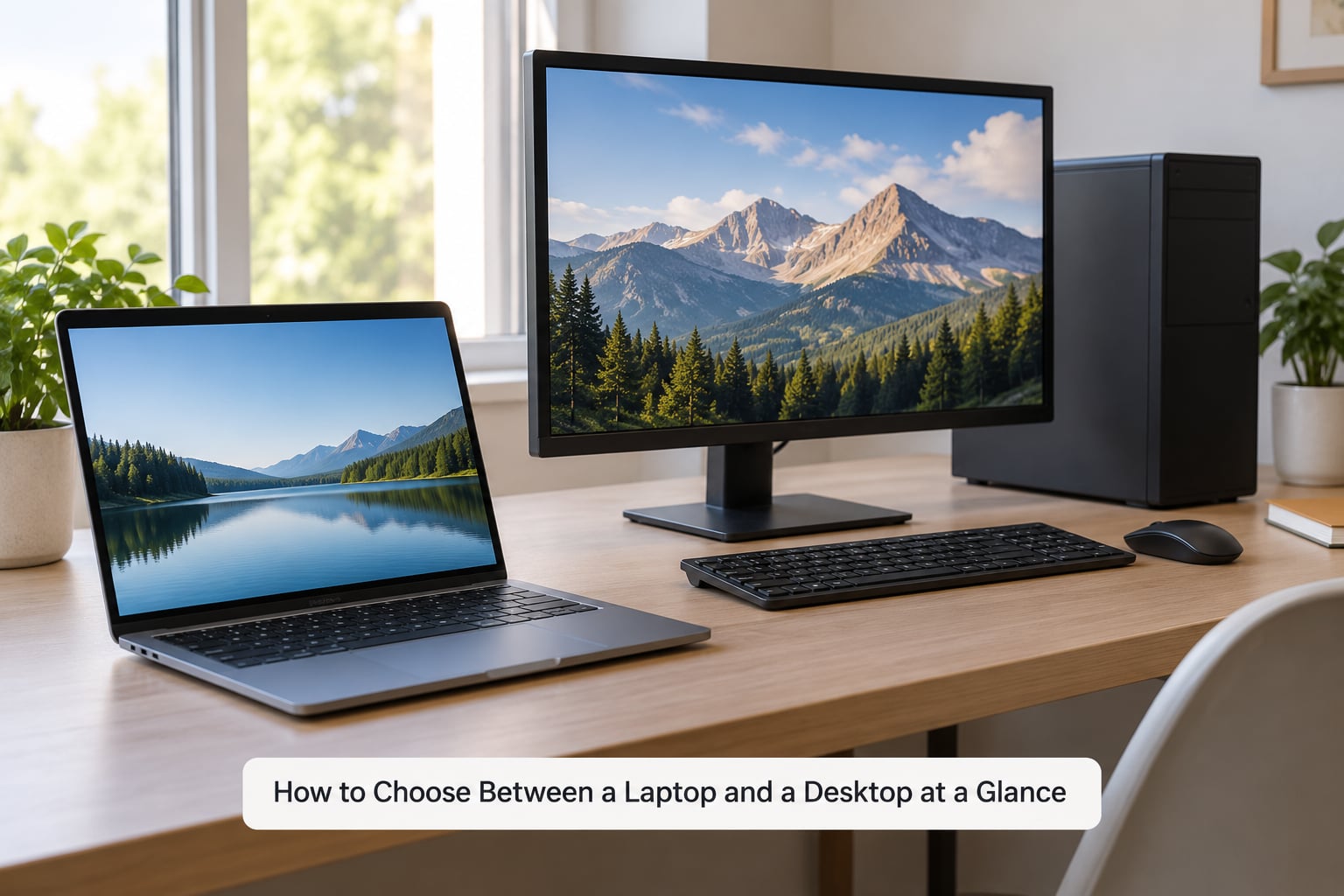
Here is the whole comparison in one table. Read the last column as the tie-breaker, not the winner of a universal argument.
| Factor | Laptop | Desktop | Better fit |
|---|---|---|---|
| Portability | Screen, keyboard and battery in one unit, typically 1 to 3 kg | Stays put, needs a separate monitor and input devices | Laptop |
| Battery life | Roughly 6 to 12 hours of light work, slowly shrinking with age | No battery at all, always needs mains power | Laptop |
| Sustained performance | Same chips, lower power ceiling, slower after 20 to 30 minutes of load | Runs chips at full power with much larger cooling | Desktop |
| Performance per dollar | Often 30 to 40 percent more to reach equivalent performance | More frames or faster renders for each unit spent | Desktop |
| Upgradability | Memory and storage are often soldered; slots vary by model | Memory, storage, graphics card, power supply all replaceable | Desktop |
| Repairs | Sealed chassis, pricier parts, some brands refuse screen repairs | Modular and standard parts, easy to swap | Desktop |
| Screen real estate | One built-in panel, a dock needed for a second display | Any size monitor, multiple displays trivial | Desktop |
| Desk footprint | One object, cables stay tidy | Tower or mini PC, monitor arm, cable management | Laptop |
| Noise | Fans packed into a thin shell, often clearly audible | Room for larger and quieter cooling | Desktop |
| Useful service life | Often replaced every 3 to 4 years | Frequently still useful at 6 to 8 years | Desktop |
Choose the laptop if you need one machine in a bag, if your desk space is genuinely tight, or if your work is light enough that a few hours of unplugged use matters more than frame rates.
Choose the desktop if the computer lives at one spot, if you game, edit video, compile code or run virtual machines, or if you expect to keep whatever you buy for several years.
Portability and Everyday Flexibility
Portability is the one factor where the answer is not a trade-off at all. If you need the computer in more than one place, a desktop cannot do the job, and no amount of extra money fixes it.
How to choose between a laptop and a desktop for a travel-heavy week
Weight matters more than most spec sites admit. A 1.2 kg laptop disappears in a bag. A 2.5 kg one, plus a charger and a 24-inch monitor, is a chore you will resent daily.
Then there is battery life, and this is where laptops quietly lose points over their own lifetime. A new battery might give you 10 hours of browsing. Three years in, expect closer to six, and that figure falls if you keep the machine in a hot car or always run it near maximum brightness.
The docking station reality is worth spelling out. Most people who buy a gaming laptop for the couch end up plugging it into a monitor, keyboard and mouse at their desk anyway, which is a good look for the desk and a mediocre one for the coffee shop.
Desk space is a real constraint, not an afterthought
People in r/Workspaces describe the decision the blunt way: it depends on how small the desk actually is. A dorm room, a studio apartment or a shared kitchen table is a genuine veto for a tower plus monitor.
Counter that with a small-form-factor desktop or a mini PC mounted behind the monitor. You give up the expandability of a full tower and keep most of the desk space.
Performance for Heavy Work and Gaming
Two machines with the same processor and graphics card are not the same machine. The number that matters is what the hardware still delivers after twenty minutes of hard work, not what it manages during a ten-second benchmark.
Here is the mechanism, without the jargon. A laptop’s chip has to run cool inside a thin metal shell, so it is given a lower power ceiling. Squeeze more power through the same tiny cooling system and the chip gets hot enough that firmware pulls its own clocks back down. That automatic slowdown is thermal throttling, and it is why a laptop that looks stronger on paper can lose to a desktop over the length of a long render or a long gaming session.
A desktop has no such constraint. The same chip can run at its full rated power because the case is large, the heatsink is large, and the fans can move real air.
What a desktop can do that a laptop cannot
- Run a discrete graphics card at full power for hours without throttling.
- Hold several large fans in one case, so heavy work stays quiet instead of loud.
- Accept a second full-size expansion card, extra memory and multiple storage drives.
- Drive three or more displays at high refresh rate without a dock.
- Last through a power outage long enough to save work and shut down properly.
- Keep working as parts fail, because each piece is replaced independently.
For browsing, office documents and streaming, none of this matters. Differences show up in video editing, 3D work, large builds, local AI models, compiling, running virtual machines and gaming, where a desktop of a given tier is regularly 25 to 35 percent faster and holds that gap.
Price and Value Over Time
Desktops are cheaper for equivalent performance, and the gap is not small. Industry estimates commonly put the portability premium at 30 to 40 percent for the same class of hardware.
Even so, the desktop’s apparent saving shrinks once you count what a desktop does not include. A monitor, a keyboard and a mouse, and possibly a dock and a surge protector all sit outside the case price. A careful buyer adds them before comparing, and a lot of “the desktop is so much better value” comparisons quietly skip this step.
Add electricity. A desktop under load draws far more power than a laptop doing the same job, and it draws it continuously, whereas a laptop charges intermittently. The annual difference is real money, though usually not the deciding factor on its own.
The bigger term is replacement. A laptop bought for general use is commonly replaced every three or four years, partly because memory and storage are soldered and partly because hinge and battery wear become annoying. A desktop that can take a new graphics card in year four, or a new drive every time storage gets cheap, stretches each purchase further.
Resale cuts the other way. A well-specified desktop sells quickly and holds value well. So does a good thin-and-light laptop, though a heavy gaming laptop with a cracked hinge does not. Any figure you read today, including this one, is a snapshot of 2026 rather than a promise.
Upgrades, Repairs, and Lifespan
This is where laptops and desktops stop being preferences and become consequences. A soldered component is the single most consequential word in laptop buying.
What you can realistically replace
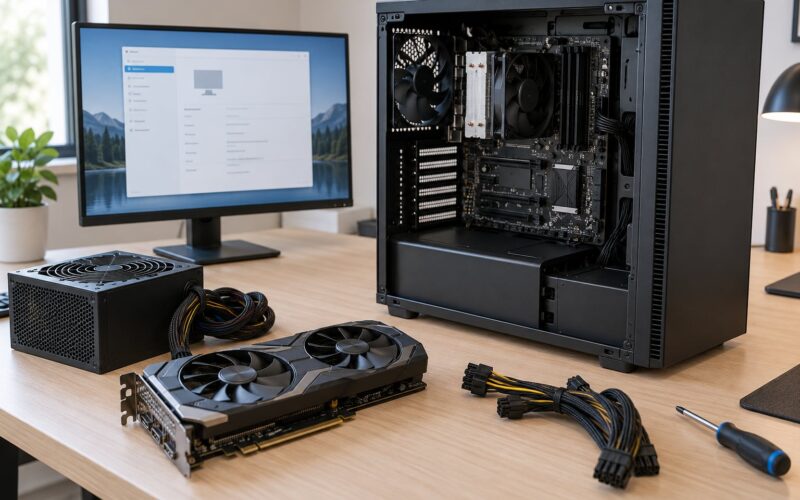
In a desktop tower or mini PC, memory, storage, graphics card, power supply, case fans and even the processor are all standard parts with standard connectors. Adding storage takes minutes. Swapping a graphics card in two years is a normal weekend job.
Modern laptops are more varied. Many have memory soldered to the board and a single storage slot welded in place. Some business and gaming models still expose SO-DIMM slots and extra M.2 sockets. The spec sheet will say, and so will the teardown video if you want certainty.
Repairability follows the same line. A desktop part can be diagnosed and replaced by anyone comfortable with a screwdriver. A laptop screen, hinge or keyboard often has to go back to the manufacturer, and some brands decline to fit them at all once the machine is out of warranty.
Laptop or Desktop for Your Main Activities
The form factor that wins changes with the activity, so it is worth naming them one at a time rather than guessing from a spec sheet.
School and university
A laptop, almost always. Lectures, labs, library floors and a room in halls you have not seen yet are all places you need the machine. Keep it light and prioritise a comfortable keyboard and a screen you can read under bad lighting over a faster chip.
Office and remote work
Split decision. Full days in one office go to a desktop, where you can run three displays and a proper chair-side setup. Days split between home and elsewhere go to a laptop, ideally one with a dock that turns it into a desktop machine at 6pm without any thought.
Coding and development
Desktop for compiling, containers and running more than one virtual machine at once. A laptop handles a code editor, a terminal and documentation perfectly well, so the deciding factor is usually how many things you keep running in the background.
Photo and video editing
Desktop, and this is not close. Large RAW files, timeline scrubbing and export all reward the extra memory, the full-power chip and the cooling headroom. If your editing is a hobby rather than a job, a good laptop still works, just slower and hotter.
Gaming
Desktop if the machine lives at one desk. A laptop only makes sense when gaming away from a plug, and you should expect lower settings, more fan noise and a shorter session before the frame rate settles lower.
Home server and tinkering projects
Desktop, with no real competition. A tower takes extra drives, runs quietly in a corner, and can be rebuilt rather than replaced. A mini PC covers light server duties well if the noise and the upgrade path bother you less than the small footprint.
Media, browsing and everyday use
This is where both forms tie. Documents, browsing, email and streaming run on hardware that costs a fraction of either machine, so the deciding factors are the screen, the keyboard and where you want the computer to live.
Which Should You Choose?
Here is the decision framework, in the order that resolves arguments fastest.
Step 1: Map your locations
List the places you would realistically use this computer. One location, a desktop. Two or more locations a week, a laptop. If you take notes in class or ride a train for work, the list already has two entries.
Step 2: Count your sustained load hours
Two to three hours a day of gaming, rendering, compiling or running virtual machines pushes you toward a desktop. Occasional bursts of any kind are fine on either. Regulars on r/buildapc generally give the same advice: compare sustained behaviour, not the spec sheet.
Step 3: Set your upgrade horizon
Planning to keep the machine past four years means buying upgradability. Planning to replace it in three means buying the cheapest thing that covers today’s needs.
Step 4: Be honest about the desk and the budget
Add the monitor, keyboard, mouse and dock to the desktop’s number before comparing. Then look at the physical space. A machine you have to squeeze in sideways for four years is a bad purchase.
Buy a laptop if you are a student carrying it between lectures, a hybrid worker splitting days between home and an office, a frequent traveller, or anyone in a small space. TheStudentRoom threads reflect this exactly: university recommendations come down to portability, not speed or price.
Buy a desktop if you are a gamer, a video editor, a developer, an analyst with heavy spreadsheets, a hobbyist who enjoys building and upgrading, or anyone who wants the cheapest way to reach a performance target.
Both make sense in two situations. One is a permanent desk setup where a dock, an external monitor and a good keyboard turn a capable laptop into a workstation, accepting that you will not upgrade it later. People in r/pcmasterrace call this a fair trade as long as you know you are making it.
The other is buying two modest machines instead of one expensive one: a desktop at home for heavy work, and a cheaper travel laptop for the road. Students often arrive at this arrangement after a move, and it costs less than a single high-end portable that underperforms at both jobs.
Frequently Asked Questions
Is a laptop or desktop better for everyday use?
For email, documents, browsing and streaming, either works and the difference is mostly battery life and screen convenience. A desktop wins if you sit at one desk and value a larger monitor. A laptop wins if you move around, travel, or take notes in class. Judge everyday use by comfort, not speed, because both handle it easily.
Do desktops last longer than laptops?
Desktops often stay useful longer because their parts are modular and cheap to replace. A general-purpose laptop is commonly replaced every three to four years, while a desktop can run six to eight with a new graphics card or drive along the way. Build quality and battery wear affect both, so a treated laptop can outlast a neglected tower.
Can a laptop replace a desktop for gaming?
Yes, if you accept lower frame rates, more heat and fan noise, and you play away from a plug. A capable gaming laptop can run current titles well, but it throttles after twenty to thirty minutes because of its cooling limits, and the same performance in a desktop costs noticeably less. Docking a laptop to a monitor works well, as long as you treat it as a fixed machine.
Is a desktop cheaper than a laptop with the same performance?
Usually, by a wide margin. The same class of hardware in a portable shell often costs 30 to 40 percent more, and the laptop delivers less once it heats up. Add a monitor, keyboard and mouse to the desktop figure before deciding, since those are not included in the case price, and the gap narrows but rarely closes.
Can you upgrade the memory or storage in either type?
Desktops, almost without exception. Memory, storage, graphics card and power supply are all standard replaceable parts. Laptops vary: some expose memory slots and extra M.2 connectors, while many solder both to the board and leave a single slot. Check the specific model’s spec sheet, because the answer changes brand to brand.
Which is better for a student working from home and on campus?
A laptop, in most cases. Two locations is already two, and lectures, labs and library sessions rarely offer a desk of your own. A thin-and-light model with 16 GB of memory and at least 512 GB of storage covers coursework well. If your course is heavy on rendering or gaming, keep the laptop light and build a desktop you leave at home.
Start With Your Most Important Need
Write down where you will use the computer, what software has to run, and how long you want it to last. Those three answers settle the form factor more reliably than any spec comparison.
Then total the cost honestly: a desktop means adding a monitor, keyboard and mouse, while a laptop means replacing the whole machine sooner. Whichever total is lower, the decision usually lands the same way.
Pick the form factor that removes the fewest compromises in your week. If you are still stuck on how to choose between a laptop and a desktop after that, buy the laptop and put the saved money toward better peripherals and a second drive.