To write a research paper with citation tools, you capture each source once in a reference manager, insert citations as field codes while you draft, and let the tool rebuild your in-text citations and reference list in the required style. The manual formatting work drops to near zero, and the two errors markers hunt for, mismatched citations and missing references, mostly disappear.
That is the honest version of the pitch. A citation tool will not research your topic, and it will happily format a wrong source perfectly. What it does is remove the tedium of typing author, year, title and page numbers by hand across a 40-page draft.
Students on r/PhD and r/AskAcademia tend to give the same advice to newcomers: hand-cite two or three sources first so you understand what the citation is doing, then automate. Learning how to write a research paper with citation tools goes faster once the manual version is not a mystery. The workflow below is current for 2026 and covers free tools, the mainstream citation styles and the AI-generated source problem that keeps growing.
Table of Contents
- 1What You Need
- 2Step-by-Step: How to Write a Research Paper With Citation Tools
- 31. Read the assignment and choose a manageable topic
- 42. Research with credible sources
- 53. Save sources and take organized notes
- 64. Create an outline and connect your evidence
- 75. Draft the paper and cite evidence as you write
- 86. Build and format the bibliography
- 97. Check accuracy, originality, and presentation
- 10Common Mistakes
- 11Frequently Asked Questions
- 12Is there a free APA citation generator available?
- 13Do I need a citation tool if I only use a few sources?
- 14How do I place an in-text citation correctly in APA?
- 15Why does Zotero keep crashing or stop working?
- 16Why isn’t saving to Zotero working?
- 17Is it allowed to cite ChatGPT or other AI tools in academic work?
- 18Conclusion
What You Need
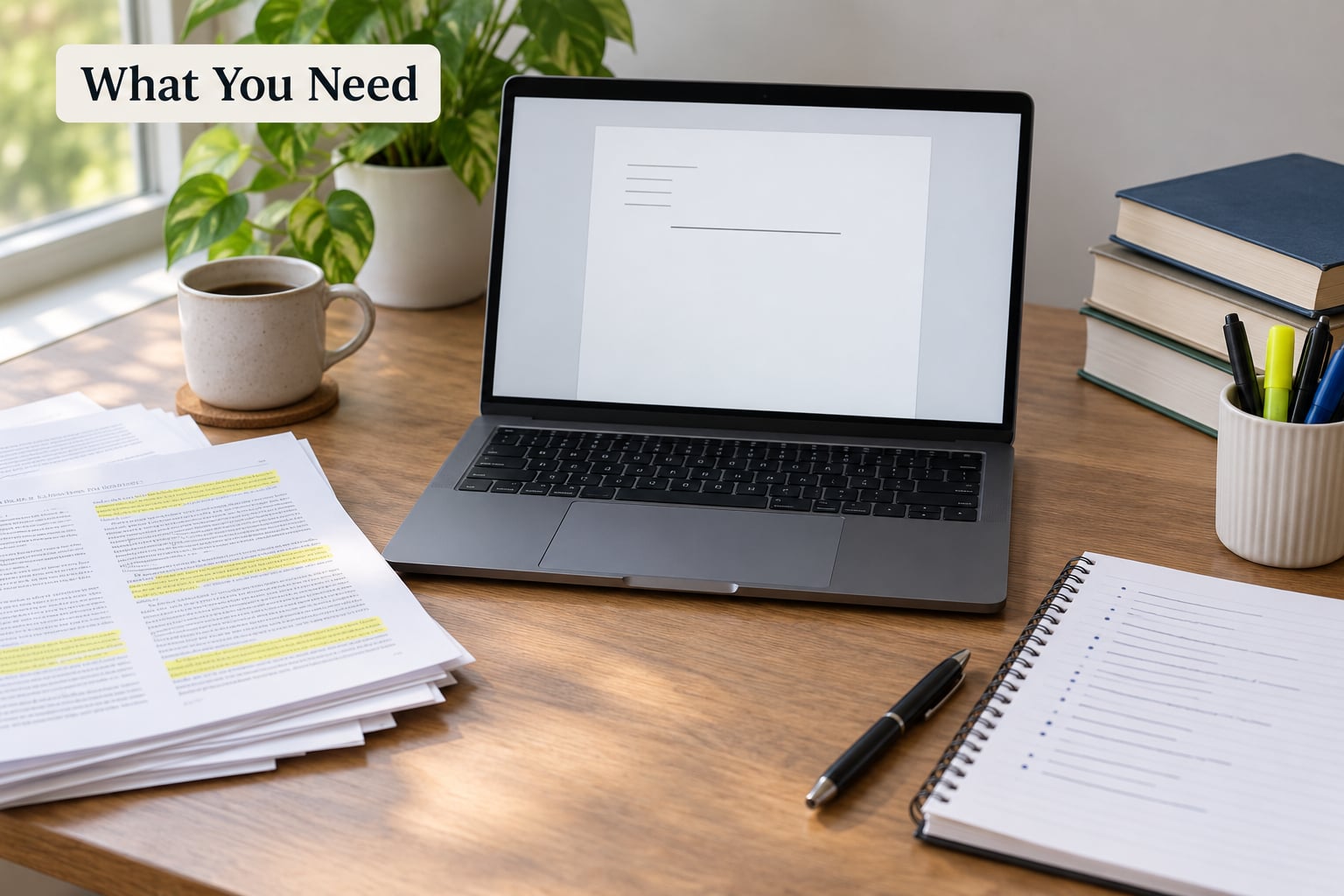
Six things, and you can line them up in under fifteen minutes.
The assignment brief. Paper type, required citation style, word count, deadline, audience and whether sources must be peer reviewed. Every decision after this one depends on it.
A narrowed topic. A topic you can actually source in a week is better than a broad one you cannot finish.
Access to credible sources. Your library database, Google Scholar, and the websites of government or institutional bodies working in your field. Aim for fifteen to thirty usable sources rather than the eighty you will end up opening.
A note method tied to your tool. Decide now that notes live inside the reference manager, not in a separate text file you will forget to reconcile.
A word processor with the plugin. Word, LibreOffice Writer and Google Docs all work with the mainstream managers. If your institution hands you a site licence for a specific tool, use that one.
One tool and one style. Zotero, Mendeley, EndNote and Citavi are the names students actually meet, and Google Scholar has a basic built-in manager. Decide at the start, because migrating a large library later is tedious.
Step-by-Step: How to Write a Research Paper With Citation Tools
1. Read the assignment and choose a manageable topic
Read the rubric before you read a single article. Write the required style on the first line of your notes, because a paper submitted in MLA when the rubric said APA loses marks regardless of the argument.
Then scope the question. Convert a broad subject into something answerable, run a quick search, and check that enough sources exist. If a search returns four relevant results, the question is too narrow or too strange, and you want to know now.
2. Research with credible sources
Work from library databases first, then Google Scholar, then specialist sites. A database result gives you a structured record with a DOI, a stable identifier that always resolves to the same paper, which makes importing clean later.
Judge each source on three things: who published it, when, and whether other researchers in the field cite it. Peer reviewed journal articles and reports from established institutions are your backbone. Blogs and encyclopaedia entries are fine for background, never as evidence for a claim.
Check availability too. A paywalled paper you cannot read cannot be paraphrased, and citing a paper you never opened is the fastest route to a bad viva.
3. Save sources and take organized notes
Install the browser connector for your manager, then save as you search rather than at the end. In Zotero the connector button sits in the browser toolbar, and the same pattern applies elsewhere.
For every source you keep, capture the full citation details: authors, year, article or book title, journal or publisher, volume, issue, pages, DOI and URL. Let the tool pull metadata from the DOI where it can, then open the entry and fix anything it grabbed wrong. Titles arriving in Title Case, authors parsed as organisations instead of people, and missing DOIs are all common, and all easy to fix in the first minute than in the last.
Write notes that carry the evidence, not just the topic. A useful note has three parts: the page or location, the exact idea in your own words, and why you are keeping it. Include two or three short verbatim quotations you might reach for, since hunting through a PDF at 2am is miserable.
File sources into collections or folders by section of your essay rather than by topic alone, and add tags for method, population or argument. This is the direct answer to information overload, the single most common complaint in research forums, and it takes ten seconds per source.
4. Create an outline and connect your evidence
Draft the outline before the prose. Each body section gets one claim, the evidence for it, and the sources that support it. If a section has no sources, either it belongs in the introduction or your research has a hole.
Build in a counterargument section. Reviewers and markers both look for it, and finding the strongest objection against your own thesis is easier while you are still arranging sources than after 15 finished pages.
Decide the shape now: introduction with the gap and your claim, body sections in order of argument strength, counterargument, short conclusion that answers the research question without introducing new material.
5. Draft the paper and cite evidence as you write
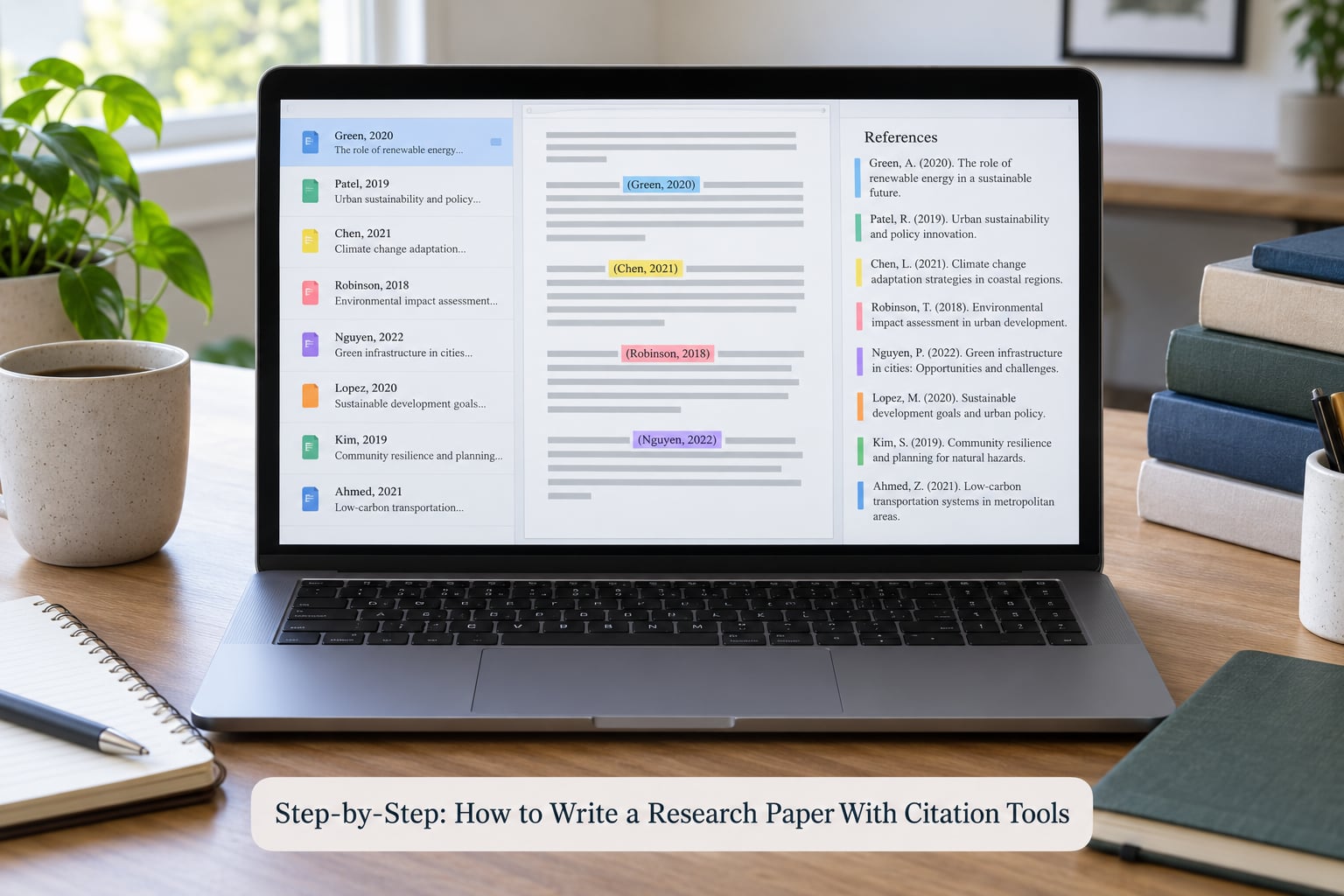
Open the word processor plugin and insert each citation as a live field rather than typing it. In Zotero for Word, the plugin is a ribbon tab with Add/Edit Citation, Add/Edit Bibliography and a Document Preview pane that shows what the reference list will look like.
Three ways to bring a source into your text, and they are not interchangeable. Quote when the wording itself matters. Paraphrase when you want one idea in your own sentences, and you still cite. Summarize when you compress several sources into a claim of your own, and you usually cite several at once.
A direct quotation of 40 words or more in APA 7th becomes a block quotation: no quotation marks, indented, with the citation after the final punctuation. Under 40 words, keep it inside your sentence with quotation marks.
Write the topic sentence, then the evidence, then your interpretation. Students often stack evidence and stop, leaving the reader to work out what it meant. One line of interpretation is what turns a source list into an argument.
How it worked tells you something useful: if you cannot place an in-text citation on a claim, that claim is your opinion rather than your evidence, and it needs rewording or a citation.
6. Build and format the bibliography
The bibliography is a live field too. Insert it once and let the tool regenerate it. Changing the style later takes one click in the plugin, and the entire document, every in-text citation and the reference list, switches together.
That is why field codes beat hand typing. A hand-typed bibliography does not move when you switch from APA to Chicago, and hunting 60 entries by hand is exactly the chore the software exists to remove.
Know the difference between two words people mix up. The reference list lists every source you cited, built from your in-text citations, with hanging indent in APA. A bibliography also lists the works you consulted but did not cite, and some subjects such as history require both.
Match the style to your field. APA 7th and MLA 9th are author and date systems for most social sciences and humanities. IEEE and Vancouver are numbered systems for engineering and medicine, where sources are cited by number in order of first mention.
7. Check accuracy, originality, and presentation
Read through the rendered bibliography, not the manager’s view. Look for entries with missing authors, a page range of 1-12, an odd year or a URL that leads nowhere. Those are metadata problems, not formatting problems.
Click into each in-text citation and confirm it points at the source you meant. Numbered styles renumber automatically when you add or remove a source, and that renumbering is exactly where hand-built references break.
Run a similarity check if your institution requires one, then read the report rather than only the percentage. A high figure usually means unattributed common phrasing, and the fix is more citation and more paraphrase.
Finally, read the paper aloud once. Broken sentence rhythm, missing transitions and padding all show up when you hear them, and you can fix them faster than a spelling checker finds them.
Common Mistakes
Trusting generated citations blindly. Some tools will produce a plausible reference for a source that does not exist. Every entry must resolve to a real document you have opened. Search the title, check the DOI, then cite.
Missing metadata that the tool could not guess. Wrong author order, missing issue numbers and mangled capitalisation are the complaints that come up most in Zotero and Mendeley forums. Fix them in the library, not in the finished document, or they return every time the field refreshes.
Typing in-text citations by hand. Hand-typed citations do not update, do not reorder and cannot switch style. If it looks like plain text rather than a shaded field, it is the wrong kind of citation.
Overquoting. Long verbatim passages signal that you have not engaged with the source. Paraphrase in your own voice and keep direct quotes for language you genuinely need.
Mixing two styles. Half your references in APA and half in MLA is a copy and paste error, not a style choice. Pick one in the plugin and regenerate.
Ignoring sync problems. Users report items duplicating or disappearing across devices when sync conflicts go unresolved, particularly on multi-year PhD projects. Sync your library regularly, and keep a periodic export as a backup. Zotero is open source and exports openly, which is a large part of why researchers trust it with a thesis.
Saving nothing at all. If the browser connector seems dead, the icon is often missing from the toolbar or the page is a PDF viewer the connector cannot read. Search the article title inside your library instead, and add it by hand.
Collecting without organising. A folder of 200 untagged PDFs is the same as no library. Tag as you save, because searching later costs far more than tagging now.
Citing AI output as if it were research. Generative tools are not citable sources in most journals, and universities increasingly ask you to declare their use. Where they are permitted, follow your institution’s rules, describe the prompt and date, and never present generated text as a finding. Cite the underlying published sources the model drew on instead, because those you can actually read.
Frequently Asked Questions
Is there a free APA citation generator available?
Yes, and the best free option is a full reference manager rather than a one-off generator. Zotero is free and open source with no storage cap, and its plugins build APA 7th references automatically. Mendeley also has a free tier with room for 2GB of attachment storage. One-off generators are fine for a single citation, but you re-type the details into your reference list yourself, so they save nothing on a full paper.
Do I need a citation tool if I only use a few sources?
If you are writing under about 800 words and citing fewer than six sources, you can hand-cite and get the same result. Learn the style rules first, because they apply either way. Once you pass that point, or if you may switch styles or share sources with co-authors, the tool pays for itself in time alone.
How do I place an in-text citation correctly in APA?
Put the citation at the end of the sentence or clause it supports, after the punctuation. Use author and year for a paraphrase, author, year and page for a direct quotation. For three or more sources in one sentence, list them alphabetically in one set of parentheses separated by semicolons. Cite the source in your sentence, not in a citation dumped at the end of the paragraph.
Why does Zotero keep crashing or stop working?
Usually the Word plugin rather than the library itself. Closing the document and restarting Word clears a stuck plugin, and reinstalling the connector in the browser fixes saving problems. Zotero also supports going offline, which helps when it stalls waiting for a sync connection. If your library looks wrong, check for sync conflicts before editing anything, and export a backup first.
Why isn’t saving to Zotero working?
Most often the browser connector cannot read the page, which happens on PDF viewers and some library databases that sit behind a proxy. Search the article title inside Zotero and add it manually, or use the manager’s database lookup. A storage limit or a full library can also block attachment saving. Test with one plain web page first to see whether the connector is installed correctly at all.
Is it allowed to cite ChatGPT or other AI tools in academic work?
It depends on your institution or journal, and the honest answer is that most undergraduate policies do not permit it as evidence. Where use is allowed, declare it and describe the tool, the version and the date you used it. Never present generated text as a finding or a source. For the substance of your argument, cite the published research instead, since that is what a marker can check.
Conclusion
Knowing how to write a research paper with citation tools comes down to three habits: capture every source into the manager as you find it, insert citations as live fields while you draft, and verify each one before you submit. The tool handles formatting, never evidence.
Start today with three things. Read the rubric and write down the required style, install one reference manager and its browser connector, then save ten sources and fix their metadata. Outline the paper once those ten are clean, and the rest of the draft writes itself faster than you expect.