Yes, you can replace a rented modem with your own, and most cable providers let you do it in about an hour. Find a modem on your internet provider’s approved list, connect the coax line, activate the modem online or by phone, then return the rental box before the deadline so the monthly charge stops. Fiber and 5G home internet are different, since both need provider hardware you cannot swap.
The main risk is buying a modem the provider will not provision. That is why step one below is checking the compatibility list, not shopping.
Table of Contents
- 1What You Need
- 2Step-by-Step: How to Replace a Rented Modem With Your Own
- 3How to Replace a Rented Modem With Your Own: Check ISP Compatibility First
- 4Disconnect the Rented Modem Safely
- 5Connect the Replacement Modem
- 6Activate the Modem Online or by Phone
- 7Choose the Right Network and Security Settings
- 8Test the Internet and All Devices
- 9Common Mistakes and Quick Fixes
- 10When to Ask the ISP for Help
- 11Frequently Asked Questions
- 12Can I use my own modem instead of the one rented by my internet provider?
- 13Do I have to return a rented modem after buying my own?
- 14Can I connect a separate Wi-Fi router to my own cable modem?
- 15Will buying my own modem make my internet faster?
- 16Can I replace a rented modem if my service uses fiber?
- 17How much can I save by using my own modem?
- 18Conclusion
What You Need
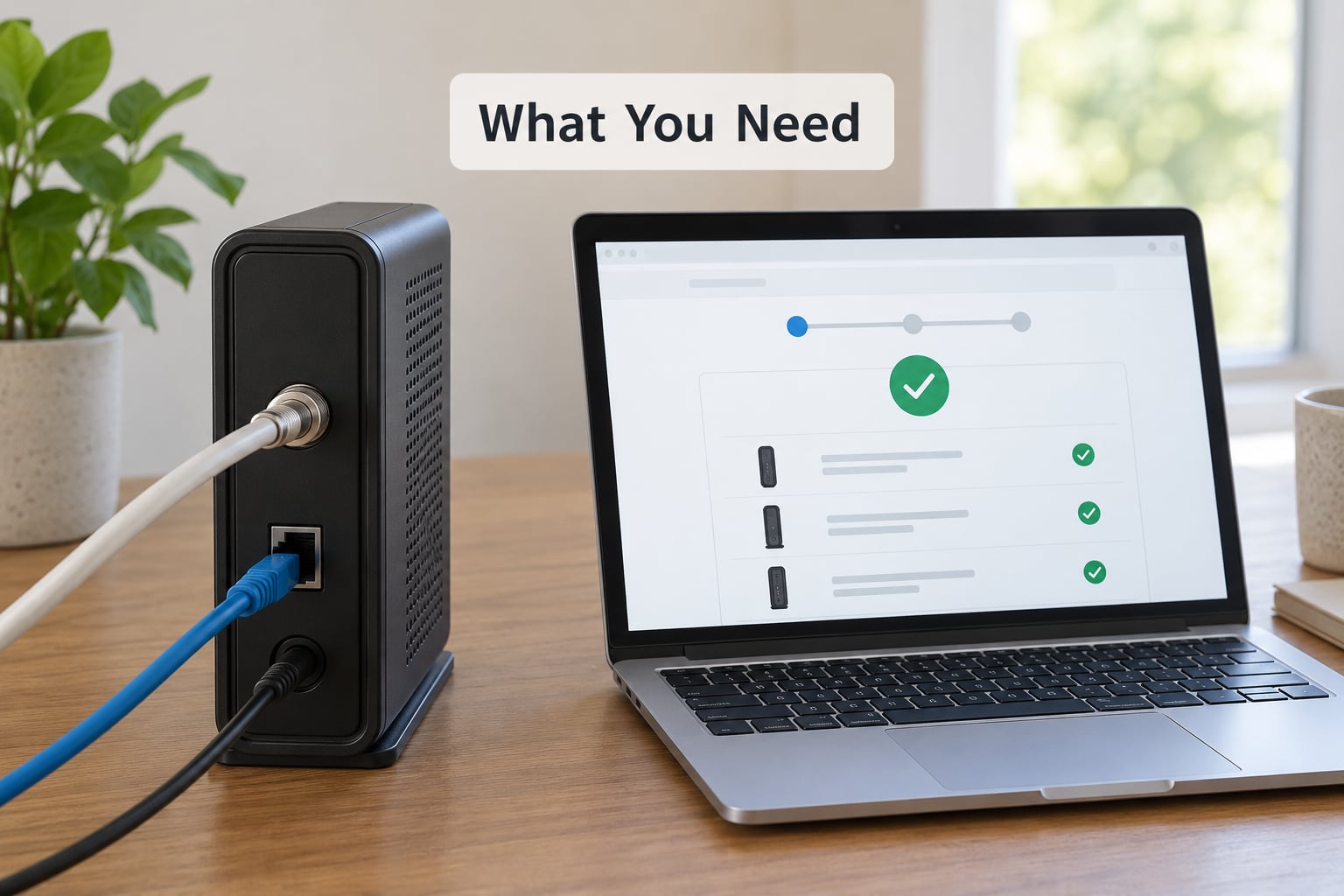
Gather these before you unplug anything. It saves the annoying middle of a swap where you are half-connected and missing a cable.
- A compatible replacement modem. Confirm the exact model sits on your provider’s approved-device list for your service type and speed tier.
- The coax cable already in the wall, or a new one if you are unsure. For DSL-style telephone line service, you need the phone jack and a filter instead.
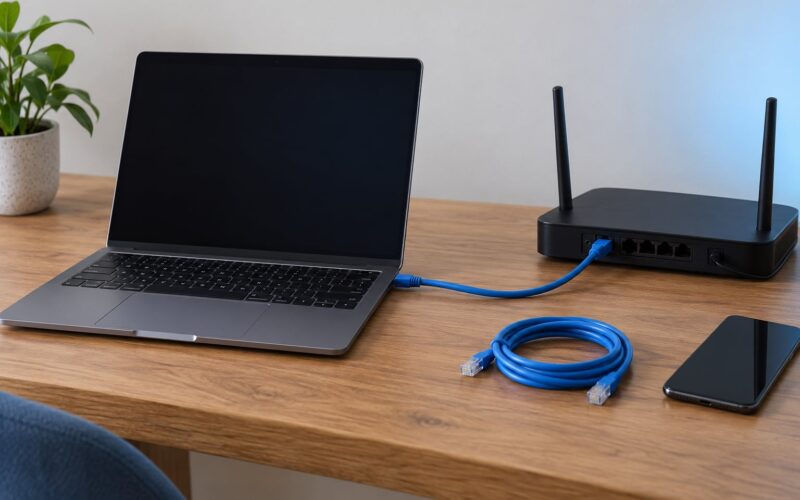
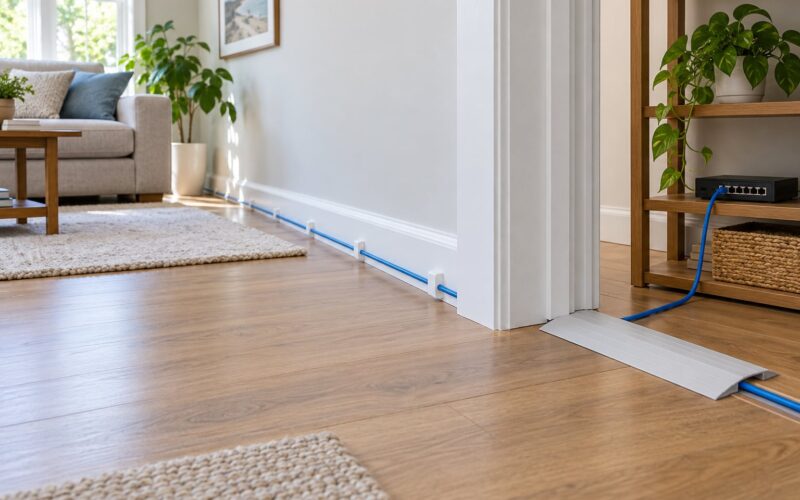
- An Ethernet cable to link the modem to a computer or router.
- A computer, tablet, or phone on Wi-Fi or Ethernet for the admin page and activation.
- Your ISP account details: service address, account number or login, and the activation line printed on the bill.
- Paper and a phone camera to record the existing cabling and every serial number and MAC address before you start.
Also check whether the provider even charges you. Some plans include a modem at no added monthly cost, and in that case owning one saves you nothing but paperwork.
Step-by-Step: How to Replace a Rented Modem With Your Own
How to Replace a Rented Modem With Your Own: Check ISP Compatibility First
Open your provider’s website and look for the approved modem or equipment list, usually buried under support, internet equipment, or self-install. Cable providers list approved models by DOCSIS generation: DOCSIS 3.1 models handle gigabit tiers, DOCSIS 3.0 models top out well below that. A 3.1 modem will usually run a slower plan just fine, but the reverse is not true.
Note whether the list separates internet-only modems from voice-capable ones. If you keep a landline through the cable company, you need a modem with eMTA or voice support listed, which narrows your choices sharply.
Independent purchases fail for a plain reason: the provider only issues network configuration, or bootfile, to hardware it recognizes. A modem that never receives that file will sit with lights blinking and never go online. People on the Comcast business forum describe support checking the serial number in their database and rewriting the bootfile on the account, a process that can take a while to sort out.
If your service is fiber, stop here. Verizon FiOS and AT&T Fiber terminate at an optical network terminal, or ONT, that converts light into Ethernet. You can plug a router into the ONT’s LAN port, but the ONT itself is not a customer-owned device.
Success check: the model number you are about to buy appears verbatim on the provider’s list, including the voice designation if you need phone service.
Disconnect the Rented Modem Safely
Photograph every cable before touching it, then write down the serial number and MAC address sticker of the rental unit. Those numbers go on the return label later, and providers refuse equipment that arrives without them legible.
Power the modem down first and wait about 30 seconds for the lights to settle. Then unplug the power adapter, followed by the Ethernet cables, and the coax or phone line last. Reverse that order when you set up the new unit.
Do not disconnect the cable coming into your home from the street, and leave any ONT or outdoor 5G unit alone. Those belong to the provider and removing them means a technician visit.
Success check: the coax outlet connector is finger-tight and no splitter is in the path unless another device in the house needs one. An unnecessary splitter costs you signal and is one of the two most common self-install mistakes.
Connect the Replacement Modem
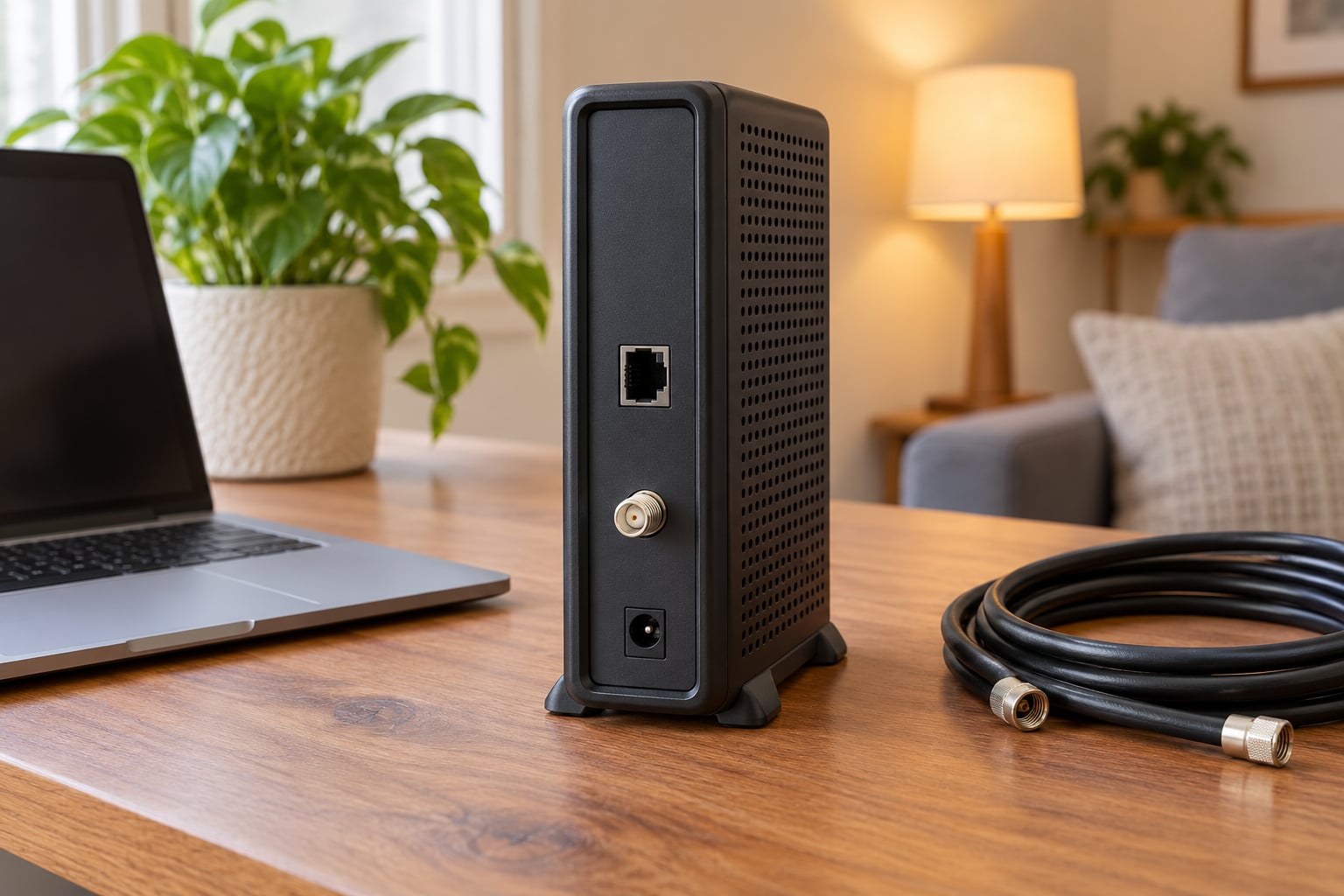
Run the coax cable from the wall outlet to the modem’s RF or coax port and hand-tighten both connectors. Most cable modems have no other video input, so this is the one connection that matters.
For telephone line service, connect the phone line to the DSL or phone port and skip the coax entirely. Plug the power adapter into the modem and the wall, but keep your computer unplugged from the internet for the moment so the first boot is clean.
Once the power light settles, connect an Ethernet cable from a LAN port on the modem to a computer, or connect by Wi-Fi using the network name and password printed on the modem’s sticker. That sticker password is public knowledge, so change it before you go further.
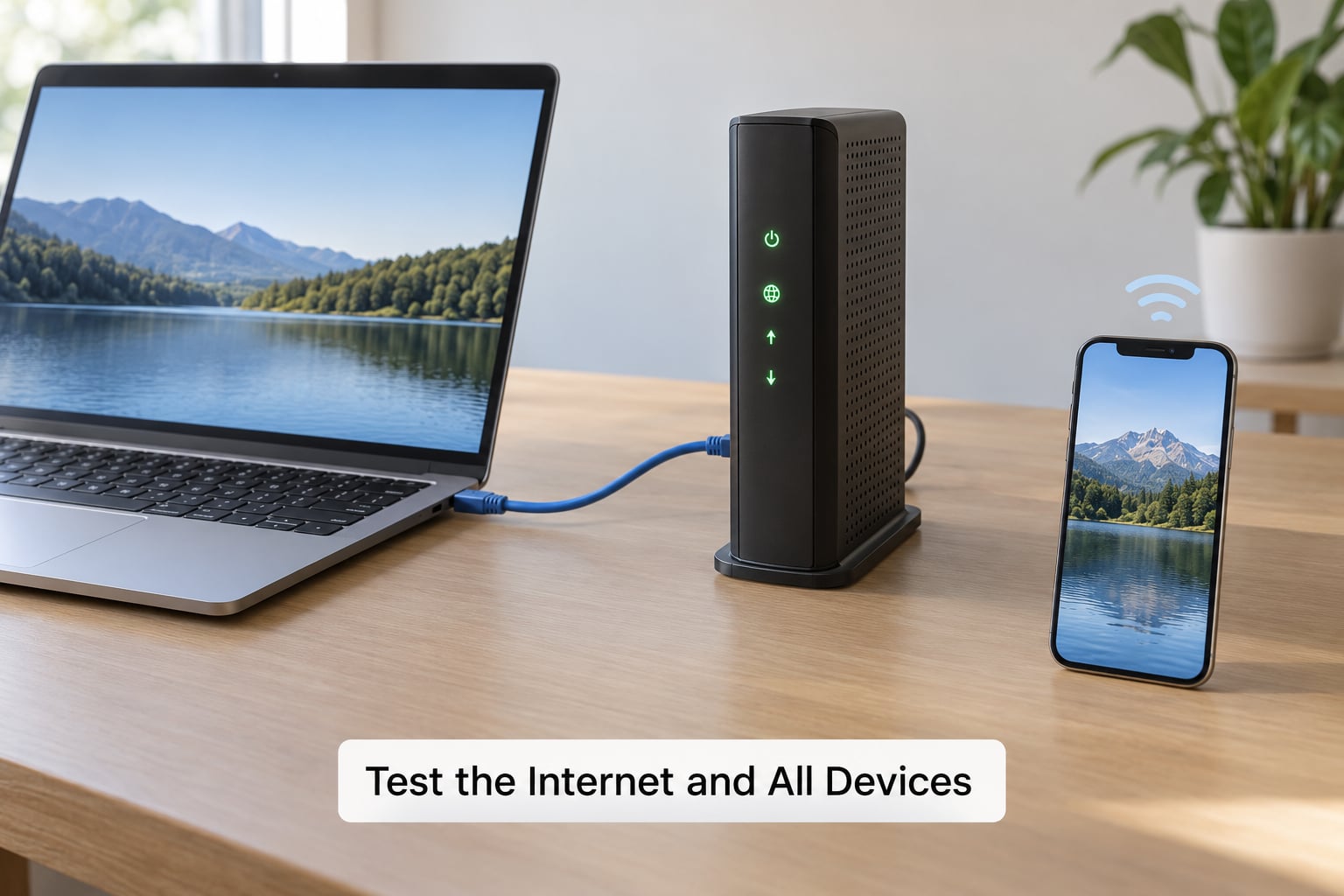
Watch the lights for the first two minutes. A power light, a downstream or signal light, and an upstream or online light is normal for a cold boot. Statuses differ by brand, so read the quick-start guide rather than guessing from a photo.
Success check: the online or Internet light is solid rather than blinking after a full power cycle.
Activate the Modem Online or by Phone
Activation tells the provider which device to put on your account. Cable providers use the CM MAC address, printed on the modem’s bottom label, as the identifying value. Find it before you start typing, because a mistyped digit stalls the whole thing.
The usual routes are the provider’s activation web page, the provider’s mobile app, or the phone number printed on your bill. Cable providers generally want the service address, the CM MAC, and sometimes the serial number. Support will match the modem against the approved list, push the bootfile, and confirm the account moved from rental gear to your equipment.
Some providers run a different flow for gateway-only accounts, where the rental unit is a router rather than a plain modem. Fiber customers activate the ONT on the provider side and usually never see an activation page at all.
Expect ten to twenty-five minutes of registration. Do not power-cycle, reset, or unplug the modem while the online light is cycling. Timed self-install guides put the average around half an hour with an existing outlet, longer when a new one has to be located and activated.
Success check: the provider’s account page or app shows your own modem as the active device, and the online light turns solid.
Choose the Right Network and Security Settings
Log into the modem’s admin page by typing its local address into a browser. Common addresses are 192.168.100.1, 192.168.1.1, or 10.0.0.1, and the quick-start guide lists yours. Cable modems need no cloud login, though the site may warn that a browser is incompatible with the old page design.
Change the default administrator username and password before anything else. Factory credentials are identical on every unit of that model, so anyone who can reach your Wi-Fi can reach your settings.
Set the Wi-Fi network name and a strong password, pick WPA2 or WPA3 if the hardware supports it, and leave WPS off. Disable remote administration and any cloud management you did not choose deliberately. Check for a firmware update and install it, since unpatched router firmware is one of the most common entry points for home network attacks.
Success check: the admin page no longer accepts the factory password, and the Wi-Fi password you set is what your devices use.
Test the Internet and All Devices
Confirm activation in the provider’s app or account page first, then run a speed test. Compare the result with your plan tier, not with the modem’s advertised maximum. A gigabit modem on a 300 Mbps plan cannot deliver more than the line provides, and provider speed tiers often cap lower during busy hours.
Test Ethernet and Wi-Fi separately. A wired test that hits your plan speed while a wireless test does not points at the modem’s Wi-Fi, not at the line. Then reconnect the devices that matter: streaming boxes, printers, cameras, game consoles, and anything that streams television.
Keep the rental gateway plugged in and powered somewhere harmless for 48 hours. If you are waiting on a technician or the modem misbehaves, you can be back online in minutes instead of an afternoon.
Success check: a wired test lands within roughly 80 percent of your plan tier, every device reconnects on its own, and nothing is asking you to call the provider.
Common Mistakes and Quick Fixes
Online light is solid but nothing loads. Some modems come from the factory in bridge mode and need routing turned on, or the previous owner’s router mode settings need clearing. A quick factory reset followed by reactivation usually fixes it, and it costs you an hour of waiting through registration again.
No internet at all, lights stuck. Check that the coax connector is snug at both ends, remove any splitter you added, and power-cycle once. If the upstream light never comes up, the problem is usually signal, not settings.
Activation keeps failing. Confirm the CM MAC digit by digit, make sure the model is on the approved list, and avoid rebooting during the registration window. Business-class accounts with a static IP or static subnet are a genuine exception: providers commonly restrict customer-owned hardware on those plans.
Slower than expected. Compare a wired test against a wireless one, and run the wired test on a computer rather than a phone. Then check whether anyone else is streaming at the same moment.
Television channels missing. Adding your own modem often means adding a separate set-top box or a tuning adapter for the television service, because rental gateways bundle that piece. Ask the provider whether your new modem supports the television service on your plan at all.
The modem reboots on a loop. Firmware mismatches and power supply weakness both do this. Update the firmware, and swap the included adapter for a known-good one before blaming the hardware.
When to Ask the ISP for Help
Some failures are yours to fix and some are not. Call the provider when the line itself is dead, when the modem is on the approved list but never completes registration, or when your account shows no active equipment.
Their side of the wall covers damaged outside coax, a splitter or tap that needs a technician, an ONT or 5G unit they own outright, a blocked or already-registered MAC address, and business-class service tied to a static IP. They also handle provisioning a bootfile your modem’s model does not ship with.
Your side covers cabling, admin passwords, Wi-Fi security, and which device is plugged into which port. When you call, have the CM MAC, serial number, and a photo of the modem’s lights ready. It turns a twenty-minute call into a three-minute one.
Frequently Asked Questions
Can I use my own modem instead of the one rented by my internet provider?
On cable service, usually yes. Providers are required to support customer-owned equipment that appears on their approved list, and most publish that list with the model numbers, DOCSIS generation, and whether voice is supported. On fiber and 5G home internet, the provider supplies the equipment that connects to their network, so the modem itself is not swappable.
Do I have to return a rented modem after buying my own?
Yes, and this is the step people skip. If you keep the rental unit, the monthly equipment charge keeps appearing on your bill. Most providers give a return deadline measured in weeks and attach a prepaid shipping label. Photograph the serial number before packing it, and send it only after your own modem has run reliably for a couple of days.
Can I connect a separate Wi-Fi router to my own cable modem?
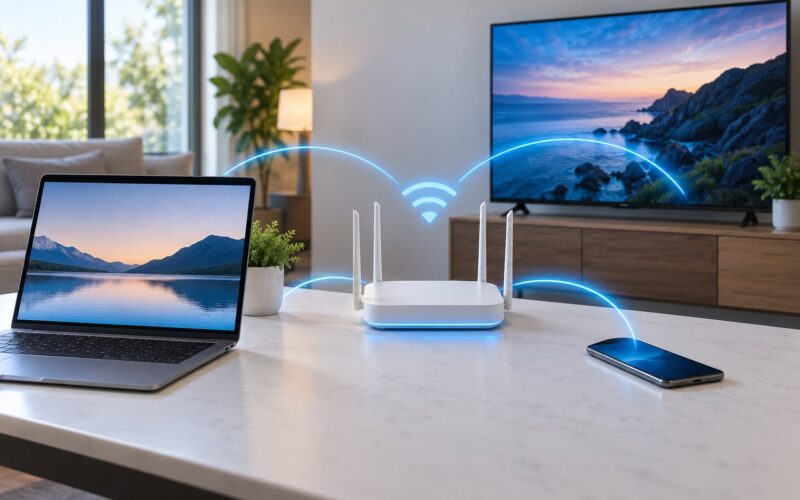
Yes, and it is the setup most people in home networking forums prefer. Connect the router’s WAN or Internet port to a LAN port on the modem with an Ethernet cable, then let the router handle DHCP, Wi-Fi, and parental controls. Put the modem in bridge mode if you can, since leaving it in router mode creates double NAT and can break VPNs, games, and port forwarding.
Will buying my own modem make my internet faster?
Only occasionally. The modem’s maximum speed is a ceiling, not a promise, and the limit on your line is your plan tier and the signal arriving at your outlet. A newer DOCSIS 3.1 unit can help on older plant or a noisy line. If your plan tops out well below what the modem supports, the modem was never the bottleneck.
Can I replace a rented modem if my service uses fiber?
No, not the fiber terminal itself. Fiber service ends at an optical network terminal that the provider installs and owns, usually mounted indoors or on the wall near where your old coax would enter. You can plug your own router into that terminal’s Ethernet port. For 5G home internet, the indoor or outdoor unit belongs to the carrier for the same reason.
How much can I save by using my own modem?
It depends entirely on your rental charge and how long you keep the service. Cable equipment rentals commonly sit in the low double digits per month, while a capable cable modem is a one-time purchase that lasts several years, so the balance usually tips in your favor within about a year. If your plan includes equipment at no added charge, the savings disappear and the swap buys you control, not money.
Conclusion
Start with the approved list, not the store page. Confirm the exact model is listed for your service type, your speed tier, and phone service if you keep a landline. Everything after that is cabling, activation, testing, and returning the old unit on time.
Your closing checklist: model verified on the compatibility list, cables photographed, coax connected and finger-tight, CM MAC ready for activation, admin password changed, wired and wireless tests both run, devices reconnected, and the rental gateway returned with its serial number still legible.