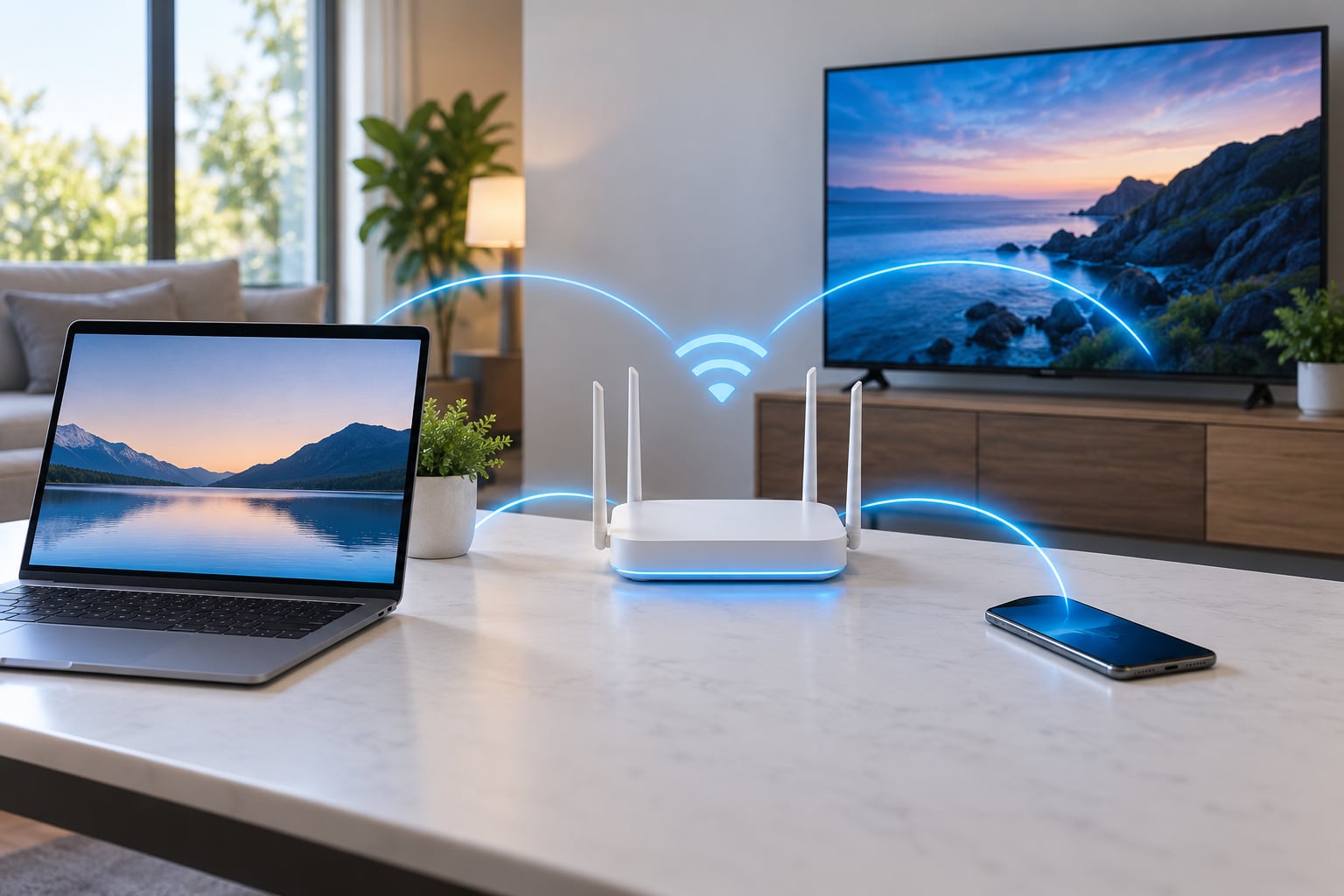
Wi-Fi 6 is the consumer name for the IEEE 802.11ax standard, and the biggest change it makes in a home is not a faster peak speed. It is how a router behaves when twenty or thirty devices are all connected at once, keeping speeds steady and latency low instead of letting a few devices hog the air. If you want to know what wifi 6 actually changes for home users day to day, the honest answer is: throughput under load, congestion handling, and encryption. It does not change how far your signal travels through brick.
That distinction matters because most disappointment with new routers comes from buying a faster standard and expecting a faster internet connection. Your plan sets the ceiling. The radio sets the last hop between your device and the box in the hall cupboard, and that is the part Wi-Fi 6 upgrades.
Table of Contents
- 1What Does Wi-Fi 6 Actually Change?
- 2It holds speed up when many devices are online
- 3It lowers latency when the network is busy
- 4It reduces interference in crowded buildings
- 5It adds WPA3 encryption
- 6It wakes battery-powered devices less often
- 7How Fast Is Wi-Fi 6 in a Real Home?
- 8How Does Wi-Fi 6 Improve Range and Reliability?
- 9What Wi-Fi 6 Changes for Crowded Households
- 10Which Devices and Routers Support Wi-Fi 6?
- 11Do You Need to Upgrade Your Home Wi-Fi?
- 12Frequently Asked Questions
- 13Does Wi-Fi 6 go through walls better than Wi-Fi 5?
- 14Is upgrading to Wi-Fi 6 worth it?
- 15Is Wi-Fi 6E worth it over Wi-Fi 6?
- 16Is Wi-Fi 5 outdated?
- 17Do all my devices need to be Wi-Fi 6?
- 18What are the downsides of Wi-Fi 6?
- 19Conclusion: Start With a Network Test
What Does Wi-Fi 6 Actually Change?
Five things change in a real home, and none of them are the headline number on the box.
It holds speed up when many devices are online
This is the real reason to care. A typical house now carries 30 to 80 connected clients: phones, laptops, four to six streaming boxes, cameras, doorbells, bulbs, speakers, a printer, watches. Most are idle but still attached, and on older hardware those idle clients repeatedly interrupt the ones trying to stream or upload.
It lowers latency when the network is busy
Latency under load is what makes video calls stutter and cloud gaming feel mushy. Spreading transmissions across smaller pieces and scheduling them more fairly smooths out the queues. Idle latency, the number you see when nothing else is happening, usually barely moves.
It reduces interference in crowded buildings
Apartment blocks and condos are full of routers shouting on the same channels. A feature called BSS coloring lets neighbouring networks share a channel and tells access points which signals are not theirs to decode. Treated as noise, they mostly are not.
It adds WPA3 encryption
WPA3 is the current generation of Wi-Fi security and resists password-guessing attacks that WPA2 is vulnerable to. It is the most visible change to anyone who cares about a home network, and the only one with a downside worth reading further down.
It wakes battery-powered devices less often
Target Wake Time lets a sensor or bulb sleep for a scheduled window instead of checking in constantly. Reviews of smart-home gear report longer battery life on Wi-Fi 6 hardware, though how much depends entirely on the device.
How Fast Is Wi-Fi 6 in a Real Home?
Advertised numbers describe a theoretical maximum under perfect conditions with the right channel width and multiple streams. Almost nobody at home hits those, so here is the honest ladder.
| Standard | Max theoretical rate | Typical phone or laptop link rate | Realistic home throughput |
|---|---|---|---|
| Wi-Fi 5 (802.11ac) | 6.9 Gbps | 433 to 866 Mbps | 300 to 600 Mbps |
| Wi-Fi 6 (802.11ax) | 9.6 Gbps | 600 to 1200 Mbps | 500 to 900 Mbps |
| Wi-Fi 6E (802.11ax on 6 GHz) | 9.6 Gbps | 1200 Mbps and up on 6 GHz | 700 to 1400 Mbps near the router |
| Wi-Fi 7 (802.11be) | 46 Gbps | Not yet common in homes | First-wave hardware lands in roughly the same range as 6E for most people |
A 30-day comparison published on Medium put a plain Wi-Fi 6 setup at roughly 420 to 450 Mbps, with the writer noting it was not dramatic but it was consistent. PCWorld’s home testing with a Wi-Fi 6 mesh system reported jumps from about 200 Mbps to 500 to 600 Mbps in a home office and from 20 Mbps to around 100 Mbps out on the porch.
Two rules explain most of the gap between those numbers and the box.
First, your internet plan caps everything. A 300 Mbps fibre line cannot deliver 900 Mbps to a laptop no matter what the router can do. The number a speed test shows is the smaller of your plan speed and your wireless link, minus the overhead of Wi-Fi itself.
Second, Wi-Fi 5 clients get faster too. A phone that only supports 802.11ac still negotiates a better link with a Wi-Fi 6 router in a lot of homes, because the newer radio handles the channel more efficiently and a 2×2 client on a 4×4 router benefits from the extra streams. This is the least advertised benefit of upgrading.
How Does Wi-Fi 6 Improve Range and Reliability?
Reliability improves. Raw range does not. A 5 GHz signal loses strength against brick, plasterboard, foil-backed insulation and metal exactly the same in 802.11ax as in 802.11ac, because the physics has not changed.
What changes is the handling of weak signals and shared channels. Beamforming narrows the radio’s focus toward specific devices rather than spraying energy everywhere, which gains a few decibels at the edges of coverage. OFDMA and uplink MU-MIMO let the router talk to several devices within the same transmission window, so a device sitting far away with a weak signal no longer has to win a queue against a strong one nearby. BSS coloring cuts the noise floor in dense areas.
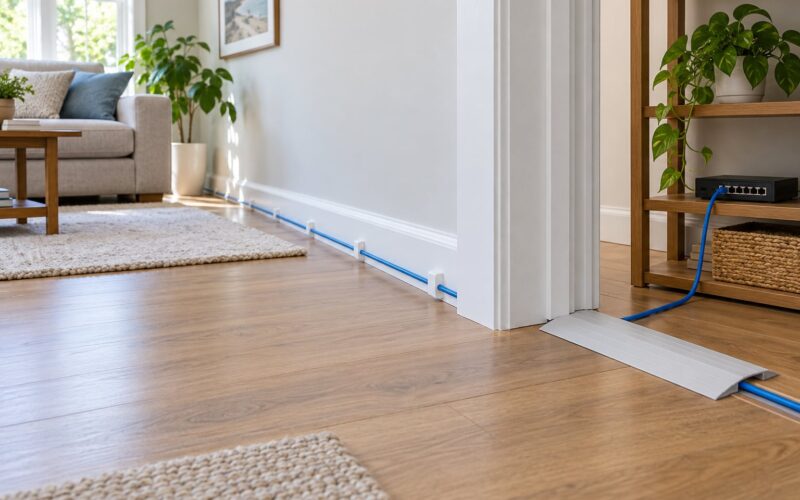
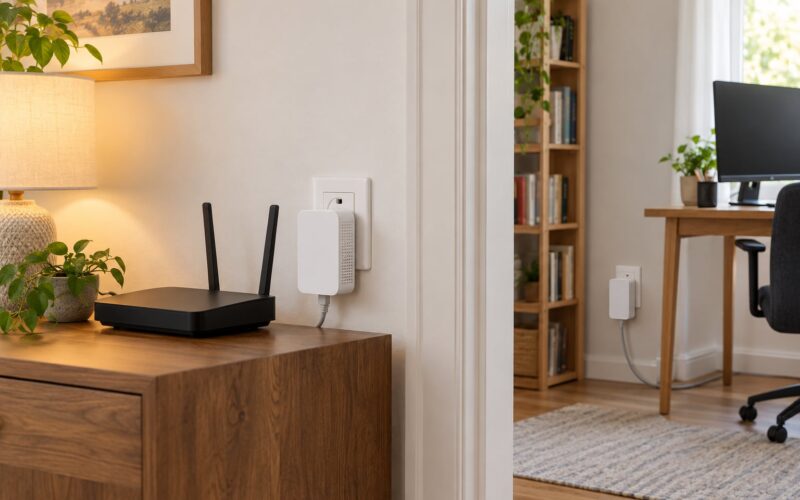
Multi-storey homes with concrete and steel do need help, and Wi-Fi 6 will not supply it on its own. A mesh system or a second access point placed halfway up the stairs fixes dead zones better than any standard change. Reviewers on r/HomeNetworking make the same point repeatedly: a Wi-Fi 6 router in the wrong spot performs like a Wi-Fi 5 router in the wrong spot.
What Wi-Fi 6 Changes for Crowded Households
Busy networks are where the new standard earns its place. Homes on fibre with four people streaming in different rooms, or buildings where every neighbour is on the same 2.4 GHz channels, see the clearest gains.
The 2.4 GHz band deserves specific mention because it is where most smart-home devices live. It reaches further and punches through walls better than 5 GHz, and it is usually crowded. In dense neighbourhoods, OFDMA and BSS coloring make meaningful differences here because bulbs and sensors are numerous, low-bandwidth and permanently connected. Routing them onto a separate 2.4 GHz SSID is still sensible, and most quality routers now let you do that split on the same box.
One genuine warning belongs in this section. WPA3 support arrives by default, and a mixed WPA2/WPA3 mode still trips up older smart-home and legacy devices. On synoforum, users running an RT6600AX reported authentication failures and performance drops until they switched the network back to WPA2-only. The same pattern shows up on r/smarthome. If you have a mixed bag of hardware, check whether the router offers a WPA2/WPA3 mixed mode, and only enable full WPA3 once everything connects reliably.
Which Devices and Routers Support Wi-Fi 6?
Support arrived in waves, and the answer in 2026 is that most current hardware has it while plenty of what you already own does not.
Flagship phones from roughly 2019 onward generally include Wi-Fi 6, and laptops from the same period increasingly do as well. Smart TVs, streaming sticks, game consoles and smart-home gear are mixed: newer flagships support it, budget models frequently do not, and the doorbells and bulbs already installed in your house almost certainly do not.
Compatibility is the easy part. Every Wi-Fi 6 router speaks 802.11n, 802.11ac and the older standards, so an old client connects and works normally. It simply gets Wi-Fi 6 behaviour only when a Wi-Fi 6 client is on the other end.
Checking a device is straightforward. On Windows, run netsh wlan show interfaces and read the radio type line. On macOS, Option-click the Wi-Fi icon in the menu bar to reveal the current channel mode and channel width. On Android, Wi-Fi settings under Advanced or Wi-Fi properties lists the standard in use, and recent iPhones list the mode in Settings under Wi-Fi details. On a router, the specification sheet is the most reliable source, and the wording to look for is 802.11ax or AX Wi-Fi.
Wi-Fi 6E and Wi-Fi 7 both remain backward compatible as well, so buying a newer generation is not a gamble on your existing gear.
Do You Need to Upgrade Your Home Wi-Fi?
Upgrade when at least one of these is true.
- Your router came with the internet provider or is more than about four years old.
- Your wireless speed test is far below your plan speed, while a wired test at the same moment is fine.
- Four or more people use the network at the same time, or the household has 30 or more connected devices.
- You are in a flat or condo where neighbouring networks crowd the air.
- You are on gigabit or faster and your current hardware cannot feed it.
- You want WPA3 support or better control over bands and channels for IoT gear.
Do not upgrade when your plan is 100 Mbps or less in a small home with a handful of devices. People in that situation consistently report that the router was never the bottleneck. The same applies if the problem is a single dead room; fix coverage with placement, a second access point or mesh, not a new standard.
Before you buy, run five checks. Test wired speed directly at the router. Test wireless speed in the room where the signal is worst, not next to the box. Note the time of day, since evening congestion is the tell for a saturated neighbourhood. Count connected clients in the router’s admin page. And check whether the current router is simply in a bad spot, because a better unit in the same spot performs the same.
Frequently Asked Questions
Does Wi-Fi 6 go through walls better than Wi-Fi 5?
No. A 5 GHz signal loses strength against brick, plasterboard and metal the same way in 802.11ax as in 802.11ac, because the physics is unchanged. What improves is signal handling at the edges: beamforming aims radio energy at specific devices, and OFDMA lets weak devices transmit without queueing behind strong ones. For dead rooms in a multi-storey home, add a mesh node or a second access point rather than expecting a new standard to do it.
Is upgrading to Wi-Fi 6 worth it?
Usually yes in device-heavy homes, crowded flats, and on gigabit plans. Rarely in a small home on a plan of 100 Mbps or less, where the internet connection rather than the router is the limit. A quick check settles it: compare a wired speed test with a wireless test in your worst room. If wired is fast and wireless is not, the radio is the problem and Wi-Fi 6 is a reasonable fix.
Is Wi-Fi 6E worth it over Wi-Fi 6?
Wi-Fi 6E adds the 6 GHz band, which offers around 1,200 MHz of new spectrum and room for seven additional 160 MHz channels. In most homes today the benefit is modest, because few client devices support 6 GHz and the band does not travel as far as 5 GHz. It makes sense if you already have several Wi-Fi 6E phones or laptops and live in a dense building. Otherwise plain Wi-Fi 6 delivers nearly all of the practical gain.
Is Wi-Fi 5 outdated?
Not functionally. Every Wi-Fi 6 router still supports 802.11ac and older clients, and an older phone or laptop will connect and work normally, just without Wi-Fi 6 behaviour. The case for replacing a Wi-Fi 5 router is age, not obsolescence: units bought before about 2018 typically lack WPA3, have weak processors, and no longer receive firmware updates that patch security problems.
Do all my devices need to be Wi-Fi 6?
No, and that is fine. Compatibility runs in both directions, so a Wi-Fi 6 router works with every older client, and those clients still gain some throughput from the newer radio handling the channel better. You get Wi-Fi 6 benefits like OFDMA scheduling once a few modern devices join the network. In a mixed household, put the handful of Wi-Fi 6 devices on the 5 GHz band and keep older gear on 2.4 GHz.
What are the downsides of Wi-Fi 6?
The main drawbacks are compatibility and cost rather than performance. WPA3 breaks some older smart-home and legacy IoT gear unless you use WPA2/WPA3 mixed mode, and some mesh systems hide the manual per-band channel controls that IoT-heavy homes need. Wi-Fi 6 hardware also costs more than the Wi-Fi 5 models it replaces, and its speed gains disappear quickly behind a slower internet plan.
Conclusion: Start With a Network Test
Wi-Fi 6 changes how a home network behaves when it is busy, not how far it reaches. The wins are steadier speeds across many devices, lower latency under load, cleaner operation in crowded buildings, and WPA3 support. The non-wins are wall penetration, and any improvement beyond your internet plan’s ceiling.
Before spending anything, run a wired speed test at the router, a wireless test in the room that frustrates you most, and a check of how many clients are connected. Those three numbers tell you whether the radio is actually the problem. If it is, Wi-Fi 6 is a sensible upgrade. If the wired test is slow too, the router is not your bottleneck and a new standard will not change what wifi 6 delivers to your home.