If you have never worked out how to sell old electronics safely, the answer is short. Back up what you want to keep, unlink every account, run a proper data wipe, document the device’s real condition, then list and ship it with tracking. Most of the work happens before anyone sees the listing.
That prep takes 30 to 60 minutes for a phone and closer to an hour for a laptop with a hard drive. Skip it and a stranger gets your saved passwords, your photos, and possibly access to your email account.
Updated for October 2026. Menu paths below are for current versions of iOS, Android, Windows 11 and macOS; the wording shifts slightly between releases and manufacturers, so look for the same setting under a nearby name if a label has moved.
Table of Contents
- 1How to Sell Old Electronics Safely: What You Need
- 2Access to every account on the device
- 3Backup space
- 4Erase tools
- 5Identification details
- 6Packing materials
- 7Cables and small parts
- 8Seller details
- 9Step-by-Step
- 10How to Back Up and Erase Sensitive Data
- 11How to Check the Device’s Condition and Identify It
- 12How to Price and List Old Electronics Safely
- 13How to Pack the Item for Safe Delivery
- 14How to Avoid Scams and Protect the Transaction
- 15Common Mistakes
- 16Frequently Asked Questions
- 17How do I sell an old phone without giving away my personal information?
- 18Should I factory-reset an electronic device before selling it?
- 19Is shipping insurance worth it when selling used electronics?
- 20What should I do with an old device that will not turn on?
- 21How much should I charge for used electronics?
- 22Conclusion
How to Sell Old Electronics Safely: What You Need
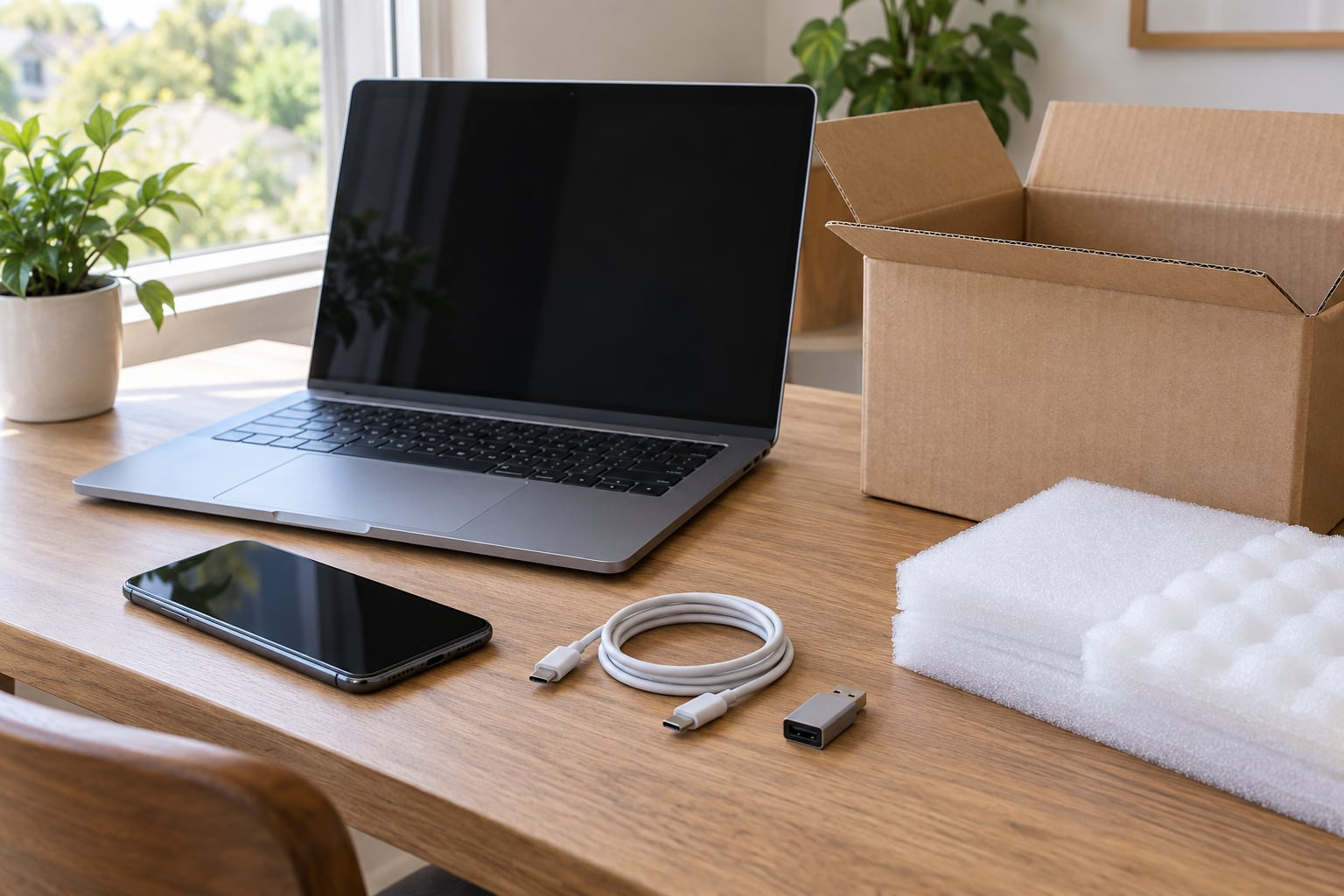
You need four things before a device leaves your hands: access to the accounts linked to it, somewhere to back up your data, a way to erase and verify the erase, and packaging good enough that a drop does not ruin the sale.
Access to every account on the device
Sign in to the Apple ID, Google, Microsoft, Adobe and Amazon accounts that touch this hardware. Password manager accounts matter too, since the vault sits behind a master password a buyer would not have but a recovery attempt might crack.
Backup space
An external drive or enough cloud storage for your photos and files. Verify the backup opens on another device before you wipe anything.
Erase tools
For phones and tablets, the built-in reset is the right tool. For laptops with a hard drive, a secure erase pass adds real protection; DBAN is the free tool most people in tech support forums recommend.
Identification details
Model number, serial number and IMEI. Buyers ask for these, and having them ready speeds up the listing.
Packing materials
A box with at least 2 inches of cushioning on every side, plus foam or bubble wrap. Skip the original retail box if you do not have the end caps or inserts; a flat television-style box is built for thin items and will not protect a laptop.
Cables and small parts
Know which connector type you are shipping. USB-C cables are the current default for phones and most accessories. USB-A cables are still common on older chargers, mice and flash drives, and buyers of older gear often want one. HDMI cables go with consoles, monitors and streaming devices. Count what actually belongs to the device before it goes into the box.
Seller details
A working email address and a return address you can receive mail at, since buyers and platforms both send messages during the transaction.
Step-by-Step
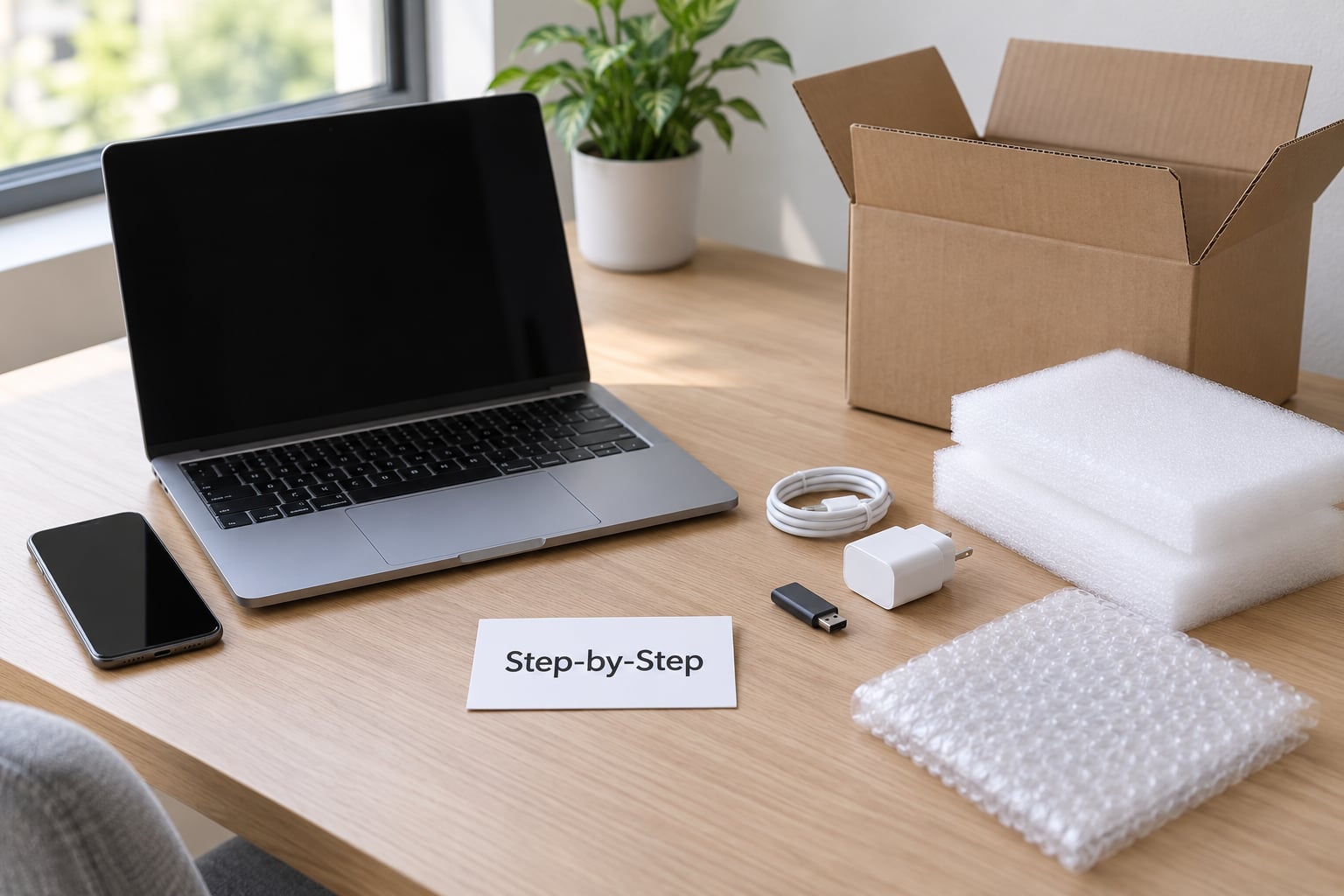
Work through the stages in order. Each one has a check you can perform, so you never move on while unsure.
How to Back Up and Erase Sensitive Data
A factory reset removes the references to your files, not the files themselves, so the data is still sitting on the drive until it is overwritten. That is why the order matters: back up, unlink accounts, remove the physical parts, then reset.
- Back up first. Copy photos, documents and anything you will miss. Open a few files from the backup on another device to confirm they actually copied.
- Sign out and deauthorise. On a Mac or iPhone, sign out of iCloud and remove the device from your Apple ID device list. On Windows, remove it from your Microsoft account devices page. Deauthorise the computer from iTunes or Apple Music and from Adobe Creative Cloud, or the next user inherits your licence.
- Turn off remote tracking. Disable Find My on iPhones and Find My Device on Android. For a work or school laptop, ask your IT department to run a remote wipe and unblock the device from their management console first.
- Remove the physical pieces. Pull the SIM tray and the SIM or eSIM. Take out any SD or microSD card, and pull storage drives and USB keys you plan to keep.
- Reset the device. On an iPhone or iPad: Settings, General, Transfer or Reset iPhone, then Erase All Content and Settings. On Android: Settings, System, Reset options, then Erase all data (factory reset).
On Windows 11, go to Settings, System, Recovery, Reset this PC, Remove everything, then choose the Clean the drive option. On macOS, use Erase All Content and Settings on Apple silicon Macs, or reinstall macOS from Recovery on an Intel Mac.
For an older laptop with a hard disk drive, run a secure erase pass after the reset. On a solid-state drive, overwriting is unreliable because wear levelling moves data behind the scenes, so the reset plus the drive’s own encryption handling is the practical route. Destruction with a drill is only worth it for a drive holding something you would never want a stranger to have.
Verification point: the device should boot to the setup or hello screen, show no account name, and have no storage visible. Photograph that screen before you pack it.
How to Check the Device’s Condition and Identify It
Test everything the listing will claim works, because an accurate condition description is your best defence against a chargeback.
- Run the device for ten minutes: charge it, play something, open several apps, connect to Wi-Fi and Bluetooth.
- Check the screen for dead pixels or burn-in, the battery for swelling or a screen that lifts at the edges, and the ports for bent or loose pins.
- Photograph the front, back, sides and any flaw. Photos of damage protect you when a buyer claims it arrived broken.
- Write down the model number, serial number and IMEI, and store them. If the device is ever reported stolen, you will want proof you owned it.
Verification point: your description matches the photos and every claim in your listing can be demonstrated.
How to Price and List Old Electronics Safely
Price from completed sales, not asking prices. Filter listings to sold items only, sort by recently completed, and note what similar condition units fetched in the last 30 days.
- Add your accessories to the price. A charger and case raise the number more than most people expect.
- Write a title a buyer would search for: the model, the storage size and the key spec.
- Lead the description with what it is, what works, what does not, and what is included. Disclose a cracked corner and the battery health in plain words.
- Choose the format. Auction suits a phone with many similar units competing. Fixed price suits a distinctive item where you know what you want.
Verification point: the live listing shows your real photos, your disclosure appears above the fold, and the shipping price does not quietly eat the margin.
How to Pack the Item for Safe Delivery
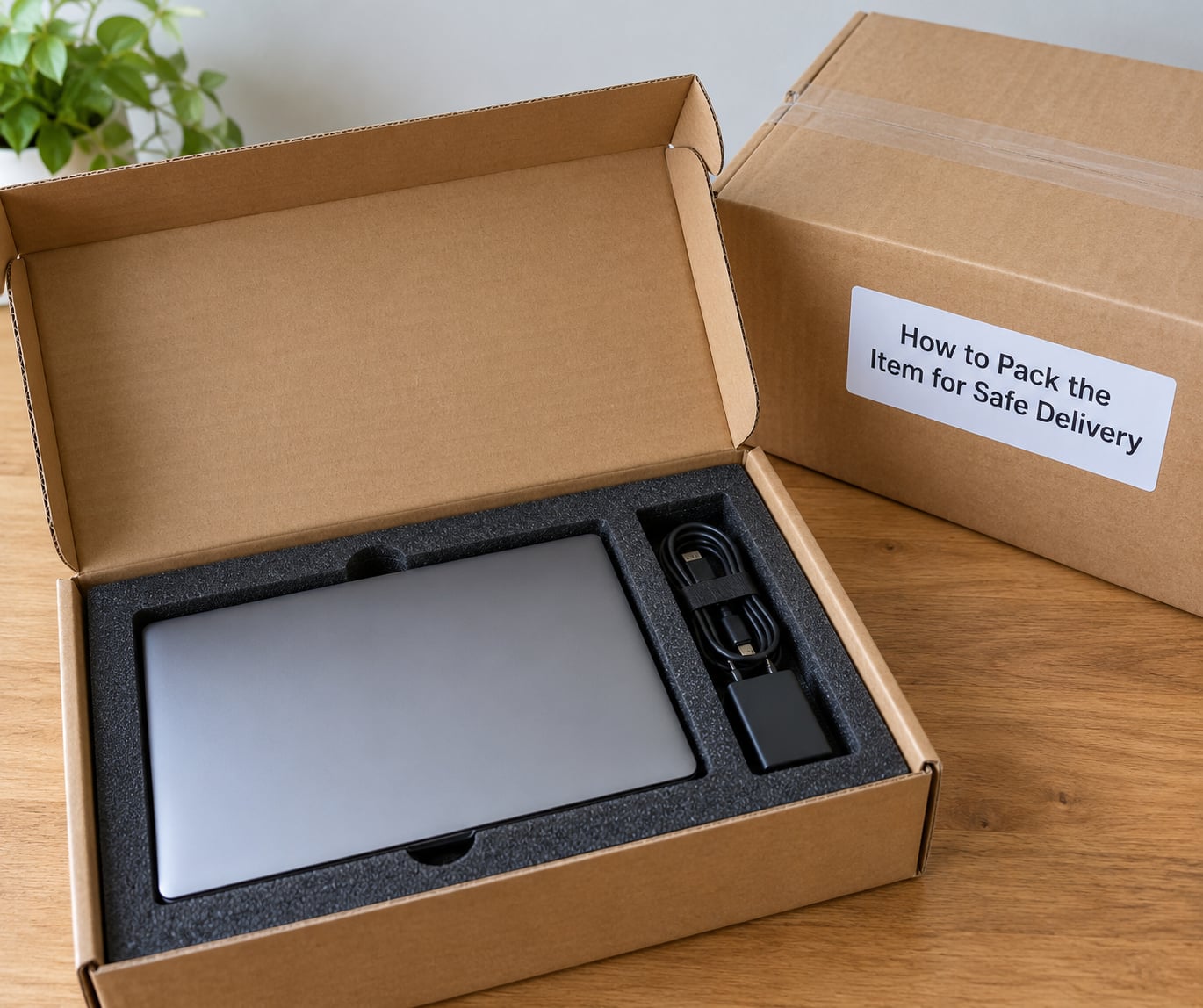
Pack so the item cannot move inside the box, and buy insurance whenever the device is worth more than a few tens of dollars.
- Wrap the device in its case, then in foam or bubble wrap. Two to three layers, taped so the tape wraps around the device.
- Coil cables with a tie and place them beside the device, not on top of it. Bag small parts separately so nothing rattles.
- Add a silica gel pack if the box will sit in a warehouse or the weather is damp.
- Use a box with 2 inches of cushioning on every side. Fill the empty space so nothing shifts when the box is shaken.
- Remove every old label, sticker and barcode. A reused box with a live barcode can get your parcel misrouted, and a covered label can delay delivery.
- Put your own label on top and request a signature on delivery for higher-value items.
- Insure the full value, photograph the sealed box, and keep the receipt until the buyer confirms the item arrived as described.
- Use tracking on every single shipment. Without a tracking number you have no proof of delivery if the parcel goes missing.
Verification point: the tracking number is in the order, the insured value matches the listing price, and the photos of the sealed box are stored.
How to Avoid Scams and Protect the Transaction
Keep the whole transaction inside the marketplace. Its message system and payment system are the only record you get if something goes wrong.
- Overpayment by cheque or card reversal. A buyer sends more than asked, then asks you to refund the difference. The original payment reverses and you lose both the device and the money.
- Off-platform requests. A message asking you to ship to a different address, use a courier of their choosing, or accept payment through a wire service or gift card is the single clearest scam signal.
- Fake payment notices. An email or text saying payment is complete when it is not. Confirm the money is available in your platform balance, not merely announced.
- Chargebacks on honest listings. They mostly follow misleading condition descriptions, so accurate photos and disclosure are the defence.
- Meetups. For local sales, meet in a busy public place in daylight and bring a friend. Never invite a buyer to your home or hand over a device before payment clears.
Keep screenshots of the listing, the messages, the tracking record and the payment confirmation. If a dispute comes, that file is the whole case.
Common Mistakes
- Selling before erasing. Nothing undoes this later. Do the wipe first, then write the listing.
- Resetting without signing out. A phone that still asks for your Google or Apple credentials is a support ticket and a refund request. Unlink accounts before the reset.
- Using stock photos. Buyers notice, and it reads as an attempt to mislead. Photograph the exact unit.
- Understating damage. A scuffed lid described as mint invites a return or a chargeback. Say what you see.
- Thin packaging. The single most common cause of a damaged item arriving. Cushion every side, not just the top.
- Shipping without tracking or insurance. If it vanishes, you absorb the loss.
- Accepting odd payment methods. Bank transfers, wire and gift cards leave you with no way to recover a fraudulent payment.
- Forgetting the SIM, eSIM and SD card. Pull them before shipping. An eSIM profile that stays active can keep billing your old number.
A few last habits pay off. Wipe the device on a Wi-Fi network that is not a public café network. Photograph the serial number and the completed erase together, and keep that photo. If a buyer later claims the device was still linked to your account, you will want proof you handled it. And never put lithium batteries, swollen cells or CRT monitors and televisions in household waste, whatever the listing says about them.
Frequently Asked Questions
How do I sell an old phone without giving away my personal information?
Back up your photos and files, then remove the SIM or eSIM and any SD card. Sign out of iCloud or your Google account and take the device off your account’s device list, turn off Find My, and finish with Erase All Content and Settings or Erase all data (factory reset). Photograph the reset screen before you list it.
Should I factory-reset an electronic device before selling it?
Yes. A factory reset is the minimum step for a phone or tablet, and it stops the next owner seeing your accounts and apps. Keep in mind it removes references to your data rather than overwriting it. If the device holds sensitive files or has an older hard disk, run a secure erase pass as well.
Is shipping insurance worth it when selling used electronics?
For anything worth more than a few tens of dollars, yes. Declared-value insurance costs a small fraction of the item’s price and, with tracked and signed delivery, gives you a paper trail if the parcel is lost or arrives damaged. Photograph the sealed box and keep the receipt until the sale closes.
What should I do with an old device that will not turn on?
Sell it as a parts or repair item only, and say plainly that it does not power on and that you cannot test it. Remove any SIM, eSIM and storage cards, and note whether you have removed the drive. Expect a low price, and never drop a swollen or damaged lithium battery into the post.
How much should I charge for used electronics?
Base it on completed sales for the same model, storage and condition rather than on asking prices, which usually sit well above what buyers actually pay. Add the value of the charger, case and stylus to the total. Leave a margin for platform fees and shipping, and price broken or untested units as parts.
Conclusion
Start with the erase. Back up your data, sign out of every linked account, remove the SIM, eSIM and memory cards, run the platform’s factory reset, and photograph the result. Then document the device honestly, price it against completed sales, and list it with real photos.
When the buyer says yes, pack it with real cushioning, insure it, and ship with tracking. Most problems people hit with a used device come from skipping one of those four steps rather than from the sale itself.