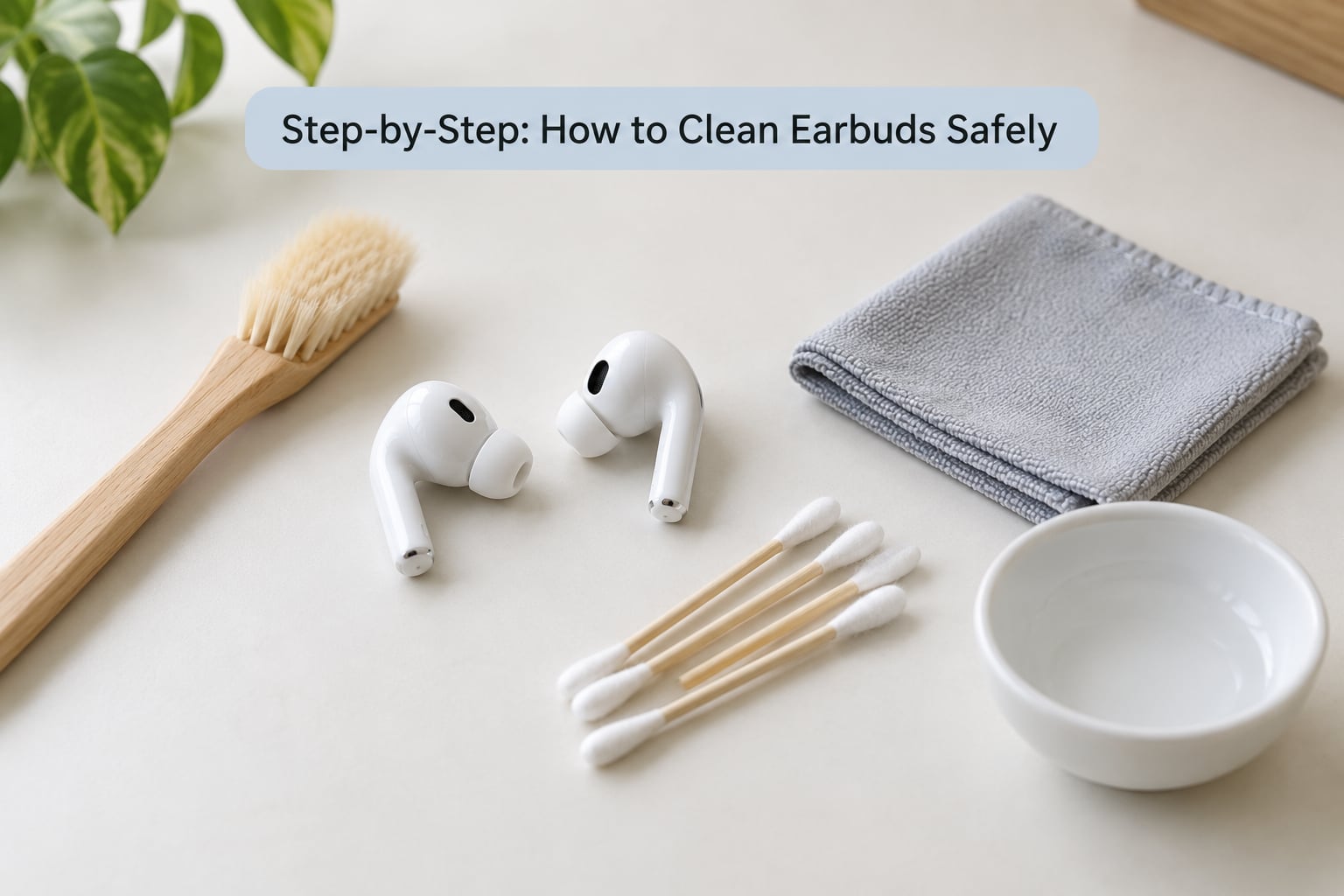
Learning how to clean earbuds safely takes about ten minutes and nothing more than a dry brush, a lint-free cloth and a bowl of lukewarm water. Pull off the silicone tips, wash those tips separately, wipe the body, brush the speaker mesh gently, then clean the charging case. The one rule that matters: no liquid goes inside the earbuds, and nothing sharp goes into the openings.
That last rule is where most people go wrong. A cotton swab pushed a little too hard, a soak that ran past the tip, a squirt of alcohol on the mesh, and a bud that never sounds right again. Here is the method that keeps the drivers alive, updated for 2026.
Table of Contents
- 1What You Need
- 2Step-by-Step: How to Clean Earbuds Safely
- 3Check the Manufacturer Instructions First
- 4Remove the Ear Tips and Visible Debris
- 5Wipe the Earbuds Without Soaking Them
- 6Clean the Charging Case
- 7Dry and Check the Earbuds
- 8Common Mistakes
- 9Using alcohol on the mesh
- 10Poking the mesh with a pin or toothpick
- 11Soaking the whole earbud
- 12Cleaning while they are still connected
- 13Sharing tips or skipping the wipe-down
- 14Frequently Asked Questions
- 15Can I wash earbud tips that come off?
- 16Does hydrogen peroxide damage earbuds?
- 17How do I disinfect an earbud charging case?
- 18Why do my earbuds smell and stay muffled after cleaning?
- 19How do I clean earbuds safely if the tips do not detach?
- 20When should I stop cleaning and get help?
- 21The Short Version
What You Need
Everything below is cheap and most of it is already in a drawer. None of it needs to be special to work well.
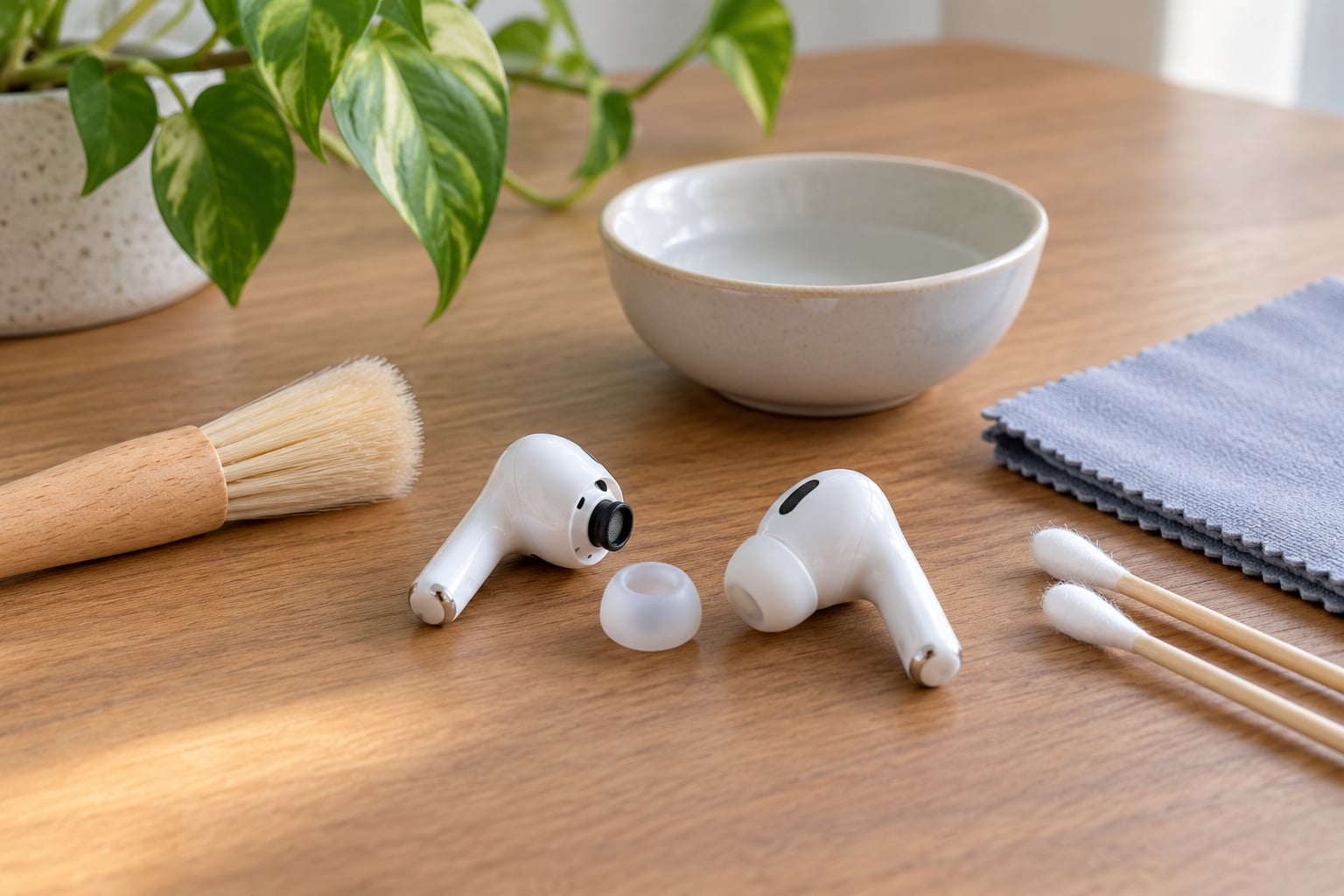
- Dry soft-bristled brush — an old toothbrush with soft bristles, or a dedicated earbud brush. This loosens dried wax and lint from the mesh and the seams around the stem.
- Cotton swabs — plain, dry ones. They handle the exterior and any surface wax sitting proud of the mesh.
- Lint-free cloth or microfiber cloth — a small square is ideal for the buds and the outside of the case.
- Small bowl and lukewarm water with a drop of dishwashing liquid — for washing detachable silicone tips and foam tips only.
- Adhesive putty, the kind sold for mounting posters — press it gently onto the mesh to lift stubborn wax. This is the trick owners on Reddit and the MacRumors forums reach for most often, and it works because it pulls wax out instead of pushing it deeper.
- Paper towel or a clean grid tray — for air-drying.
What to keep away from the buds: isopropyl alcohol on the mesh, hydrogen peroxide, undiluted dish soap, perfume, hairspray, sunscreen, any aerosol sprayed nearby, toothpicks, needles and paper clips. Those are not cleaning supplies, and most of them damage plastics or force debris where it cannot be reached.
Step-by-Step: How to Clean Earbuds Safely
Check the Manufacturer Instructions First
The rules depend entirely on what your earbuds are made of. Removable silicone tips and foam tips are washable because they are detachable pieces of soft rubber or foam with no electronics behind them.
Integrated tips, speaker mesh, microphone ports and charging contacts are different. Apple, Samsung and Soundcore all publish guidance that keeps liquid off those parts, and some brands go further — Sony tells owners not to wash their tips in water or use alcohol on them at all. When a manual conflicts with anything you read online, the manual wins.
Remove the Ear Tips and Visible Debris
Take the earbuds out of the case first. If the tips pull off without resistance, pinch the base and roll them gently — Samsung’s instructions specifically say not to use force, because the collar can tear. Foam tips usually compress and lift out easily.
Hold the mesh facing downward so loose debris falls away instead of inward, then sweep it with the dry brush. Use a dry cotton swab only on surfaces you can actually touch, like the rim of the speaker hollow or the seam along the stem. Never scrape across the grille itself.
A toothpick wrapped in a nearly dry wipe is reasonable for lifting residue off the walls of the hollow, where the mesh does not reach. Go around the edge, not into the centre.
Wipe the Earbuds Without Soaking Them
For stubborn grime on the plastic, use a cloth that is damp, not wet. It should feel cool, never dripping. Wipe the body, the stem and the flat outer face, then let it air-dry completely — at least 15 minutes, longer if you used a wetter section of cloth.
Liquid must not enter the vents, the speaker openings or the microphone ports. Water-resistance ratings describe sweat and rain, not faucet jets or a dripping cloth. Before you seat a bud back in the case, run a dry cotton swab around the openings and confirm nothing feels damp.
Clean the Charging Case
Cases collect more grime than most people expect, usually pocket lint and dried sweat in the lid seam and around the two buds. Turn it upside down over a paper towel and tap out the loose debris, then brush the cradle edges.
Wipe the exterior with the damp cloth and dry it immediately. Clean any removable silicone inserts the same way you cleaned the ear tips. For the metal charging contacts, a dry cotton swab lifted straight off the surface is enough — scrubbing back and forth wears the plating off, and that is why a case sometimes stops charging a bud properly.
Dry and Check the Earbuds
Lay everything mesh-side down on a paper towel and allow it to air-dry. Do not charge the buds until no opening or contact feels damp. Trapped moisture in a closed case causes the charging failures owners complain about, and it is far more common than driver damage.
Common Mistakes
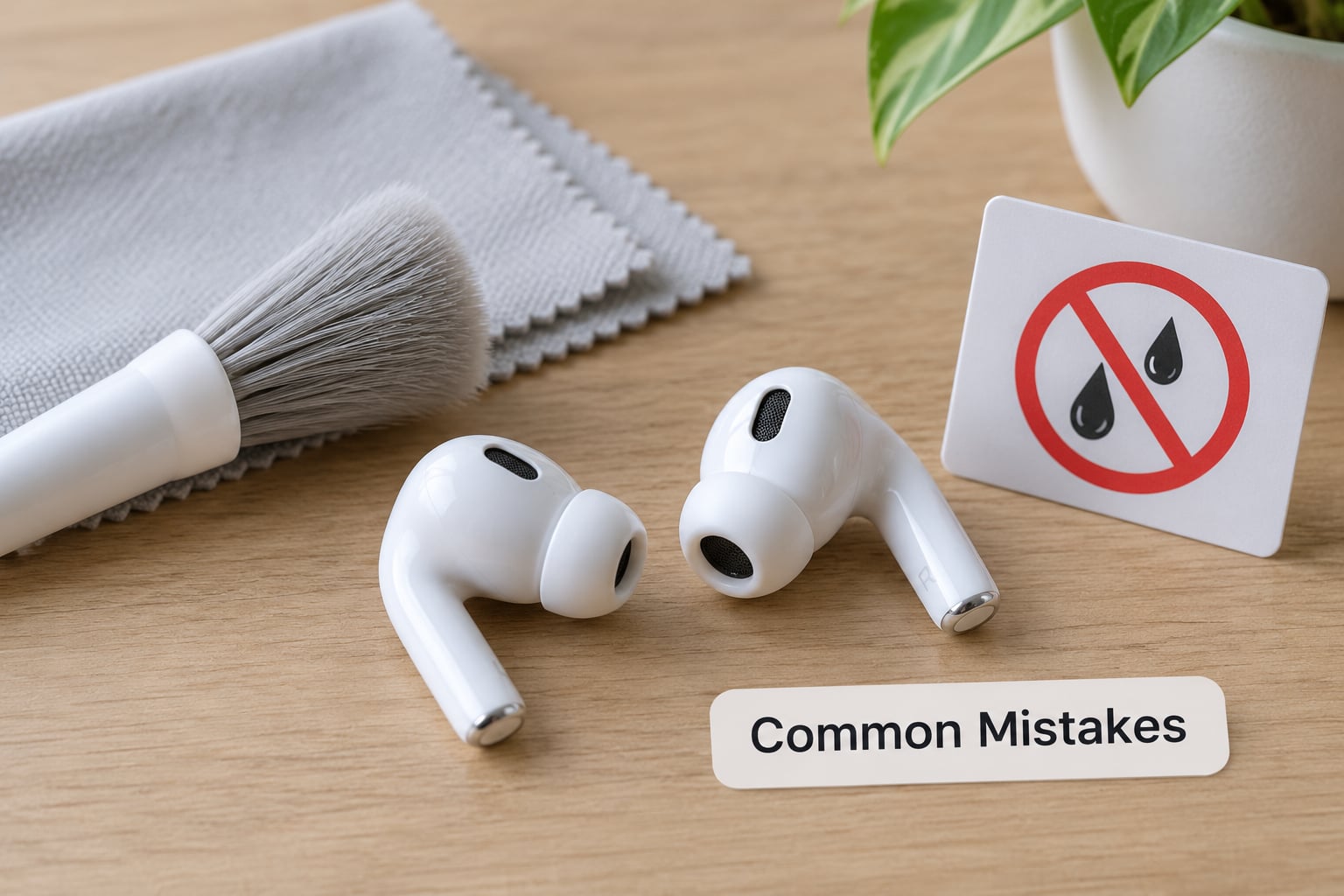
Almost every damaged pair I can point to came from one of these.
Using alcohol on the mesh
Isopropyl alcohol is fine for wiping down a charging case exterior in a very light pass, and it is not fine for soaking a bud or flooding the mesh. Alcohol dries the adhesives that seal many buds and can leave the grille stiff. A dry swab followed by a barely-damp cloth gets the same result without the risk.
Poking the mesh with a pin or toothpick
One puncture and sound leaks for good. If wax is packed in there, putty and gentle brushing first, and if the bud stays quiet, replacing the tip or the wax guard is a far better move than another sharp tool.
Soaking the whole earbud
Only the tip goes in the water — one part dishwashing liquid to five parts lukewarm water, about 30 minutes, then rinse and towel dry. Immersing a bud is how people end up with one ear quieter than the other.
Cleaning while they are still connected
Take the earbuds out of the case and disconnect them before you brush or wipe. Powered-on brushing can drive debris straight through the grille.
Sharing tips or skipping the wipe-down
Earbuds sit in a warm, damp canal and pick up skin oil and bacteria, which is what causes the smell and can irritate the ear. A wipe of the tips after every use, and a full clean once a month, handles it. If you notice pain, discharge or a blocked ear that does not clear, stop cleaning and see a clinician rather than experimenting further.
Frequently Asked Questions
Can I wash earbud tips that come off?
Yes, when the tips detach by design. Put silicone or foam tips in lukewarm water with one part dishwashing liquid to about five parts water, leave them roughly 30 minutes, rinse, squeeze out the water in a towel and let them dry fully before refitting. Integrated tips that do not detach cannot be washed, and some brands such as Sony advise against water or alcohol on their tips entirely.
Does hydrogen peroxide damage earbuds?
Do not put hydrogen peroxide on an earbud. It is used to dissolve earwax in the ear canal, and on a speaker mesh it can push wax further in, leave residue on the grille and attack the glue or plastic around the driver. If you need peroxide for your ears, that is a question for a pharmacist or clinician, not for your earbuds. Dry brushing handles wax on a bud.
How do I disinfect an earbud charging case?
Disinfecting means reducing germs on a surface; cleaning means removing dirt, and on an earbud case you almost always need the second one. Wipe the exterior with a damp lint-free cloth, brush out the cradle and lid seam, and swab the charging contacts dry. Skip disinfecting wipes on the bud itself, since the liquid soaks into seams and vents.
Why do my earbuds smell and stay muffled after cleaning?
A musty smell usually means skin oil and bacteria building up on the tips and in the case crevice, and it clears with a proper wash plus a case clean. Muffled sound that survives cleaning usually means wax packed inside the mesh, which dry brushing and putty can only partly reach. On models with a removable mesh filter, replacing it is the real fix. Persistent blockage in your own ear is a clinician question.
How do I clean earbuds safely if the tips do not detach?
Treat the whole bud as one sealed unit. Do not soak it and keep liquid out of every opening. Work with a dry soft brush on the mesh, a dry cotton swab on the rim and exterior seams, and a barely-damp lint-free cloth for the body, then allow at least 15 minutes of air-drying before charging. If one bud is persistently quieter, stop and have the device serviced rather than probing the mesh again.
When should I stop cleaning and get help?
Stop and get professional help when cleaning changes nothing after two careful attempts, when one earbud is noticeably quieter than the other, when the case will not charge a bud, or when the grille looks torn or bent. Those point to a blocked or damaged driver, which cleaning cannot fix. For ear pain, discharge, or a blocked ear that will not clear, see a clinician instead of treating the earbud or the ear yourself.
The Short Version
Take the tips off, wash only the tips, dry-brush the mesh downward, wipe the body with a damp cloth, clean the case, and wait until nothing is damp before charging. Do it in that order and your earbuds should sound the way they did on day one.
Last updated: October 2026. This is general care advice, not a repair service — if a bud stays quiet or a case stops charging, hand it to the manufacturer.