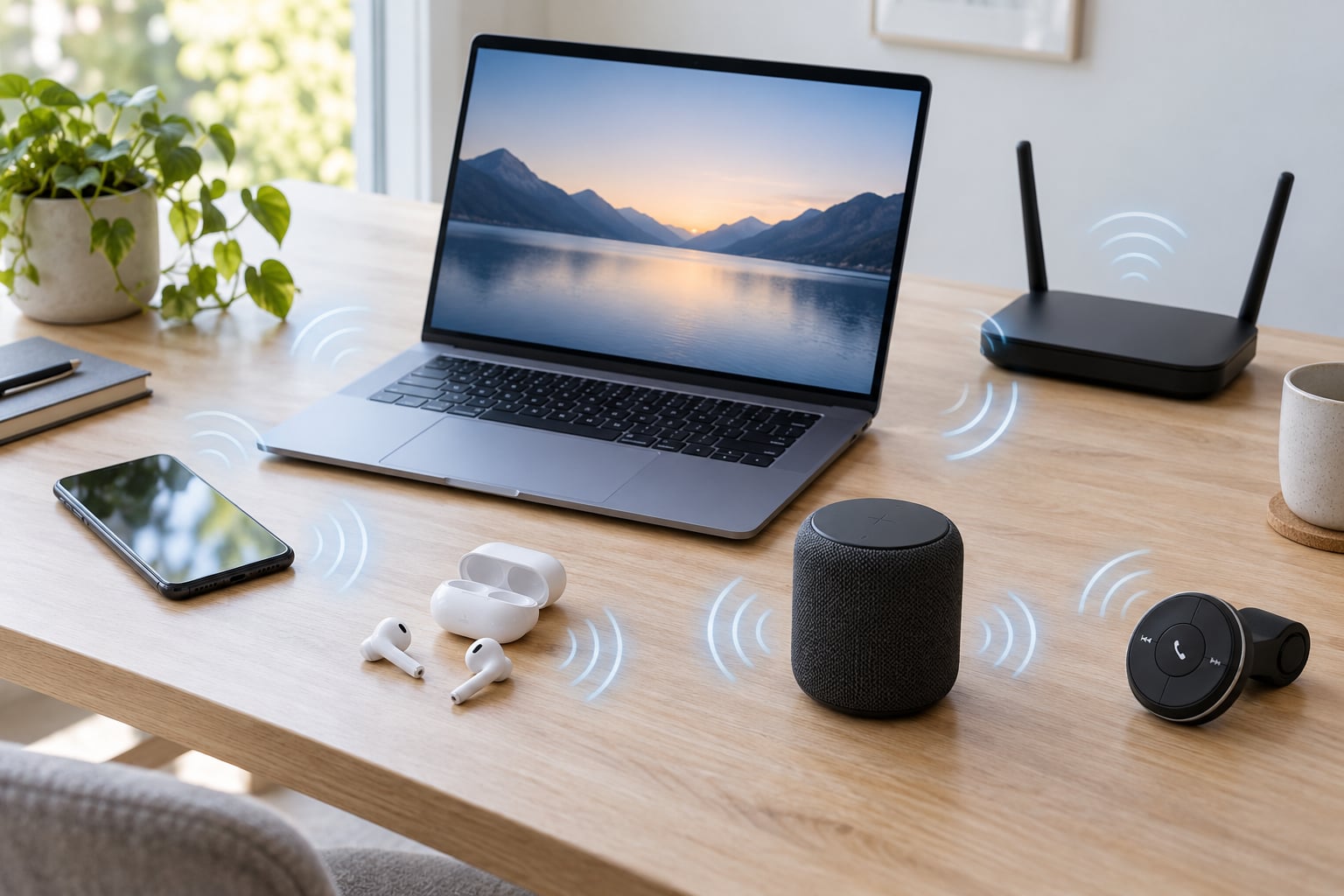
Bluetooth audio keeps cutting out because one of four things is going wrong: radio interference on the crowded 2.4 GHz band, power management switching the radio off to save battery, a faulty driver or firmware update, or the connection dropping from the high-quality A2DP profile down to hands-free telephony. The four have almost nothing in common, so guessing at fixes wastes hours. Name the cause first, then fix it. Most people solve it in under ten minutes.
The awkward part is that “cutting out” covers three different faults. A full dropout where sound stops for a second, a micro-stutter where it skips every few seconds, and a pitch or latency skew where voices sound like a scratched record each have their own root cause, and the fixes barely overlap.
This guide walks through the causes first, then a fix sequence ordered from easiest to most involved, then exact menu paths for Windows 11, macOS, iPhone, Android and car head units.
Table of Contents
- 1What Causes Bluetooth Audio to Keep Cutting Out?
- 2The four root causes
- 3Dropout, stutter and pitch skew are three different faults
- 4Symptom to cause: what to check first
- 5How to Fix Bluetooth Audio Cutting Out
- 6Which device is at fault? The bisect test
- 7Why Bluetooth audio keeps cutting out every few minutes
- 8Quick Bluetooth Reset Checks by Device
- 9Why Bluetooth Audio Keeps Cutting Out on iPhone and Android
- 10Why Bluetooth Audio Keeps Cutting Out on Windows or Mac
- 11How to Fix Dropouts on Bluetooth Speakers, Headphones, and Car Audio
- 12When the Problem Is Interference, Range, or Hardware
- 13Frequently Asked Questions
- 14Does Bluetooth cutting out mean the battery is low?
- 15Is it normal to hear brief silences in Bluetooth audio?
- 16Why does my Bluetooth audio cut out in my car but nowhere else?
- 17Does restarting the device fix Bluetooth audio permanently?
- 18How do I know if my Bluetooth hardware is failing?
- 19Conclusion
What Causes Bluetooth Audio to Keep Cutting Out?
Four root causes account for nearly every case: interference, power management, software (drivers, firmware, operating system), and codec or profile negotiation. Everything else is usually a variation on those four or a hardware fault.
The four root causes
Interference. Bluetooth, 2.4 GHz Wi-Fi, cordless phones, baby monitors, microwave ovens and wireless mice all share the same slice of spectrum. When that slice gets busy, audio packets are lost and retransmitted, and you hear it as stutter or a dropped second of sound.
Power management. Both phones and laptops aggressively suspend the Bluetooth radio when they think you are not listening. Battery saver modes, low-battery cutoff on earbuds, and the Windows option “Allow the computer to turn off this device to save power” all cause disconnects that look like pairing faults.
Drivers, firmware and updates. A Windows Update, a BIOS update or a phone OS update can replace a working Bluetooth driver with one that stutters. The community on r/windows has a well-worn path for exactly this: roll the driver back rather than reinstalling it, because Windows Update tends to reinstall the same broken version.
Codec and profile negotiation. When a headset connects for calls it negotiates the hands-free telephony profile, which carries far less data and sounds thin and mono. A microphone activating in a meeting app can silently switch profiles mid-playback, which is the number one cause of “my audio suddenly got bad” reports.
Dropout, stutter and pitch skew are three different faults
These get lumped together in forum threads, but the causes diverge quickly. A dropout is a break in the stream, usually interference, distance or a profile switch. A stutter is packet loss on a weak link, usually a congested 2.4 GHz band or an unstable driver. A pitch skew where music sounds slowed or tuneless is a resampling problem, usually a body blocking the antenna, a codec mismatch, or an app applying audio processing.
Symptom to cause: what to check first
| Symptom | Likely cause | First action |
|---|---|---|
| Sound stops for a second, then resumes | Profile switch to hands-free telephony, or a background app taking the audio route | Close every app that can use the mic, then replay |
| Skips every few seconds, no silence | 2.4 GHz congestion or a weak driver | Move away from the router, then test on 5 GHz Wi-Fi |
| Music sounds slowed, tuneless or underwater | Antenna blocked by a pocket or body, or a codec resampling mismatch | Take the device out of the pocket and replay |
| Works on the phone, cuts out on the laptop | The computer’s Bluetooth stack, not the headset | Run the bisect test below |
| Cuts out only in the car | CarPlay or Android Auto switching the phone to a hotspot | Disable hands-free calling in the car settings |
| Cuts out only when the mic is in use | Hands-free telephony profile forcing low bandwidth | Stop using the mic, or set a fixed output profile |
| Disconnects after a few minutes of idleness | Radio power management or a weak earbud battery | Charge the earbuds fully and disable radio suspend |
| Drops right after a Windows or phone update | New driver or firmware regression | Roll back the driver or update the headset firmware |
| Only the microphone is choppy | HFP bandwidth, or the app requesting a low-quality sample rate | Check the sample rate settings for the recording device |
| Intermittent static near a microwave or router | Same-band RF interference | Move the source device a few metres away |
How to Fix Bluetooth Audio Cutting Out
Work down this list in order. Each step is cheaper than the one below it, and the first four resolve the majority of cases.
1. Restart both devices. Not just the app. Power off the phone or laptop fully, wait thirty seconds, and restart the headset too. A hung Bluetooth service on a laptop will not recover otherwise.
2. Charge everything. Earbuds that hit a low-battery threshold start disconnecting to preserve the charge, which users routinely misread as a pairing problem. A headset that dies an hour early usually has a tired battery cell, not a software fault.
3. Move closer and clear the line. Within about 10 metres, and out from behind a monitor, a metal cabinet or a wall. Body blocking is a leading cause of pitch skew on a phone in a pocket, which shows up on Apple discussion boards repeatedly.
4. Kill the obvious interference. Switch a 2.4 GHz Wi-Fi network to the 5 GHz band, pause a download on the same network, and move away from a microwave, baby monitor or cordless phone base station. Then replay the same track to see whether the stutter follows you or stays put.
5. Disconnect unused Bluetooth devices. A laptop with a watch, two mice and a gamepad paired will sometimes hand the audio route to one of them. Remove the pairings you do not use from Settings, then reconnect the headset.
6. Test a different audio app. If Spotify stutters but a local file or a video plays clean, the fault is in the app’s audio routing rather than the link. A busy VoIP client or a game with surround processing can hijack the output.
7. Turn off battery savers. On Android, disable Battery Saver and any per-app battery restriction for the audio app. On iPhone, switch off Low Power Mode. On Windows, uncheck the power management tab option on the adapter in Device Manager.
8. Update the operating system and the headset firmware. Headphone makers ship firmware through their companion apps, and a firmware update often fixes a reconnection loop that no driver change touches.
9. Update, then roll back, the Bluetooth driver. Check Windows Update, then the laptop maker’s support page for a newer radio driver. If audio got worse after an update, roll the driver back through Device Manager rather than reinstalling, since Windows Update will happily put the same version straight back.
10. Forget and re-pair the device. Clear the pairing on both ends and start fresh. On iPhone, resetting network settings does the same job but is a placebo: users on Apple forums report it holds for a few days and then the problem returns.
11. Change the port or move to a USB dongle. On a desktop, USB 3.0 ports emit noise on the 2.4 GHz band and internal antennas sit far from the case edge. A ten-dollar USB Bluetooth dongle in a USB 2.0 port, or one on a short extension cable away from the case, fixes more stubborn laptop cases than any driver change.
12. Fix the audio format and disable enhancements. Set a stable default sample rate in the sound settings and turn off spatial audio, virtual surround and exclusive mode. Mismatched formats and exclusive mode are a documented source of choppiness on Windows.
Which device is at fault? The bisect test
Pair the same headset to a second device, a phone or another laptop, and play the same audio for a few minutes. If the dropout follows the headset to both devices, the headset or its pairing record is at fault. If the headset is flawless on the phone and fails only on the laptop, the computer’s Bluetooth stack is the problem. This is the single most repeated question across the support forums, and it is the one step people skip before buying replacement hardware.
Garmin’s own support guidance recommends the same bisect before anything else: try a different pair of headphones. That one test separates a failing headset from a software fault in about two minutes.
Why Bluetooth audio keeps cutting out every few minutes
A regular drop every few minutes, at nearly the same interval, points at something periodic rather than random interference. Multipoint switching, a background app waking up on a timer, and radio suspend after an idle period all fit that pattern. Check the device list for a second paired gadget that grabs the connection, and note whether the cut coincides with a screen locking or a notification sound.
Quick Bluetooth Reset Checks by Device
These are the current paths. Apple labels differ from Android labels, and Android labels differ again between Samsung, Google and Pixel, so I have named the setting rather than assuming your menu looks like mine.
iPhone (iOS 18): Settings, then Bluetooth, tap the info icon beside the device and choose Forget This Device. Toggle Bluetooth off, wait ten seconds, toggle it back on, then pair again from Control Centre. For a deeper reset, Settings, General, Transfer or Reset iPhone, then Reset, then Reset Network Settings. It clears every saved network and pairing, so expect to re-enter Wi-Fi passwords.
Android (Samsung, Pixel and similar): Settings, Connections, Bluetooth, tap the gear or three-dot menu beside the paired device and choose Unpair. Then Settings, Apps, show system apps, find Bluetooth or the audio app, and force stop it. Battery settings, Battery, Battery usage and optimisation, then exclude the audio apps from being put to sleep.
Windows 11: Settings, Bluetooth and devices, Devices, use the three-dot menu on the headset and choose Remove device. Then Win key plus R, type services.msc, find Bluetooth Support Service, and confirm the startup type is Automatic and the service is running. Restart it from the same window.
macOS: System Settings, Bluetooth, use the Connect or Disconnect button beside the device, or option-click Disconnect to clear it entirely. Hold the Option key while clicking Bluetooth in the menu bar and look for System Information, where you can confirm the adapter is present and check its firmware version.
Car head units: In the car’s Settings, Phone or Audio menu, choose the paired phone, then Delete or Remove. On the phone, forget the car. Pair again with the phone unlocked and the car in park, and make sure the car is not simultaneously connected to a second phone, which is a frequent cause of a head unit that skips tracks.
Why Bluetooth Audio Keeps Cutting Out on iPhone and Android
Phones fail differently from laptops. There is no driver to reinstall, so the fault is almost always an app, a battery setting or a profile switch.
First, test with cellular data off. A phone shifting between cell towers and Wi-Fi, or falling back to a weak signal, will drop the audio stream while Bluetooth stays nominally connected. Airplane mode with Wi-Fi off is the cleanest test.
Second, check channel balance and audio routing. If one channel has gone quiet, the balance slider has been moved or an accessibility audio setting has been enabled. On iPhone, check Settings, Accessibility, Audio and Visual, then Pan Balance. On Android, look for Audio and Visual in Accessibility settings.
Third, rule out microphone sharing. Any app that touches the microphone can pull the stream onto the hands-free profile, which sounds thin and drops under load. Close Teams, Zoom, WhatsApp, Voice Memos and Siri, then replay.
Fourth, update the OS and the headset firmware, then re-pair. On iPhone, iOS 18 and later are worth updating specifically for Bluetooth fixes. On Android, check Settings, About phone, then System update.
One honest warning about a popular fix: Reset Network Settings gives a few days of clean audio and then the dropouts come back on many phones, so treat it as a temporary reprieve rather than a repair.
Why Bluetooth Audio Keeps Cutting Out on Windows or Mac
Computer cases concentrate every suspect at once: the adapter, the Wi-Fi radio, a USB 3.0 controller and a power management service that suspends the lot.
Confirm the right output device first. Settings, System, Sound, More sound settings, then Playback shows which endpoint is active. Windows will happily keep playing to a dormant Bluetooth endpoint while sending audio to the speakers, and a virtual cable or monitoring device from audio software can steal the route mid-track.
Open Device Manager, expand Bluetooth, right-click the adapter and open Properties. On the Power Management tab, uncheck “Allow the computer to turn off this device to save power”. That single box is behind a large share of laptops that cut out on battery and behave while plugged in. On the Advanced tab, untick “Allow Bluetooth devices to find this computer in the network” if it is set.
On the audio side, open the playback device’s Properties, go to the Advanced tab and set one fixed default format such as 16 bit, 44100 Hz. Uncheck exclusive mode if the device enables it, and remove any enhancement from the Enhancements tab. Mismatched format switching produces exactly the choppy, skipping symptom people describe.
If the radio disappeared entirely, View, Show hidden devices in Device Manager, then Device, Scan for hardware changes. The Acer community has a documented case where the Bluetooth Support Service was not set to start automatically, which caused cutouts every few minutes until the startup type was corrected.
On a Mac, skip Driver Manager and go to System Information to check the radio is present, then remove and re-add the device from System Settings, Bluetooth. Persistent Mac failures usually come from a third-party virtual audio device, so remove those from Audio MIDI Setup and test again.
One more hardware note for desktops: internal Bluetooth and Wi-Fi often share a single antenna routed to the back of the case, and USB 3.0 ports emit noise into the same band. A USB dongle on a USB 2.0 port, reached with a short extension cable, sidesteps both.
How to Fix Dropouts on Bluetooth Speakers, Headphones, and Car Audio
Speakers and cars add their own failure modes that phones and laptops do not have.
Speakers. Recharge or replace the battery first; a portable speaker at 10 percent throttles its radio. Update the speaker’s firmware through its app, then forget stale pairings and re-pair. Move the speaker away from a Wi-Fi router, since both sit in the same band and a speaker next to the router is a common complaint in home setups.
Headphones and earbuds. Reduce multipoint connections to one device, because a second registered device causes re-pairing loops that sound like dropouts. Clear the device list inside each earbud by holding the buttons until the indicator flashes, then re-pair from scratch. Replace the ear tips; a poor seal changes the volume, which makes users crank the level until the drivers distort, which they then read as a signal fault.
Car audio. In-car dropouts usually trace to the phone handing off to a hotspot for hands-free calling under CarPlay or Android Auto, which pulls the phone off the normal audio path. Disable hands-free calling in the car’s phone settings, or turn off the car’s contact syncing. Re-pair after every major phone update, because a head unit that stored the old pairing profile will show the phone as connected and then play nothing.
When the Problem Is Interference, Range, or Hardware
Before you conclude it is hardware, run three cheap tests.
Walk the device into the same room as the headset and replay. If the dropout stops at 3 metres and returns at 12, it is range and antenna placement, not a fault. Test in a different location, such as a hallway with fewer radios, to see whether a crowded 2.4 GHz environment is the trigger. Then test a wired cable or another pair of headphones on the same computer. Different headphones failing on one machine points at the computer; the same headphones failing everywhere points at the headset.
Metal, mirrors, reinforced glass and body tissue all absorb 2.4 GHz signal. A phone in a front pocket and a headset under a thick winter hat are both realistic antenna blockers.
It is time to stop resetting and request repair or replacement when all three hold: the failure follows the device across two different computers or phones, a wired or second-pair test fails the same way, and the fault started without any update or physical damage. Battery-sick earbuds that die at 30 percent after a year of daily use are the clearest case. Do not open a device yourself; the warranty and the lithium cell are both at risk, and authorised service is the only safe route.
Frequently Asked Questions
Does Bluetooth cutting out mean the battery is low?
Often, yes. Earbuds and headphones cut the radio off at a low-battery threshold to protect the cell, which produces disconnects that look identical to a pairing fault. Charge them fully and test for an hour. If they still die early every day, the battery cell has aged and the device needs replacement rather than more resetting.
Is it normal to hear brief silences in Bluetooth audio?
Short silences are a sign of lost packets, not normal behaviour. Well-designed Bluetooth audio buffers enough data to ride out ordinary interference, so a regular drop of half a second or more points at congestion, a weak driver or a profile switch. Occasional micro-hitches in a dense radio environment are common, but they should not happen constantly in an ordinary room.
Why does my Bluetooth audio cut out in my car but nowhere else?
Car infotainment systems often enable hands-free calling, and CarPlay or Android Auto can route the phone through a hotspot to keep that feature alive. Both pull audio off the normal playback path and cause skipping. Disable hands-free calling in the car settings and re-pair the phone after a major OS update. A head unit paired to a second phone also cuts out constantly.
Does restarting the device fix Bluetooth audio permanently?
A restart clears a wedged Bluetooth service and a crashed audio process, so it fixes roughly half of all cases outright. It does nothing about interference, power management or a bad driver. If the same restart fixes the problem for a few days and it comes back, that pattern points at power management or an app taking the audio route, not at a corrupted service.
How do I know if my Bluetooth hardware is failing?
Test the device on a second computer or phone. If it fails in both places while another headset works fine on the original machine, the headset is at fault. Shortened battery life, intermittent disconnects at close range with no interference nearby, and a steadily rising share of dropped packets all point to ageing hardware. Stop resetting and contact the manufacturer for repair or exchange.
Conclusion
Start with a full restart of both devices, check the battery, and move within a few metres of the source. Then isolate the culprit with the bisect test before touching a single setting, because knowing whether the fault is in the headset or in the computer’s Bluetooth stack saves you from buying hardware you do not need. If the problem survives a fresh pairing, an update and a different device, it is very likely a hardware fault worth a warranty claim rather than another reset.