SMS two-factor authentication adds a real second step, but it routes that step through an ordinary phone number. Because the code travels over an old messaging network and depends entirely on one assumption, SMS 2FA is less secure than apps and passkeys and can be defeated by SIM swaps, number theft, interception and phishing. Here is what that means in practice.
The risk is worth putting in proportion. Text messages still stop the large volume of automated password guessing that hits most accounts daily. What they do not stop is a person who has decided to target you, and for a bank, an email inbox or a password manager, that gap is the whole ballgame.
Table of Contents
- 1Why SMS Two-Factor Authentication Is Less Secure
- 2How SMS two-factor authentication works
- 3The main security weaknesses of SMS codes
- 4SIM-swap attacks: when attackers take control of a number
- 5Phishing, malware, and carrier interception
- 6Why SMS is still better than no two-factor authentication
- 7Authenticator apps, push approvals, and passkeys compared
- 8How to secure an account that still uses SMS
- 9Frequently Asked Questions
- 10Is SMS two-factor authentication still worth using?
- 11What is a SIM-swap attack?
- 12Is SMS two-factor authentication vulnerable to phishing?
- 13Should banks and other companies stop using SMS codes?
- 14What should I do if I lose the phone linked to my two-factor authentication?
- 15Conclusion
Why SMS Two-Factor Authentication Is Less Secure
SMS two-factor authentication is less secure because the second factor is a phone number rather than the device itself. The code is delivered over a messaging network built decades ago, without strong authentication between the sender and the carrier, so anyone who controls the number can read the code. SIM swaps, number theft, telecom interception and phishing pages that relay codes in real time all exploit that one assumption.
How SMS two-factor authentication works
You type your password. The service generates a short numeric code, sends it as a text message through your mobile carrier to your handset, and waits. You read the code off the screen and type it into the login page, the server checks it against what it stored, and then the code is discarded.
Notice where the weak link sits. The check proves that whoever typed the code recently controlled your phone number. It does not prove you are the person holding the phone, and it does not prove the device is uncompromised. Those two things are treated as one assumption, and attackers work on splitting them apart.
The main security weaknesses of SMS codes
Each weakness below has a different mechanism, a different set of warning signs, and a different fix. Treating them as one undifferentiated danger wastes effort on the wrong one.
| Threat | How an attacker exploits it | What you might notice | How businesses reduce it |
|---|---|---|---|
| SIM swap | Carrier is persuaded or coerced to move the number to a new SIM or eSIM, so codes arrive on the attacker’s handset | Sudden loss of service, an unexpected carrier notice, login prompts you did not trigger | Number-port freeze, account PIN passcode, authenticator or passkey instead of SMS |
| Stolen or resale phone | An unlocked handset is sold or lost with a screen lock that is weak or absent | Nothing at all, sometimes days after the fact | Device encryption, short code lifetimes, phishing-resistant factors |
| Telecom infrastructure weaknesses | Signalling over the SS7 network or a compromised SMS gateway is used to route or read messages | Usually nothing | Carrier-side access controls, avoiding SMS for high-value logins |
| Shoulder surfing and message previews | A code shows on the lock screen and is read aloud, glanced at or photographed | Other people handling your phone, previews enabled in settings | Hide message content on the lock screen, keep the code short-lived |
| Reused or exposed numbers | Old numbers recycled to new subscribers, or numbers published in breach dumps, still receive reset texts | Verification prompts for accounts you never signed into | Number recycling monitoring, alerts, multiple second factors |
SIM-swap attacks: when attackers take control of a number
A SIM swap is not hacking. It is a customer service transaction performed by someone who should not have been allowed to perform it. Criminals gather enough about the account holder to impersonate them to the carrier, then ask for the number to be moved to a new SIM or eSIM, or ask for it to be ported to another provider entirely.
Once the number moves, every text-based login challenge on every account starts arriving on someone else’s phone. The original owner often notices the loss of service first, not the theft.
Users on r/Bitcoin and r/Coinbase describe the pattern repeatedly: a call or text from someone claiming to be the carrier, a stretch of dead service, then exchange accounts disappearing. The most common reply in those threads is the obvious one, move to an authenticator app before it happens to you.
Warning signs worth reacting to are a sudden total loss of signal, an unexpected carrier notification about a SIM change, and login prompts arriving at odd hours. Controls differ by carrier, and a carrier account PIN passcode only helps if it was set before the attack, because the number itself is what gets taken.
Phishing, malware, and carrier interception
Phishing is the most common realistic path, and it deserves more attention than the exotic ones. A fake sign-in page proxies the real login in real time, capturing the password and then forwarding the arriving text code straight through. Tools built for this are widely available, and the victim sees a perfectly normal login the whole time.
Malware is the second path. A compromised handset can read messages directly, and an unlocked phone handed over for a moment is a phone someone can walk away with. Lock-screen previews make it worse, because the code is legible without even unlocking.
Telecom interception, including abuse of the SS7 signalling system, gets mentioned constantly and is genuinely harder to defend against. It is also far rarer in practice than phishing and account takeover. Weighting it as the top threat misplaces the effort; hardening your own devices and accounts does more than waiting for carriers to improve.
Why SMS is still better than no two-factor authentication
An account with a password and an SMS code is meaningfully safer than an account with a password alone. Automated password reuse attacks, credential stuffing runs and password spraying all break against a second factor the attacker does not have, and that is most of the noise on any given account.
The numbers put it in context. The NIST digital identity guidelines place out-of-band SMS codes in the restricted category, suitable in limited situations rather than as a general recommendation. Google’s own research, widely cited in vendor write-ups of this topic, found that SMS blocked about 76% of targeted attacks, against roughly 99% for on-device prompts and 100% for hardware security keys.
Read that as a gap between a strong option and a decent one, not between security and none. The failure mode of SMS is narrow and mostly social, and it targets people rather than crowds. If your account is a low-value account with a unique password, SMS is a reasonable place to land while you get to something stronger.
There are practical reasons too. Text codes need no app, no device setup and no battery. They work when the phone has no data connection, on a borrowed handset, and for a person who will never install an authenticator app. Removing SMS without a working replacement has locked plenty of people out of accounts they could previously reach.
Authenticator apps, push approvals, and passkeys compared
| Method | Phishing resistance | Depends on phone number | If the device is lost | Setup effort | Best fit |
|---|---|---|---|---|---|
| SMS code | Low, relayable in real time | Yes | Usually recover by number, if the number still works | Lowest | Low-value accounts and temporary fallback |
| TOTP authenticator app | Medium, codes can still be phished or read off an unlocked screen | No | Backup codes or a second enrolled device | Low, scan one QR code | Most personal accounts today |
| Push approval | Medium to high, if number matching is enforced | No | Re-enrol, or approve from another enrolled device | Low to medium | Accounts where fat-fingered codes are common |
| Passkey (WebAuthn) | High, bound to the origin it was created for | No | Sign in from another enrolled device, or recover through the service | Medium, varies by service | Anything you would be sad to lose |
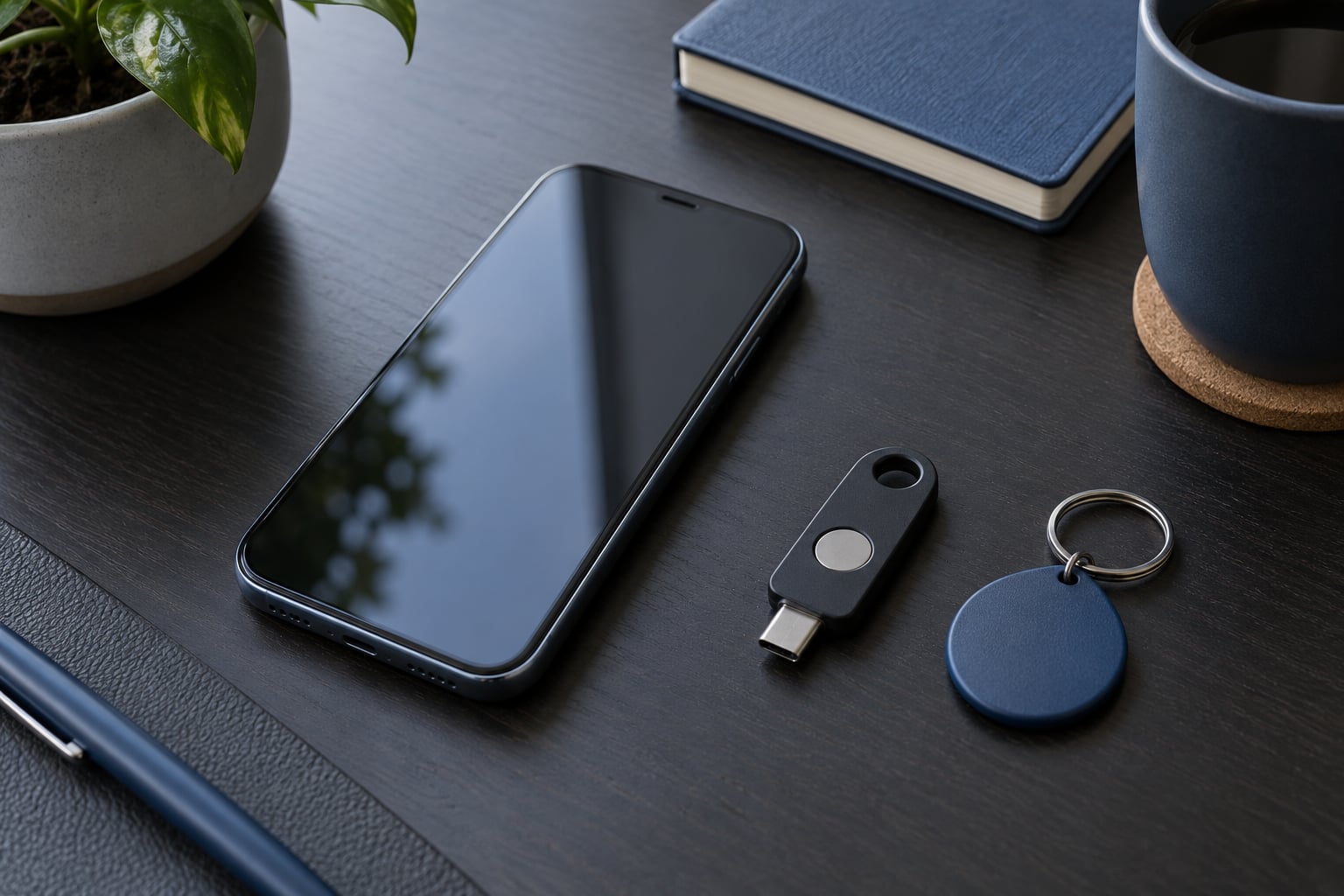
| Hardware security key | Highest, origin-bound like a passkey | No | Use the second key you registered | Medium, needs two keys | Administrator and high-value accounts |
An authenticator app generates codes on the device itself from a shared secret, so nothing crosses a carrier network. It has one important weakness that gets glossed over: a TOTP code is still a short string, so a real-time phishing proxy can relay it just like a text code.
Passkeys are different in kind. The credential stays bound to the specific site it was created for, so a page at a lookalike address receives nothing usable. There is no code to relay and nothing to read off a lock screen.
Security still varies by implementation, and recovery options matter as much as the factor itself. An account protected by a passkey you cannot reach is not more secure than one you can open. Register a second device or a spare key before you need it.
How to secure an account that still uses SMS
First, check whether the service offers anything stronger. Account security settings pages list the available second factors, and switching from text to an authenticator app usually takes under a minute per account.
Set a PIN or passcode on the carrier account. This is the single most useful control for the SIM-swap threat, and it has to be in place before an attacker calls. Pair it with a strong, unique password for the carrier portal and an email address that is not used anywhere else.
Add recovery codes and store them somewhere other than the phone. Printed in a drawer or in an offline password manager, they are the difference between a lost phone and a lost account.
Turn off lock-screen message previews for the app that receives codes, keep the phone updated, and enable sign-in alerts so unexpected verification prompts reach you before an attacker finishes.
Treat an unexpected login challenge as a security incident rather than an annoyance. Do not tap the link in it, go to the service directly, change the password, contact the carrier and ask them to freeze porting on the number.
Work through this in the right order if you are starting from scratch. Secure the email account first, because recovery flows for other services often route back to it, and losing an inbox can cascade into everything else. Then move the password manager, the bank and anything holding money.
Frequently Asked Questions
Is SMS two-factor authentication still worth using?
Yes, for most accounts it is far better than no second factor at all, because it defeats automated password attacks that make up the bulk of credential theft. It is a weak option against a targeted attacker who can take control of your number, phish your login or relay the code. Treat it as a fallback for low-value accounts and move your important ones to an authenticator app or a passkey first.
What is a SIM-swap attack?
A SIM swap happens when someone convinces or coerces your mobile carrier into moving your phone number onto a different SIM or eSIM that they control. Every text message sent to that number, including login codes, then arrives on their handset. It usually begins with stolen personal details and a call to carrier support, and the victim often notices only that service has stopped working.
Is SMS two-factor authentication vulnerable to phishing?
Yes. A fake sign-in page that relays the real login in real time can capture both your password and the text code as it arrives, and the page looks completely normal throughout. This is why experts describe SMS as restricted rather than strong. Passkeys resist this attack because the credential is bound to the address where it was created, so a lookalike site receives nothing usable.
Should banks and other companies stop using SMS codes?
Most should offer something better and make it the default, while keeping text codes as a recovery path rather than the primary factor. A growing share of online fraud losses now begin with a compromised phone number, and banks are a large target. Removing SMS entirely also breaks access for customers who travel, lack smartphones or simply cannot use an app, so a phased approach works better than a cut-off date.
What should I do if I lose the phone linked to my two-factor authentication?
Start with the service directly, not with any link from the lost device. Use a backup or recovery code if you saved one, then sign in and remove the lost device from your account settings. If codes came from an authenticator app, another enrolled device or a cloud backup may still work. Contact your carrier if the number itself is the missing piece, and rotate the password once you are back in.
Conclusion
Knowing why SMS two-factor authentication is less secure than the alternatives comes down to one design choice: the code travels through a phone number instead of being tied to a device you hold. That is still better than no second factor, which is why it beats a lone password, and it is why email, banking and password manager accounts belong on an authenticator app or a passkey. Put a PIN on your carrier account, save recovery codes somewhere off the phone, and keep one workable fallback until the stronger factor is confirmed. If SMS is all a service offers, those same hardening steps make it a far smaller risk than it was this morning.