You cannot switch targeted ads off completely, but you can cut most of them in about ten minutes. To learn how to stop targeted ads on your phone, reset the advertising identifier, turn off personalized ads, revoke app tracking permission, then add a blocker layer for whatever is left. The menu names differ on iPhone, stock Android and Samsung One UI, so every path below is written out.
Targeted ads are chosen for you using a device identifier plus signals that have nothing to do with a single app. Android calls that identifier the GAID, Apple calls it the IDFA. Alongside it, ad platforms read your location, your logged-in accounts, synced search history and the IP address of your network.
That is why people on privacy forums often describe ads that seem to know what was said out loud, or follow them onto a second device on the same Wi-Fi. In most of those threads, the answer is the same: no microphone is involved. Shared accounts and ad interests already know enough.
The honest caveat, which almost no guide repeats, is that personalized-ads-off does not remove YouTube ads, in-app ads or sponsored posts. It changes what an ad platform believes about you. Blocking layers handle the rest.
Table of Contents
- 1What You Need
- 2Step-by-Step
- 31. Adjust Privacy Options on iPhone
- 42. Delete and Reset the iPhone Advertising Identifier
- 53. Use Android’s Privacy Controls
- 64. Limit Tracking in Apps and Browsers
- 75. Remove Old Ad Interests and Stored Data
- 86. Verify the Changes and Maintain Privacy
- 9Common Mistakes
- 10Frequently Asked Questions
- 11Can I completely stop targeted ads on my phone?
- 12Does resetting the advertising identifier delete all my personal data?
- 13Will Apple or Google stop showing ads after I change these settings?
- 14Are ad blockers better than changing the phone privacy settings?
- 15Is my phone listening to me for ads?
- 16Why do targeted ads follow me to my other devices?
- 17Conclusion
What You Need
You need very little. Ten minutes, your phone, and the passcode or pattern you use to open it, since iOS hides some privacy toggles until you authenticate.
- The phone itself, charged. Nothing to install, no computer required.
- Your Apple ID or Google account password. Confirming your identity confirms the change.
- A way to check your version. On iPhone it is Settings, then General, then About. On Android it is Settings, then About phone. Menu names move between major updates, so knowing yours saves confusion.
- About ten minutes for the device settings, plus another ten if you want to clear stored ad interests.
- Optional: the Apple App Store and Google Play, both needed for the browser blocker step.
If the phone is a child’s, a shared family device or a second-hand phone someone else set up, plan to check the main Google or Apple account too. Ads there are tied to the account, not only the handset.
Step-by-Step
Before you start, here is the short version in one table. Read your row, do the steps under it, then work down the list.
| Platform | Menu path | What it stops |
|---|---|---|
| iPhone and iPad | Settings, then Privacy and Security, then Tracking | Apps asking to follow you across other apps and sites |
| iPhone and iPad | Settings, then Privacy and Security, then Apple Advertising | Apple personalizing ads from your App Store and Apple News activity |
| Stock Android | Settings, then Security and privacy, then All services, then Ads | Resetting the advertising ID and limiting ad personalisation |
| Samsung One UI | Settings, then Security and privacy, then More privacy settings, then Ads | The same controls, filed under Samsung’s own naming |
| Chrome or Safari | Privacy settings in the browser, then clear cookies and site data | Retargeting cookies that follow you between sites |
Labels here follow the current releases as of 2026. Samsung is the one most likely to differ from the instructions you find elsewhere.
1. Adjust Privacy Options on iPhone
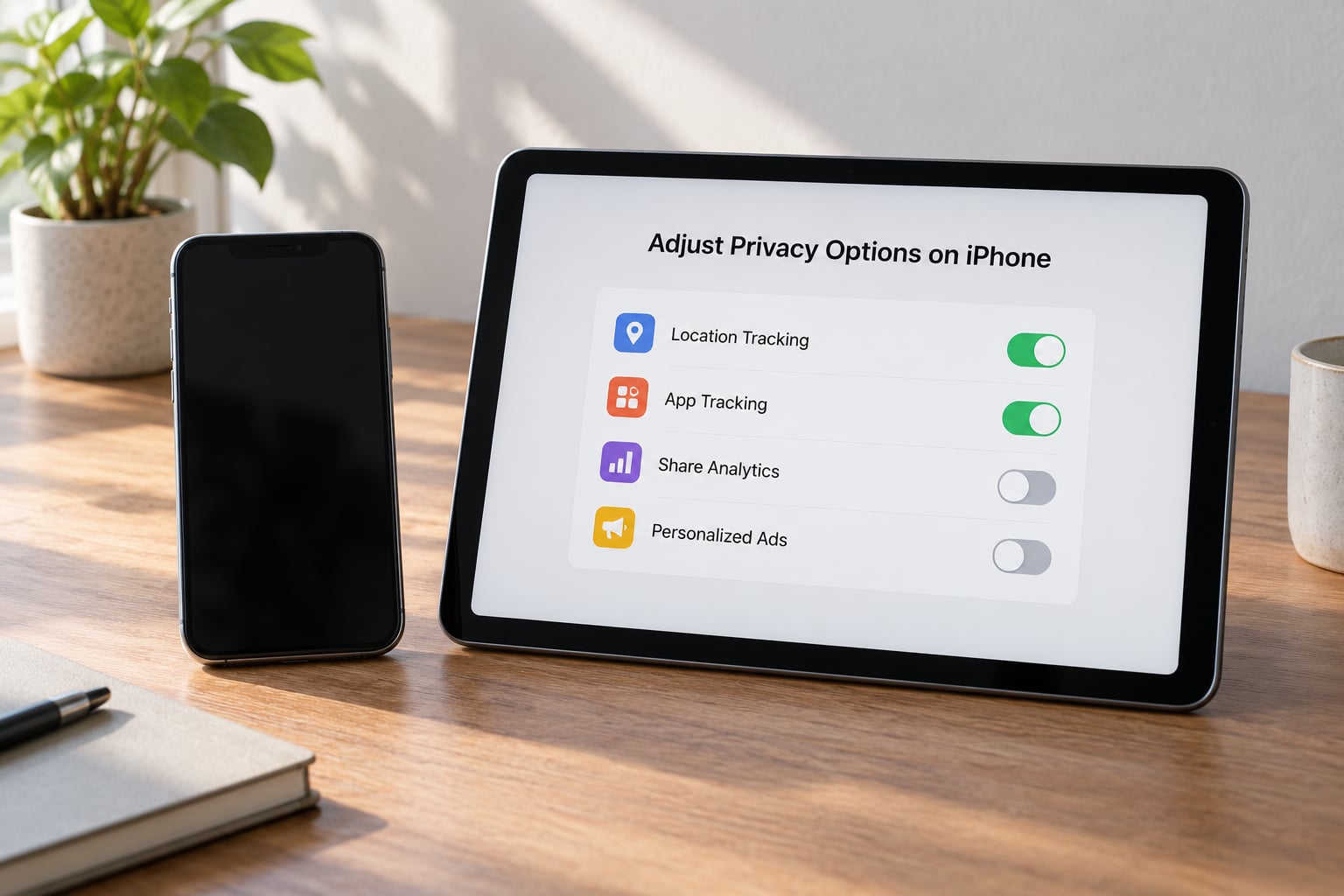
Open Settings, then Privacy and Security, then Tracking. Turn off Allow Apps to Ask to Track. That single switch removes the prompt, so no app can request tracking permission.
Do not skip the follow-up. When you turn the switch off, iOS asks whether you want to revoke tracking permission already granted. Tap Revoke. Most guides leave this screen alone, which is why people report that nothing changed.
Then open Settings, then Privacy and Security, then Apple Advertising and turn Personalized Ads off. This is the toggle that stops Apple using your App Store downloads, purchases and Apple News reading to pick ads.
How you can tell it worked: reopen Apple Advertising and confirm Personalized Ads shows Off. You will still see ads in apps. They are contextual, based on what is on screen, not on you.
2. Delete and Reset the iPhone Advertising Identifier
Here is the part that trips people up. iOS does not show a delete button for the advertising identifier inside Settings the way Android does. Apple handles it through the App Store.
Open the App Store, tap your account picture in the corner, then Account, then Reset Advertising Identifier for Everyone, and confirm. Apple then issues a fresh IDFA instead of the old one.
What that breaks: any ad profile built around your previous identifier. What it does not break: your Apple account, your purchases, your subscriptions, your search history or your sign-in. Nothing about your phone’s function changes.
Apps request a new identifier the next time you open them, so your ad history starts rebuilding from that moment. That rebuild is faster and thinner than the old profile, but it is not instant and it is not permanent.
Do this again after a major iOS update, and after you buy a used phone.
3. Use Android’s Privacy Controls
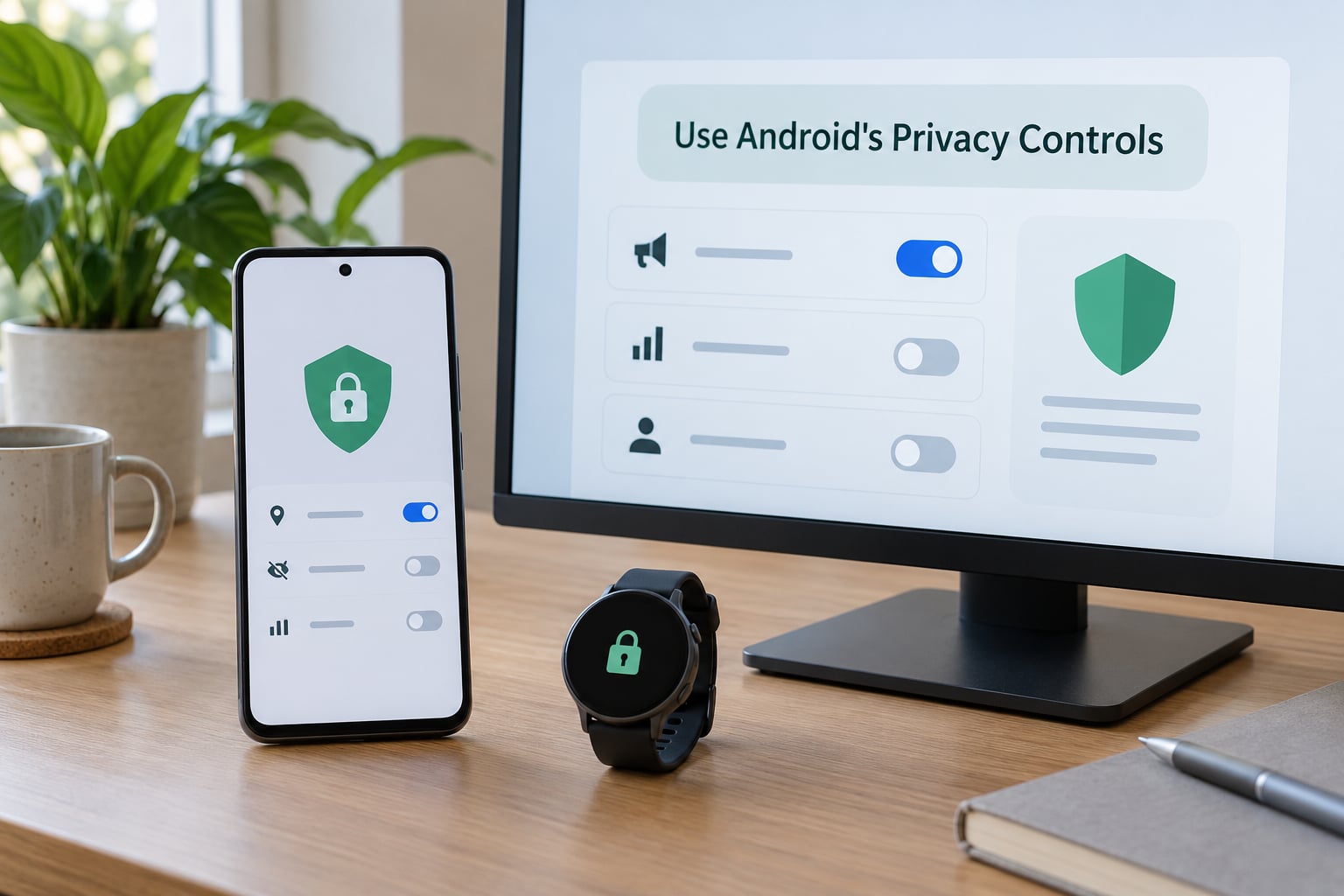
On stock Android, open Settings, then Security and privacy, then All services, then Ads. Tap Delete advertising ID, then confirm. Apps get a new identifier next time you open them.
Directly above that button sits a switch called Limit ad personalisation, or Ad personalisation on some builds. Turn it off too. It stays greyed out until the identifier is deleted on some versions, so delete first, then toggle.
Samsung phones file the same controls somewhere else. Open Settings, then Security and privacy, then More privacy settings, then Ads. Owners on r/Android and r/AndroidQuestions report this as the single most common reason they cannot find the setting on other guides.
Check Delete advertising ID or Reset advertising ID, turn off ad personalisation, and confirm. The wording differs by version but the effect is the same.
Also look for a privacy dashboard entry in the same settings. It shows which apps have accessed sensitive permissions in the last seven days, which is useful when you suspect one specific app.
4. Limit Tracking in Apps and Browsers
In Safari, open Settings, then Apps, then Safari. Turn on Prevent Cross-Site Tracking. Below it, turn on Hide IP Address, which stops websites seeing your network address and stops some location guessing.
In Chrome on Android, open the three-dot menu, then Settings, then Privacy and security, then Third-party cookies, and choose Block third-party cookies. Turn on Send a Do Not Track request with your browser if you want sites to see the preference.
On iPhone, Safari extensions only load when you grant permission. Open Settings, then Apps, then Safari, then Extensions and enable any content blocker you install.
Now walk the app permissions rather than the browser settings. Long-press the app icon, choose App Store or App info, and check Location, Contacts and Tracking. A shopping app that has your location and your calendar has more to work with than one that has neither.
For the ad-heavy apps specifically, the honest options are limited. Removing an app removes its ads completely, and on several platforms it also removes your ability to change the setting at all.
5. Remove Old Ad Interests and Stored Data
Resetting an identifier does not clear the profile already attached to it. You have to clear that separately.
On Google, open myaccount.google.com while signed in, go to Data and privacy, then Ads personalization, and turn personalization off. Look for Delete advertising interests or My recent interests and clear them. This is the closest thing Google gives you to a readable list of the interests attached to your account.
Then go to Data and privacy, then Delete a Google service or your activity, and delete your Search history and YouTube history. Clearing search history breaks retargeting, which is why sponsored results for a product you browsed keep appearing until you do it.
On iOS, clear site data in Settings, then Apps, then Safari, then Advanced, then Website Data. You will lose saved logins for sites that only store them there, so expect to sign in again on a few.
On Android, open Chrome, tap your profile picture, then History, then Clear browsing data, and choose All time. Delete cookies and site data in Chrome’s settings under Privacy and security.
Some accounts show these labels under different names, especially family and work-managed accounts. If Reset Activity or Delete interests is missing, the account is likely managed by an organisation and the controls are locked.
6. Verify the Changes and Maintain Privacy
Verification takes two minutes and most people skip it. Start by opening the ad settings again. On iOS, Apple Advertising shows Personalized Ads off. On Android, Limit ad personalisation shows off. If either is back on, something re-enabled it.
Second test: search Google for something you have never looked up, say a specific product name. Note whether sponsored results appear immediately. Search history that is cleared will not feed retargeting the way it did.
Third test: note the date. Give it about two weeks, because interest profiles rebuild and ad systems rotate creative. If nothing changes in a fortnight, something else is writing to the identifier.
Repeat the reset after a major OS update, after restoring a backup onto a new phone, and any time you buy or inherit a used device. All three carry stored identifiers and ad history across.
A VPN alone does not block ads. It masks your IP address, which is one signal among many. DNS filtering and content blockers remove the ad request before it loads, which is why power users on r/nextdns and r/Anticonsumption recommend them as the layer that actually removes something.
Common Mistakes
Most complaints that these steps do not work come from one of four mistakes. The table maps the symptom to the cause and the fix.
| What happened | Likely cause | Fix |
|---|---|---|
| The toggle is greyed out | Limit ad personalisation stays locked until the identifier is deleted | Delete the advertising ID first, then toggle personalisation |
| Cannot find Delete advertising ID | Samsung One UI files it under More privacy settings | Settings, then Security and privacy, then More privacy settings, then Ads |
| Ads came back after clearing data | A signed-in account or synced history rebuilt the profile | Turn off ad personalisation in the Google or Apple account, not only on the phone |
| Same ad on a second device | Shared account, synced search history or same-network signals | Clear search history on both devices and sign out of shared profiles |
| YouTube ads still play | Platform video ads are not covered by any privacy toggle | Use a DNS filter or content blocker, or accept them |
| Ads for something only spoken aloud | Nearby-device and shared-account signals, not a microphone | No fix needed; reset the identifier and the interest list |
| Pop-ups every few minutes | Adware or a compromised app, not ad personalisation | Review recently installed apps and uninstall the ones you do not recognise |
The biggest error is expecting every ad to vanish. Personalization off means the ad platform serves you the same ad it would show a stranger. A blocker removes it. Both together is the honest combination.
The second is changing only the phone. Most of the useful controls sit in the Google or Apple account, and those settings follow you to every device signed into that account.
Frequently Asked Questions
Can I completely stop targeted ads on my phone?
No single setting guarantees that every targeted ad will disappear, because apps, websites and advertising networks combine identifiers, first-party activity and location signals. Resetting your advertising ID, turning off personalized ads and revoking tracking permission removes most of the identifier layer. A DNS filter or content blocker removes the rest by stopping the request before it loads.
Does resetting the advertising identifier delete all my personal data?
No. Resetting the identifier usually breaks the link used to connect some ad activity, but it does not erase every account profile, purchase record, search history or app database. Your sign-ins, subscriptions and photos stay intact. To clear the stored profile as well, you need to delete your advertising interests and browsing history separately in the Google or Apple account.
Will Apple or Google stop showing ads after I change these settings?
They may show fewer personalized ads, but ads will still appear, because supporting advertising is the basic purpose of many free apps and services. You will also keep seeing contextual ads chosen from what is on screen rather than who you are, and sponsored results inside search. Personalization off changes the targeting, not the existence, of ads.
Are ad blockers better than changing the phone privacy settings?
They do different jobs, so use both. A DNS filter or content blocker stops ad requests before they load, which covers in-app and video ads that no privacy toggle reaches. The phone’s privacy settings remove the identifier and tracking permission that make the targeting possible in the first place. Neither replaces the other.
Is my phone listening to me for ads?
In the cases people describe, almost certainly not. Ads for something mentioned only out loud are usually explained by a logged-in account, synced search history, a nearby device on the same network, or an ad interest already on your profile. If you never searched for the product and never entered it, the profile that served the ad already had enough to work with.
Why do targeted ads follow me to my other devices?
Because the identifier is only one layer. Signed-in Google or Apple accounts sync your search history and app activity, and ad platforms link accounts through email addresses and payment details. Devices on the same Wi-Fi can also be grouped using network and location signals. Resetting one phone identifier does nothing to any of those, so change the account settings too.
Conclusion
Start with the device: reset the advertising identifier, turn off personalized ads, and revoke the tracking permissions iOS already granted. Then spend five minutes in your Google or Apple account clearing advertising interests and search history, because that is the layer that follows you to your other devices.
Accept that some ads stay. YouTube video ads and in-app ads need a blocker, not a toggle, and an ad for a brand you merely mentioned out loud is usually your own synced history talking.