To unlock a phone for another carrier, ask the carrier that locked it to remove the network lock, which it will usually do once the device is paid off and your account is in good standing. The whole thing takes a few minutes to request and a couple of business days to land, and it costs nothing. The only party that can lift a carrier lock is the carrier itself.
That last sentence is the part most guides skip. Apple, Samsung and Google cannot release a device from a carrier lock, no matter how many support tickets you open. Manufacturers will cheerfully point you at the carrier, and the carrier will point you back if it does not recognize the device, which is a dead end some used-phone buyers fall into.
Last updated October 2026. Policy details below are typical US carrier rules and do change, so confirm the current terms on your carrier’s own unlock page before you cancel anything.
Quick answer: confirm the phone is carrier-locked rather than activation-locked, check that it is paid in full and past your carrier’s minimum service period, then submit a device unlock request through the original carrier’s account portal or support line. Wait for the confirmation email, then swap in the new carrier’s SIM or eSIM. Skip any third-party site selling an IMEI unlock code.
Table of Contents
- 1What You Need
- 2Step-by-Step
- 3Step 1: Confirm That the Phone Is Carrier-Locked
- 4Step 2: Check the Original Carrier’s Unlock Policy
- 5Step 3: Request the Unlock Through the Official Carrier
- 6Step 4: Wait for the Unlock Confirmation
- 7Step 5: Remove the Old SIM and Insert the New Carrier SIM
- 8Step 6: Activate Service and Test the New Carrier
- 9Common Mistakes
- 10Frequently Asked Questions
- 11Can I unlock a carrier-locked phone myself?
- 12How long does a carrier unlock take?
- 13Can I unlock a phone that I am still paying off?
- 14Does an eSIM work on a phone that is still carrier locked?
- 15Why is my phone not working after I switched carriers?
- 16What can I not unlock, no matter who I ask?
- 17Conclusion
What You Need
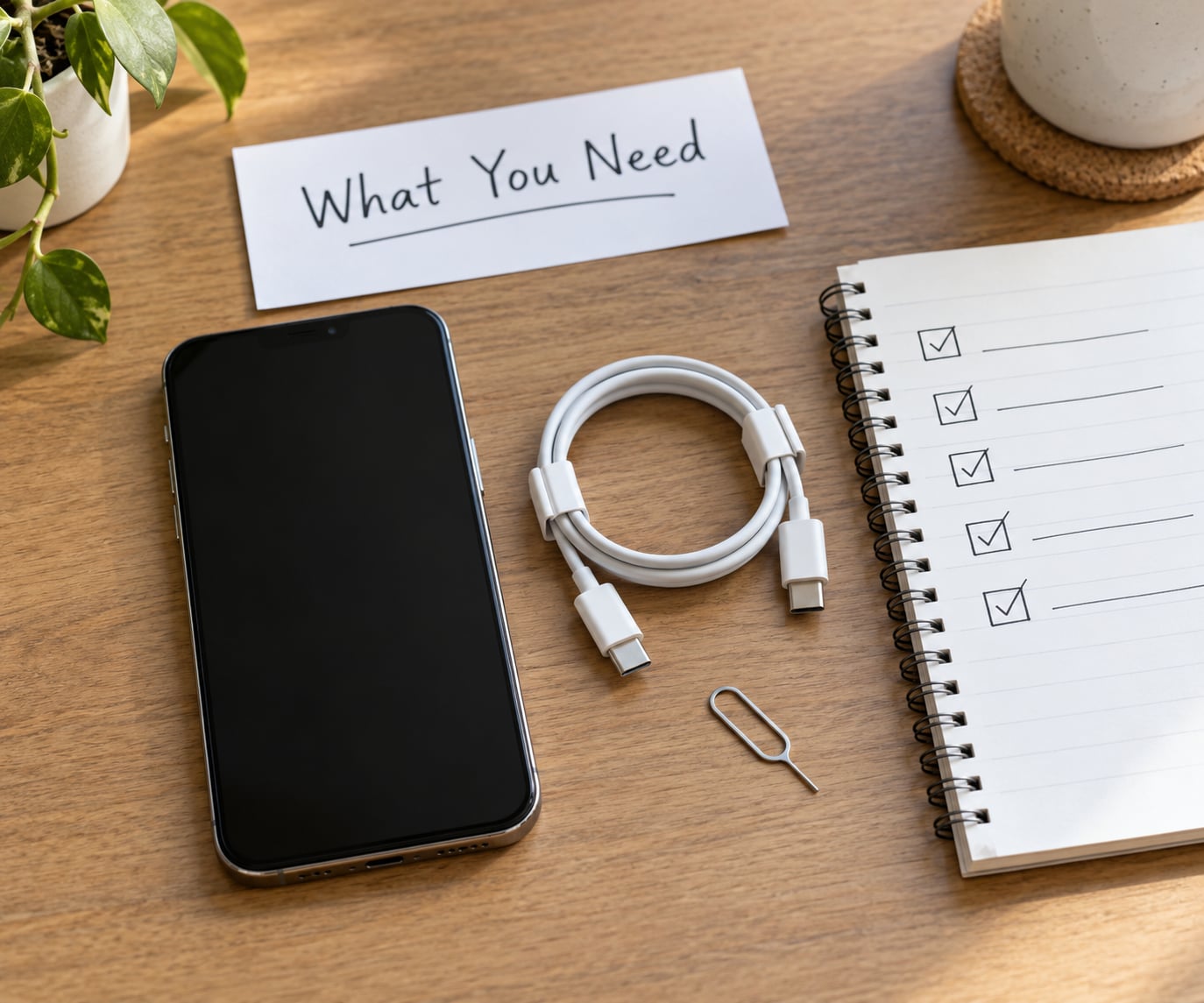
You need four things before you start: access to the account the phone was bought on, proof the device is paid off, the IMEI or serial number, and about fifteen minutes. If the account is not under your name, you have a real problem, because the carrier will not process an unlock request from someone who is not the account owner.
Dial *#06# in the phone’s dialer to pull up the IMEI on both iPhone and Android. Write it down. Every unlock form, every support chat, and every eligibility lookup asks for it, and a single mistyped digit is the most common reason a request bounces back.
Before anything else, be clear on which lock you are dealing with. People mix these up constantly, and the wrong one sends you down a road with no exit.
- Carrier lock (network lock, SIM lock): Applied by the carrier at the account level, tied to your IMEI. The phone shows a “Change Carrier” or “SIM not supported” message with a different SIM in it. This is the only one you can remove for free, and only the original carrier can remove it.
- Activation Lock (iPhone) or Find My iPhone: An Apple account security feature. The phone demands an Apple ID and password at setup and someone else owns the device, you are stuck. Apple support can remove it after verifying ownership.
- Factory Reset Protection (FRP) on Android: Google’s equivalent. After a factory reset the phone asks for the previous Google account. The account owner has to remove the device from their Google account.
- Bootloader unlock: What you need to install a different operating system or custom recovery. Nothing to do with carrier switching, and unlocking the bootloader does not touch the network lock.
- Blacklisted IMEI: The device was reported lost, stolen or fraudulent. No unlock of any kind fixes this, and paying a stranger to “remove” it is the single most common scam in this whole topic.
Also find the account PIN or passcode before you need it. Several carriers will not discuss an unlock on a line without verifying the account holder, and searching your email for “account PIN” ahead of time saves a twenty-minute call.
Step-by-Step
Step 1: Confirm That the Phone Is Carrier-Locked
On an iPhone, open Settings > General > About and scroll down to Carrier Lock. If it reads “No SIM restrictions,” the device is already unlocked and the rest of this guide does not apply to it. If it names a carrier, that is your lock.
On Android the path depends on the maker, because Samsung and Google do not agree on where to put things. On a Samsung Galaxy, go to Settings > Connections > Mobile networks and check the status line under SIM manager. On a Google Pixel, it is Settings > Connected devices > SIMs, then tap the active SIM for its status. Motorola and OnePlus devices are usually under Settings > Network & internet or Settings > SIM management. If a menu is missing, search Settings for “SIM” rather than hunting through menus.
Two more checks while you are here. First, the “Activation Lock” or “Google account protection” toggle tells you whether a factory reset will leave you stranded, and if it is on for an account you cannot sign into, deal with that before you trade the phone in or switch SIMs. Second, note the exact model number, because some carrier variants are sold with a different set of radio bands than the same model sold direct.
The most reliable test is the simplest one. Power the phone off, drop in a SIM from a different carrier, and turn it back on. A carrier-locked phone will either show “SIM not supported,” “Invalid SIM,” or the other carrier’s name on the lock screen. A phone that is not carrier-locked just finds the network.
Step 2: Check the Original Carrier’s Unlock Policy
Carriers only owe you an unlock when you meet their conditions, and the conditions are similar everywhere. The device must be fully paid off, not financed. The account must be current, with no overdue balance. The device must not be reported lost, stolen, or tied to a fraud claim. And the line usually has to have been active for a minimum number of days, commonly somewhere between 30 and 90 depending on the carrier.
What varies most is the treatment of prepaid and business devices. Phones bought outright through a carrier’s retail stores are usually unlocked at the point of sale these days. Phones sold through the major carriers’ installment plans are locked until the final payment clears. Business and government accounts carry their own administrator approval layer, and unlocking those often needs a written request from the account manager rather than a self-serve form.
Typical US policies, as of 2026:
| Carrier | Device must be paid off | Typical minimum active time | Charge | Where to request |
|---|---|---|---|---|
| Verizon | Yes, plus good standing | About 60 days | No charge | Account portal or support line |
| AT&T | Yes, no device balance | Varies by promotion | No charge | Account portal, app, or store |
| T-Mobile | Yes for financed devices | Around 40 days plus the plan term | No charge | Account portal or support line |
| US Mobile | Yes | Typically 60 days | No charge | Account portal |
| Visible | Yes | Reported to be up to a full year for some device sales | No charge | Account portal |
| Mint Mobile | Yes | Varies by device | No charge | Account portal |
| Boost Mobile | Yes | Varies | No charge | Account portal |
| Cricket Wireless | Yes | Typically 60 days | No charge | Account portal |
| Google Fi | Not applicable, Fi sells unlocked | Not applicable | Not applicable | Device is already carrier-agnostic |
Treat that table as a starting point, not gospel. Visible’s long waiting period in particular catches people out, and MVNO rules get revised. Open your carrier’s unlock policy page and read it, because the clock starts when the device activates, not when you go looking.
Step 3: Request the Unlock Through the Official Carrier
Submit the request through the original carrier, and ask for it by its actual name: a device unlock request. That phrase matters, because a general “why can’t I use my phone” chat can get routed to technical support and go nowhere.
Most major carriers keep this inside the account portal under a device management or line management section. Verizon, AT&T and T-Mobile all have an unlock request flow reachable from the account dashboard, and the MVNOs list theirs on the account settings page. If you cannot find it in the portal, call or chat support, and have your IMEI, account PIN, and the number on the line ready.
Ask for the confirmation number and write it down with the date. Screenshots of the confirmation page, the confirmation email, and the agent’s name cost you nothing and save a lot of arguing later. The FCC requires carriers to process a valid unlock request within two business days of receiving it, so a week of silence is not the process working, it is a failure you can point at.
If the carrier says no and the reason is thin, escalate. File a complaint with the FCC through its consumer complaint portal, describing the device, the purchase date, the fact that it is paid off, and the date you requested the unlock. Users in r/NoContract and r/techsupport report that filing with the FCC moves a stalled request forward within days, and the complaint goes to the carrier as an official inquiry rather than another chat message.
Step 4: Wait for the Unlock Confirmation
Most unlocks land within two business days, and a few MVNOs quote up to three. You get an email or a text, and the lock status flips in the carrier’s system. Forum threads on r/ATT and r/Visible are full of the same story: the carrier confirms the unlock in writing, the phone still shows the old carrier, and the person assumes it failed. It often has not.
Re-check the lock status rather than trusting the phone. On an iPhone, go back to Settings > General > About > Carrier Lock and pull to refresh. On Android, restart the phone completely, then reopen the SIM status screen. If more than three business days have passed and the status has not changed, call the carrier, quote your confirmation number, and ask them to verify the unlock actually submitted on their side. Approval in a chat log and a completed request in the network are not the same event.
Step 5: Remove the Old SIM and Insert the New Carrier SIM
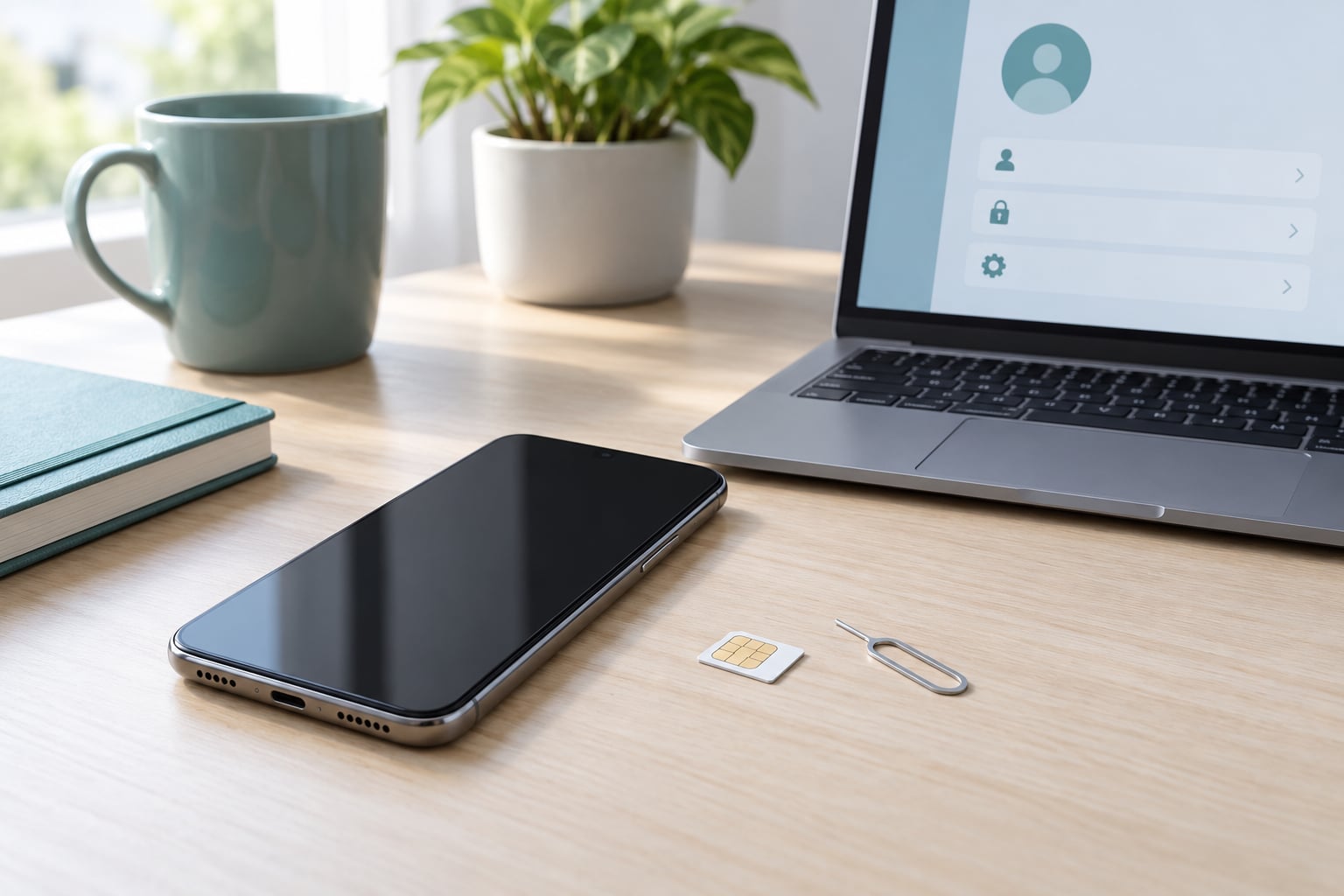
On an iPhone with a physical SIM, power the phone down, push the SIM tray out with the SIM tray tool or a paperclip, and swap the card. On an eSIM iPhone, go to Settings > Cellular, tap the old plan, choose Remove eSIM, then scan the new carrier’s QR code or use Add eSIM. Android is the same idea with different labels: Settings > Connections > SIM manager on Samsung, Settings > Connected devices > SIMs on Pixel.
One edge case comes up constantly on r/iphone and r/AT&T: can you activate an eSIM from a new carrier while the phone is still locked to the old one? Sometimes, yes. Some carriers will provision an eSIM onto a device that carries a network lock, because the eSIM profile itself is tied to your line rather than the hardware. Do not plan around it. Unlock first, then provision, or you can end up with two lines and one locked phone.
Restart the phone after the swap. A full restart clears the old carrier’s network registration, and skipping it is why a lot of people think the unlock did not work.
Step 6: Activate Service and Test the New Carrier
Activate the new line with the new carrier, either by porting your existing number or by getting a fresh number. If you are porting, ask the new carrier to port during activation so the transfer runs automatically.
Then test everything, not just calls. Place a call, send a text, run a speed test on mobile data, and check that Wi-Fi calling activates. If the phone finds the network but calls drop, VoLTE compatibility with the new carrier is usually the cause, and the fix is a network settings reset rather than another unlock request.
Here is the error-message list, since exact strings are what people search for when something fails:
| What you see | What it means | How to fix it |
|---|---|---|
| “SIM not supported” | The network lock is still active, or on older iOS versions the phone has not been erased since the unlock | Re-check the lock status, wait for written confirmation, then on iOS 13 and earlier go to Settings > General > Transfer or Reset > Erase All Content and Settings and restore from backup |
| “Invalid SIM” or “SIM not inserted” | Card seating, a wrong-size tray, or a SIM from an unsupported network type | Reseat the tray, confirm the SIM size, check that the new carrier issued a nano-SIM |
| “No service” after a correct unlock | Coverage gap, band incompatibility, or a network settings state issue | Check coverage at your location, toggle airplane mode, reset network settings, confirm the model supports the carrier’s bands |
| “Locked by [carrier]” on the lock screen | The unlock has not propagated yet | Restart fully, wait the full processing window, then call for the confirmation number |
| “Activation Lock” or “Google account protection” after a reset | A different account owns the device | The account owner removes the device from their Apple ID or Google account |
| Emergency calls only | The SIM registered to the network but the line is not provisioned | Finish activation with the new carrier, then toggle airplane mode |
Common Mistakes
Requesting the unlock before the last installment clears. The request will be denied, and some carriers flag the attempt. Pay the device off, wait for the payment to post, then request.
Treating Activation Lock as a carrier lock. These feel identical on the setup screen, and mixing them up sends people to the carrier with a problem the carrier cannot touch. The account owner is the only route for either one.
Paying a stranger to send an unlock code. Sites selling IMEI unlock codes do sometimes work mechanically, and users on xdaforums report mixed results on Verizon-locked hardware in particular. The risks are real: the IMEI can end up on a blacklist, you have handed a stranger your device’s identity number, and a bad code can cost you the warranty. The FCC’s unlock rules made the free path legal in 2015, so there is no reason to pay for this.
Typing the IMEI from memory or from a sticker under the battery. Use the dialer code every time. Sticker IMEIs from grey-market imports do not always match the device.
Selling or gifting the phone before the unlock completes. The new owner cannot verify remotely, and you will not be able to answer for them afterwards. Wait for written confirmation first.
Assuming an unlocked phone works on every carrier. A carrier lock is only one layer. Band support, VoLTE, and the physical SIM size still matter, and a phone bought from a specific carrier’s store can be missing bands another carrier relies on.
One more that trips up used-phone buyers: if the seller no longer has the account, they cannot unlock the phone for you. Check the IMEI against the carrier’s eligibility checker before you pay, and ask the seller for unlock confirmation dated before the sale.
Frequently Asked Questions
Can I unlock a carrier-locked phone myself?
No, and that is by design. The network lock is applied by the carrier at the account level and tied to your IMEI, so only the carrier that applied it can remove it. Apple, Samsung and Google will not release a device from a carrier lock no matter how many support tickets you open. What you can do yourself is check the lock status, confirm the device is paid off, and submit the request through the carrier yourself instead of letting a store employee do it.
How long does a carrier unlock take?
Most major carriers process an unlock within two business days of receiving a valid request, which is also the deadline the FCC set for them. Some MVNOs quote up to three business days. If more than three business days pass with no written confirmation, call the carrier and ask them to verify the request actually submitted on their side, quoting any confirmation number you were given.
Can I unlock a phone that I am still paying off?
Usually not. Carriers will not lift a network lock on a device that is still financed, and requesting one early usually just gets the request denied. Pay the remaining balance off in full, wait for the payment to post to the account, and confirm there is no device balance remaining. After that, the only other hurdles are account standing and your carrier’s minimum active service period.
Does an eSIM work on a phone that is still carrier locked?
Sometimes. Some carriers will provision an eSIM profile onto a device that still carries a network lock, because the eSIM is tied to your line rather than the hardware. Do not plan your switch around it though. Unlock the network lock first, then provision the eSIM, or you risk ending up with service on two lines and a phone that still shows the old carrier on its lock screen.
Why is my phone not working after I switched carriers?
The lock is usually not the problem once the carrier confirms the unlock. Look at the exact message: a persistent carrier name means the unlock has not propagated, SIM not supported on iOS 13 and earlier means the phone needs an erase and restore, and no service with a registered SIM usually means a coverage gap or a band compatibility issue. Resetting network settings fixes a surprising share of these cases.
What can I not unlock, no matter who I ask?
Three things. An IMEI that has been blacklisted as lost, stolen or fraudulent stays blocked, and no code from any source will clear it. An Activation Lock or Google account protection lock is an account security feature, not a network lock, and only the account owner can remove it. A bootloader lock is a different system entirely and has nothing to do with using the phone on a different carrier.
Conclusion
Start by confirming you have a carrier lock and not an Activation Lock or Google account protection, because only the first one is a problem the carrier can solve. Then pay the device off, clear any past-due balance, wait out your carrier’s minimum service period, and submit the device unlock request through the original carrier’s own portal or support line.
Save the written confirmation before you cancel anything, swap the SIM, and restart. If the carrier stalls or refuses a request it should have approved, file an FCC complaint rather than paying a stranger with your IMEI. That is the whole sequence, and every step of it is free.