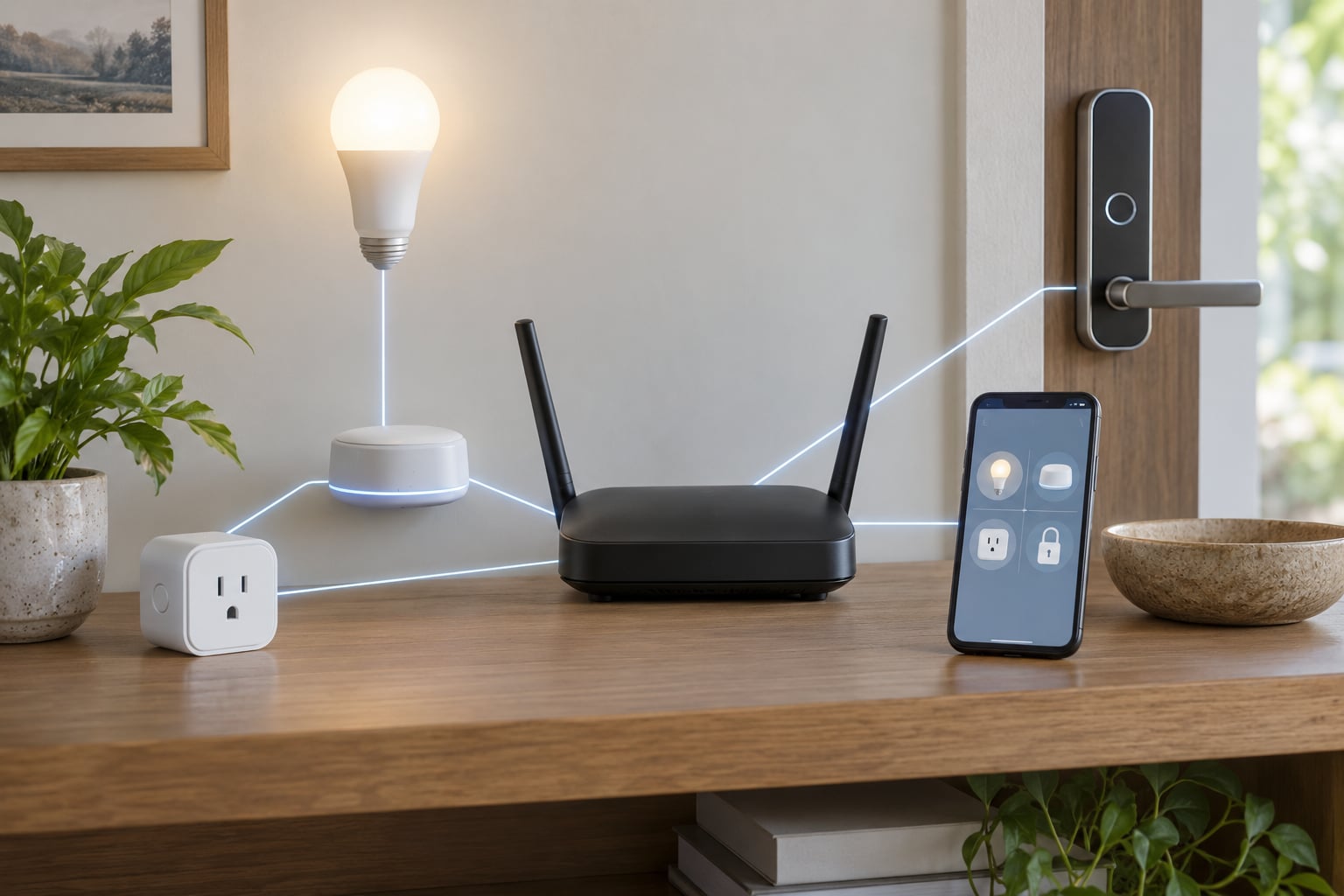
To control smart devices when the internet is down, you need devices that talk to a hub inside your house over Zigbee, Z-Wave, Thread or Matter, and a platform that executes commands locally, such as Home Assistant or Apple Home. Wi-Fi devices and anything routed through a vendor’s cloud servers go dead the moment the WAN link drops.
That distinction is the whole answer, and it takes about ten minutes to verify on your own setup. Pull the fiber or cable from your router and see what still responds. Most people discover that a third of their house works, one third needs a physical switch, and the rest is gone until the ISP comes back.
One thing to sort out first: an internet outage and a power outage are different problems with different fixes. If your router has no electricity, nothing smart works, no matter which protocol it speaks. Pulling the WAN cable tests the internet case only, so test both before you trust the result.
Table of Contents
- 1What You Need
- 2Local-control hardware
- 3Radio protocol coverage
- 4Power and battery
- 5Account and manual details
- 6Step-by-Step: How to Control Smart Devices When the Internet Is Down
- 7How to Control Smart Devices When the Internet Is Down: Check Local Connectivity
- 8How to Control Smart Devices When the Internet Is Down: Use Local Automations
- 9How to Control Smart Devices When the Internet Is Down: Set Up Manual Fallbacks
- 10What Each Platform Does Offline
- 11Common Mistakes
- 12Frequently Asked Questions
- 13Will SmartThings work without internet?
- 14Can I control Wi-Fi devices without internet?
- 15Do smart bulbs need Wi-Fi to work offline?
- 16What home security system works without internet?
- 17Can I use Alexa without internet?
- 18Why can’t I control my smart home right now?
- 19Conclusion
What You Need
Before you start troubleshooting, gather the things that make offline control possible. If you only have Wi-Fi bulbs and a voice assistant, the honest answer is that you have almost no options during an outage, and no configuration trick will change that.
Local-control hardware
A hub that stays on your LAN and executes automations without phoning home. Home Assistant on a Raspberry Pi or a small mini PC is the most common choice, and Ubiquiti, Hubitat and the vendor bridges from Philips Hue and Lutron are the alternatives. The hub and your phone need to be on the same network segment, and that network needs to exist without internet.
Router with a working LAN is the minimum. A mesh Wi-Fi system from Ubiquiti or Google Nest Wifi keeps local traffic flowing between nodes even when the uplink fails, which matters because satellite nodes lose their link if the primary drops.
Radio protocol coverage
Zigbee and Z-Wave devices communicate over sub-GHz or 2.4GHz radio and have no ability to reach the internet, so they work during an outage as long as their hub is powered. Thread devices route through a border router, usually the same hub or a compatible router. Matter runs over Thread or Wi-Fi, which means Matter alone does not guarantee offline operation; the controller matters more than the protocol badge.
Power line communication gear from Insteon and X10 is worth knowing about because it needs no radio mesh at all. It rides the electrical wiring in your walls, so it survives a dead Wi-Fi radio entirely, and it keeps working when a hub is rebooting.
Power and battery
Check which devices are battery powered, because those are the ones most likely to be dead during a long outage. Smart locks, sensors and cameras drain batteries faster when they lose Wi-Fi and keep retrying. A small UPS on the router and hub buys you hours and is the cheapest insurance in this whole setup.
Account and manual details
Keep the physical fallback in plain view: the wall switch at each room, the keypad code for the front door, the manual thumbturn inside, the breaker label for your network gear. Write down which breaker kills the network closet so you are not pulling panels in the dark.
Step-by-Step: How to Control Smart Devices When the Internet Is Down
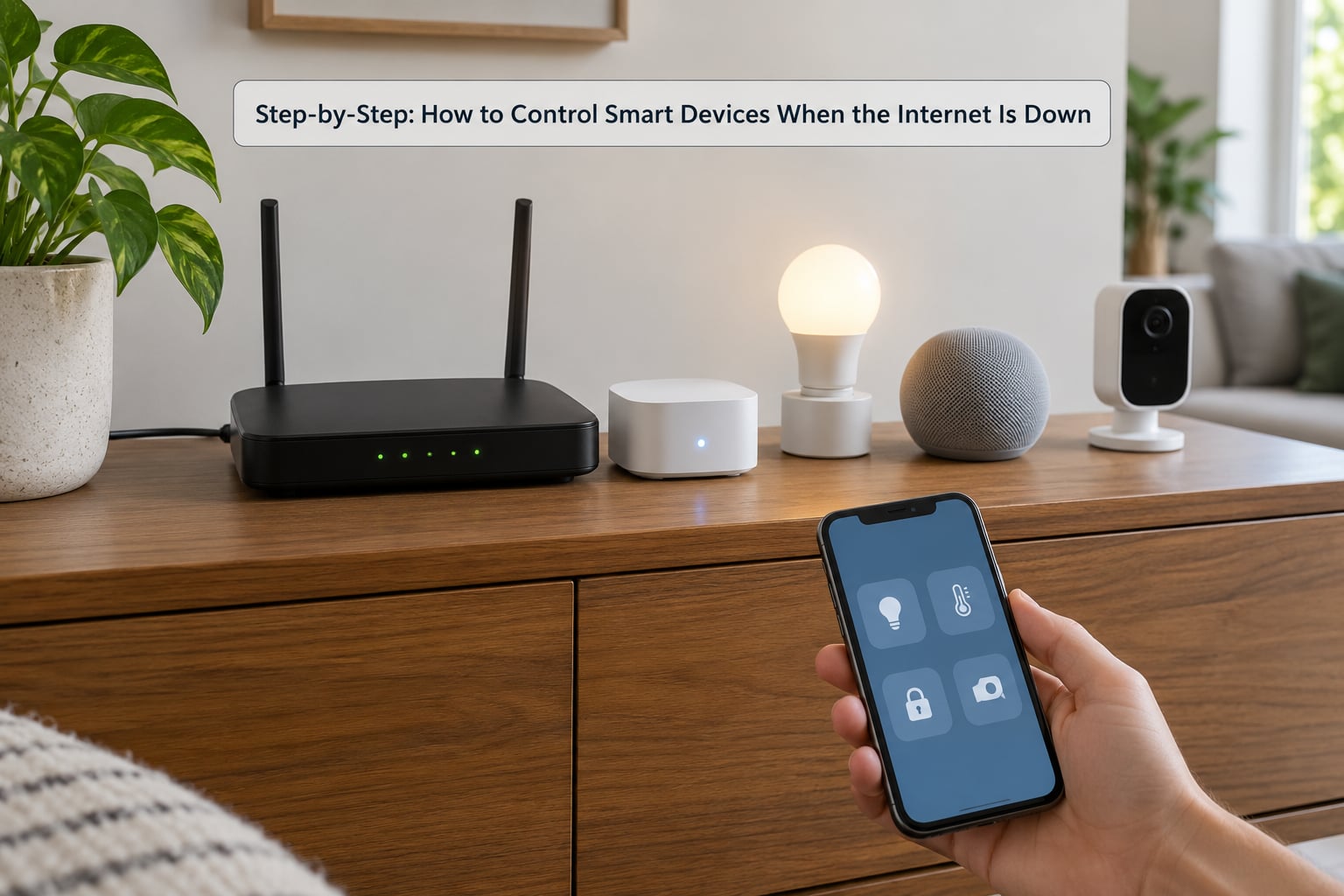
How to Control Smart Devices When the Internet Is Down: Check Local Connectivity
Find out whether the failure is the internet or the power before you touch anything else. Most outage calls in the smart home world are a rebooted modem with a dead coax connector, not a server problem, and five minutes of triage saves an hour of pointless reconfiguring.
- Check the modem and router lights. A solid power light with no downstream or internet light usually means the ISP link is down. Reboot the modem, wait a full two minutes for it to sync, then reboot the router.
- Pull the WAN cable only. Unplug the cable running from the modem or ONT to the router WAN port and leave everything else powered. This simulates an ISP outage while your LAN keeps running.
- Open the local app on Wi-Fi. The vendor app on your phone will now fail if the device talks to the cloud. A local controller app such as the Home Assistant mobile app, or a Matter controller, will still list your devices.
- Toggle one device per protocol. Try a Zigbee bulb, a Wi-Fi plug and a lock in turn. Whatever responds on the LAN is local control. Whatever times out is waiting on a server.
- Watch the hub, not the phone. If the hub shows all devices as available with no cloud connection, your automations will still fire on schedule.
On an IoT network, put a separate SSID on a VLAN for your devices so a misbehaving gadget cannot take down the LAN. Ubiquiti UniFi gateways, most OpenWRT routers and the VLAN features on TP-Link Deco units can all do this. Segmentation is a security win, and it also isolates failures, but it does not create offline capability. A Wi-Fi device on an isolated VLAN still needs the internet.
How to Control Smart Devices When the Internet Is Down: Use Local Automations
Local automations are rules the hub runs itself, with no server in the loop. This is where offline control actually lives, and it is the difference between a house that keeps behaving normally and one that goes mute at 6pm.
Schedules and scenes are the simplest version. In Home Assistant, an automation with a time trigger and a light turn-on service runs entirely on your hardware. The same pattern exists in Hubitat rules, Lutron scenes and Apple HomeKit automations that are set to run locally. Philips Hue scenes stored on the bridge rather than in the Hue app also survive an outage, and that is a common gotcha, because scenes saved to the account instead of the bridge need the cloud.
Device-to-device rules are the second layer. A motion sensor that triggers a hallway light over Zigbee works with the router unplugged, since the sensor talks to the coordinator and the coordinator acts. Local voice control works the same way if you run Home Assistant Assist with a local language model on the same machine as your hub. That is the one setup where speaking to your house still works during an outage, and it doubles as the fix for anyone who does not want an always-on cloud microphone listening.
Keep one rule set aimed at the worst case rather than the most common case. Freeze protection is the example Home Assistant users on the community forum keep asking about: a local rule that drops the thermostat setpoint by a few degrees when an outside sensor reads below 35°F, and returns it when the reading climbs back up. Nobody wants a cold snap to depend on a data center in another state staying online. Smoke and carbon monoxide handling, fan control on a wildfire event, and alerts from medical equipment all belong in the same bucket.
Watch the 2.4GHz band if you mix Zigbee and Wi-Fi. Both share spectrum, and congestion shows up as devices that respond instantly on a quiet afternoon but drop out when the microwave runs. Place the hub centrally, add a mains-powered Zigbee repeater or plug-in range extender between floors, and keep routers off channel 1 if your coordinator is nearby.
How to Control Smart Devices When the Internet Is Down: Set Up Manual Fallbacks
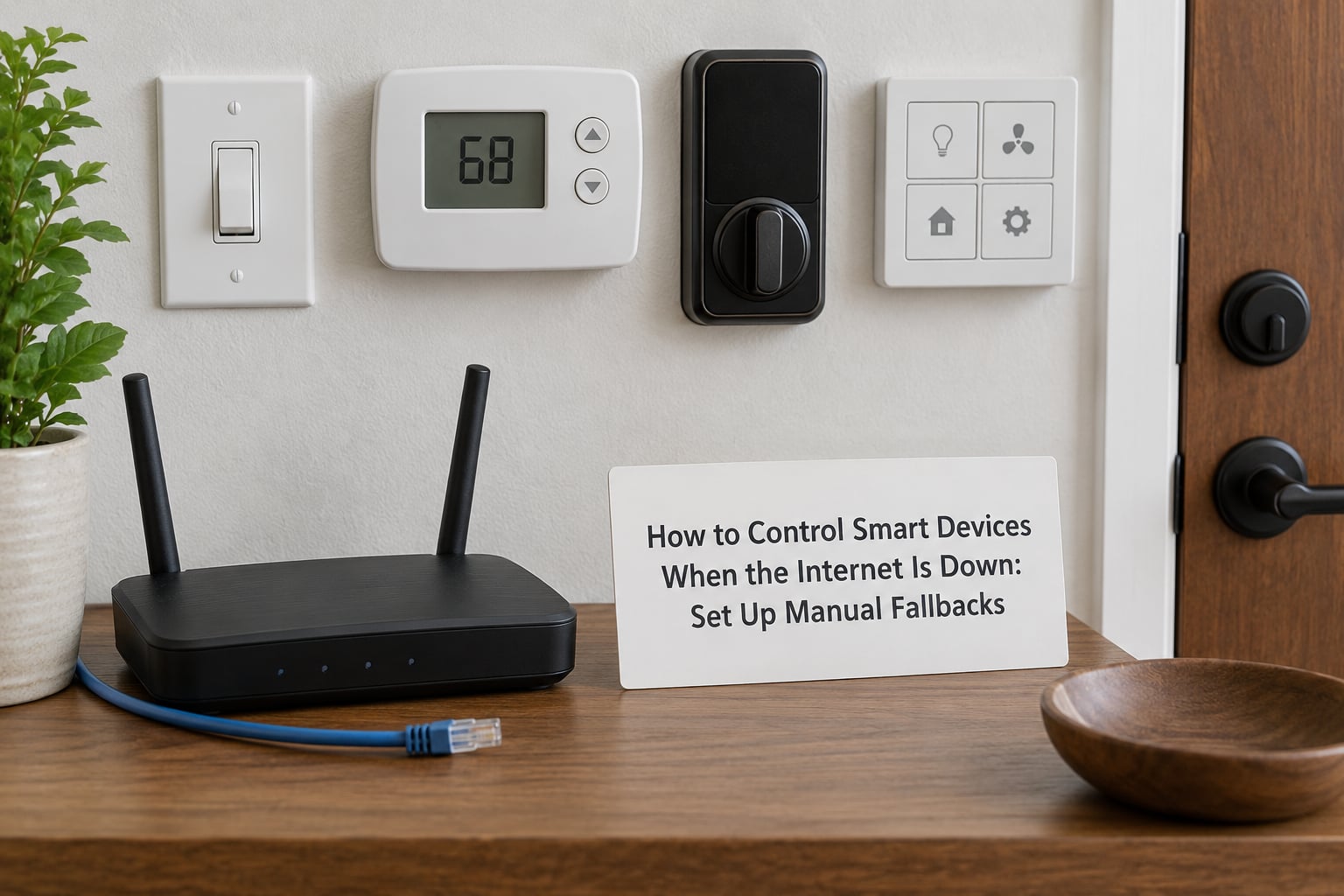
Every offline plan ends at a physical control, and the people who are happiest during an outage are the ones who already decided which switch does what. Forum regulars say the same thing over and over: the wall switch beats any software workaround.
For lights, wire the switch so it carries line power to the bulb even with the smart controller dead. In a standard dumb switch wired to a smart bulb, flipping the switch off cuts power to the bulb and its radio, so it drops off your network until you turn it back on. A Lutron Pico remote or a battery-free manual override works better here because it sends a signal instead of cutting power.
For locks, treat the physical key as the primary path and the app as the convenience. Battery locks like the SwitchBot Lock, Yale and Schlage models keep working on Bluetooth or Z-Wave without internet, and the interior thumbturn always works. The failure mode to plan for is a lock that keeps retrying a connection and drains its batteries over a long outage, so check the battery level before a storm rather than during one.
For thermostats, confirm the model has local control before you trust it. The Honeywell Home T6 Pro line and most Z-Wave thermostats push local schedules to the device itself, and a Hubitat or Home Assistant controller keeps setting schedules even with the cloud unreachable. A Google Nest thermostat depends on its own cloud for remote changes, so if that is your setup, plan on using the physical dial.
For cameras, expect nothing. Live streaming, push notifications and remote viewing all require the vendor’s servers or a working uplink to your home, and nobody on the forums has found a workaround that does not involve recording locally on an NVR or SD card. A eufyCam 2C with local storage keeps recording to its card during an outage, but you cannot watch it live from another building without some kind of link.
For the garage, vacuum and irrigation controller, a physical button or a local schedule is all you get, and that is fine. Schedule the vacuum for the middle of the afternoon rather than a cloud-dependent time window, and set irrigation on its own timer.
Do a fifteen-minute drill once a quarter. Unplug the WAN cable, walk the house, and use only physical controls plus the local app. Write down what failed. Anything that surprises you is either a battery problem or a cloud dependency you did not know about, and now you know before you need it.
What Each Platform Does Offline
Platform behavior differs more than device behavior does, and this is the single biggest factor in whether your house stays controllable. The table below is the honest version, based on how each ecosystem handles a missing uplink.
| Platform | Works offline? | What still works | What stops |
|---|---|---|---|
| Home Assistant | Yes, fully local | Automations, scenes, local voice with Assist, dashboards, MQTT integrations | Remote access unless you add VPN, cloud integrations, push notifications |
| Apple Home | Yes, for local devices | Home hub automations, lights, locks, thermostats over Matter and Thread | Anything that needs an iCloud relay, cameras viewed away from home |
| Google Home | Partly | Local commands on the same LAN for Matter devices paired to a local controller | Voice wake word, most routines, remote access, streaming |
| SmartThings | Partly | Directly paired Zigbee and Z-Wave devices on the SmartThings Hub | Cloud-linked routines, mobile alerts, remote access |
| Alexa | Limited | Local device control through a compatible hub when the speaker is on the same LAN | Wake word, Amazon services, remote access, most skills |
| Hubitat | Yes, fully local | Rules, scenes, dashboards, local drivers | Remote access without added VPN, some vendor cloud drivers |
Two notes on that table. Google Home developers have publicly acknowledged work on fuller offline behavior for Matter, and router makers like TP-Link Deco have added Matter controller features to existing hardware, so this area is moving. Second, a vendor bridge is not the same as a local platform: a Philips Hue bridge keeps its scenes and schedules locally, while the Hue app itself still expects an account round trip for anything new.
Device categories follow a similar pattern.
| Device | Offline control | Mechanism | Best fallback |
|---|---|---|---|
| Smart bulbs | Yes, with a local bridge | Zigbee or Bluetooth to a bridge | Wall switch wired for constant power |
| Smart plugs | Yes, if the model has a local API | Local HTTP API or MQTT | Physical switch on the outlet |
| Smart locks | Yes | Z-Wave, Zigbee or Bluetooth to the hub | Key cylinder and interior thumbturn |
| Thermostats | Yes, on local-push models | Schedule stored on the device | Physical dial and buttons |
| Cameras and doorbells | Recording only, on some models | Local SD or NVR storage | None for live viewing |
| Sensors | Yes | Zigbee or Z-Wave mesh | None needed |
| Robot vacuums | Yes, on local schedules | Schedule stored on the vacuum | Physical button |
Common Mistakes
Assuming every smart device works offline. Wi-Fi devices are cloud clients by default, and the vendor app is a remote control, not a local one. Fix: check the manufacturer documentation for local control or local API support before you buy, and treat anything without it as an outage liability.
Confusing Wi-Fi access with internet access. Your phone sees the router, the router sees the hub, and both can be perfectly happy with zero uplink. The app still times out because it is waiting on a server in another state. Fix: when troubleshooting, always say which hop is failing, and test with the WAN cable pulled so you know.
Testing during a power outage. A router with no electricity takes the whole LAN with it, including every Zigbee and Z-Wave device. Fix: separate the two drills, and put the router and hub on a UPS if you care about the difference.
Ignoring batteries. Locks and sensors that cannot reach their hub keep retrying and drain faster. Fix: check levels quarterly and choose locks with long battery life and a low-battery alert you can see locally.
Writing automations that fire the wrong way. An automation that unlocks a door on a motion trigger is a bad idea under any circumstance and much worse during an outage when you are trying to figure out why the door opened. Fix: automations should only ever reduce risk, such as turning on lights or lowering heat, never unlock or disarm.
Putting everything on one flat network. A misbehaving device on a shared segment can take the whole LAN down, which feels identical to an internet outage. Fix: a separate VLAN or IoT SSID keeps failures contained.
Expecting voice assistants to help. Most wake words require a round trip to the vendor. Fix: either run Home Assistant Assist locally or keep a wall switch within reach of every room.
Skipping custom firmware when it would help. Tasmota and ESPHome turn some Wi-Fi hardware into something that answers a local API, and that solves the cloud problem. The honest caveat from the forums is that flashing is too much for a lot of people. If you want the simplest path, buy local-first hardware instead of reflashable hardware.
A cellular failover connection is the other piece of insurance. A dual-WAN router or a 5G hotspot with a static IP, exposed through WireGuard or a similar VPN, restores remote access and cloud services during a long ISP outage. It does not replace local control, since the hotspot still needs power, but it covers the case where your ISP is down for two days.
Frequently Asked Questions
Will SmartThings work without internet?
Partly. Devices paired directly to the SmartThings Hub over Zigbee or Z-Wave keep responding locally, including basic on and off, dimming and lock control. Routines that are stored in the cloud, mobile push alerts and remote access stop working until the connection returns. For dependable offline behavior, move those rules into a local controller such as Home Assistant or Hubitat.
Can I control Wi-Fi devices without internet?
Only if the device itself or its hub handles commands locally. Most Wi-Fi bulbs, plugs and cameras send every tap to the vendor’s servers, so they fail with no internet. Exceptions include models with a documented local API, like Shelly relays controllable over a local HTTP or MQTT connection, and gear flashed with Tasmota or ESPHome. Everything else needs a physical switch.
Do smart bulbs need Wi-Fi to work offline?
Not necessarily. Zigbee bulbs reach a bridge, not a router, so the Hue, Sengled and IKEA bridges keep working when the internet drops, provided the bridge and the bulb share power. The catch is the app: scenes saved to your Hue account rather than stored on the bridge need the cloud, and a bulb on a dumb wall switch loses power entirely when you flip the switch off.
What home security system works without internet?
Focus on the parts that still function locally. Z-Wave and Zigbee locks, contact sensors, motion detectors and sirens keep reporting and arming through a local hub. Alarm monitoring services and push notifications need the cloud, so plan on a siren and keypad control that work on the LAN alone. Cameras are the weak point: only models recording to a local SD card or NVR keep recording, and live viewing still fails.
Can I use Alexa without internet?
Barely. An Echo on the same Wi-Fi network as a compatible hub can send local device commands, but the wake word itself is processed in Amazon’s cloud and will not respond. Routines, music, timers, remote access and third-party skills all need the connection. If voice control during an outage matters to you, Home Assistant Assist with a local language model on your own hub is the version that actually works.
Why can’t I control my smart home right now?
Work through it in order. Confirm the router has power and that its internet light is off, then reboot the modem and wait two minutes. Next, test with the WAN cable unplugged to isolate cloud dependence. If a device still fails while the hub reports it as available, check for a firmware update that pushed it to a cloud-only mode, and confirm the device’s battery if it is wireless.
Conclusion
Start by testing: pull the WAN cable, then walk the house and see what still answers. Next, put one important rule, such as freeze protection or night lighting, into a local automation that runs on the hub. Finally, assign a physical fallback for the devices that matter most, a wall switch for lights, a key for the door and a dial for the thermostat.
Once that is in place, nothing about an outage surprises you, and you stop wondering how to control smart devices when the internet is down because you already know the answer for every device in your house.